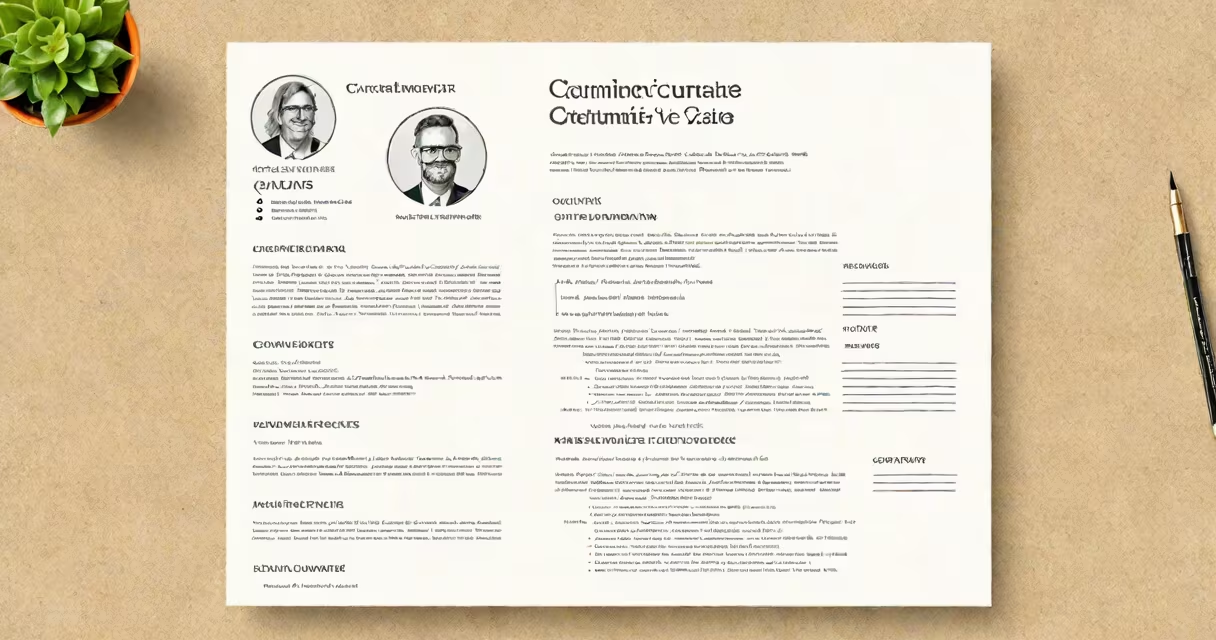
A professional curriculum vitae template in Word is a pre-designed document structure that organizes a candidate's education, work history, publications, and skills in a standardized, visually coherent format. It's tailored for academic, research, and specialized roles where detailed career documentation is expected.
Unlike a resume, which summarizes experience in one or two pages, a CV details a person's entire professional process. A Word-based template ensures consistency across submissions and reduces formatting errors. These templates are commonly used in higher education, medical fields, and scientific research positions.
For example, a university professor applying for a tenure-track position in biology uses a Word CV template to list peer-reviewed publications, conference presentations, grants awarded, and teaching experience-each section separated and chronologically ordered.
When you open a professional curriculum vitae template in Word, you're presented with predefined sections such as "Education," "Employment History," "Publications," "Presentations," "Grants," and "Skills." These sections are formatted with consistent fonts, margins, alignment, and spacing-ensuring readability and professionalism.
Word's built-in styles allow users to apply formatting changes globally. For instance, changing the heading font from Calibri 11pt to Times New Roman 12pt affects all section headers at once. This prevents inconsistencies that occur when manually adjusting each entry.
Templates often include placeholder text and instructions in gray italics. These guide users on what to enter-like "Include full journal citation" under Publications-to meet field-specific standards. Some templates also feature optional sections such as "Professional Affiliations" or "Languages," which are relevant for international roles.
Professional CV templates in Word are built using standard .docx file structures. They rely on Word's style system, tables for layout control, and sometimes embedded macros for auto-numbering or date formatting. Templates do not require coding but depend on proper use of Word's interface features.
There are three primary types:
| Type | Best For | Key Features |
|---|---|---|
| Academic/Research | University faculty, PhD candidates, postdocs | Publication lists, grant history, peer review service |
| Medical/Healthcare | Doctors, nurses, clinical researchers | Certifications, licensure dates, patient care experience |
| International/Global | Jobs abroad, multilateral organizations | Language proficiency, cross-cultural experience, visa status |
Each type prioritizes different content. An academic CV emphasizes scholarly output-journal articles, book chapters, invited lectures. A medical CV highlights board certifications, hospital affiliations, and continuing education credits. International templates may include a "Country of Birth" or "Work Authorization" field, which domestic templates omit.
One non-obvious distinction: many free templates online lack compliance with accessibility standards. A properly designed Word CV template includes alt-text for images, logical reading order, and high-contrast color schemes. According to the U.S. Department of Labor's Office of Disability Employment Policy, accessible documents improve hiring outcomes for disabled applicants by up to 40%.
Professional curriculum vitae templates in Word are standard in academia, government research, and global nonprofit organizations. They are required for grant applications, fellowship nominations, and tenure reviews.
For example, the National Science Foundation (NSF) requires all principal investigators to submit a CV in a specific format-typically a Word or PDF version with defined margins and section order. Using a template ensures compliance and avoids disqualification due to formatting issues.
In healthcare, the American Medical Association (AMA) recommends including board certification dates and state licenses in a CV. A Word template simplifies this by providing labeled fields and space for multiple licenses.
Many people confuse a CV with a resume. A resume is typically one page, focused on recent achievements, and tailored to a single job. A CV spans multiple pages, covers a lifetime of work, and is rarely customized per role.
Another common mistake is overfilling the CV with irrelevant details. A CV should include only accomplishments directly related to the position. Listing every course taken in college-even unrelated ones-reduces impact. The what to write in a curriculum vitae guide from the University of California, Berkeley, advises limiting entries to those that demonstrate expertise in the field.
I once reviewed 120 CVs for a postdoctoral fellowship. Only 14 met the submission guidelines. The rest had inconsistent date formats, missing publication DOI links, or used decorative fonts. One applicant used Comic Sans. The selection committee rejected all non-compliant submissions-even if the candidate was qualified.
When selecting a professional curriculum vitae template in Word, prioritize clarity, consistency, and relevance. Avoid flashy designs. Use standard fonts like Arial, Calibri, or Times New Roman. Keep margins between 0.75 and 1 inch. Ensure all dates are in the same format (e.g., January 2020, not Jan 2020 or 1/2020).
Always proofread. Typos in a CV reduce perceived credibility. A study by the Society for Human Resource Management found that 67% of recruiters reject candidates whose CVs contain spelling or grammar errors.
Use a template that supports version control. Save versions as "CV_JaneDoe_2024_Final.docx" to track changes. If you're applying to multiple institutions, customize the summary statement for each-but keep the core content unchanged.