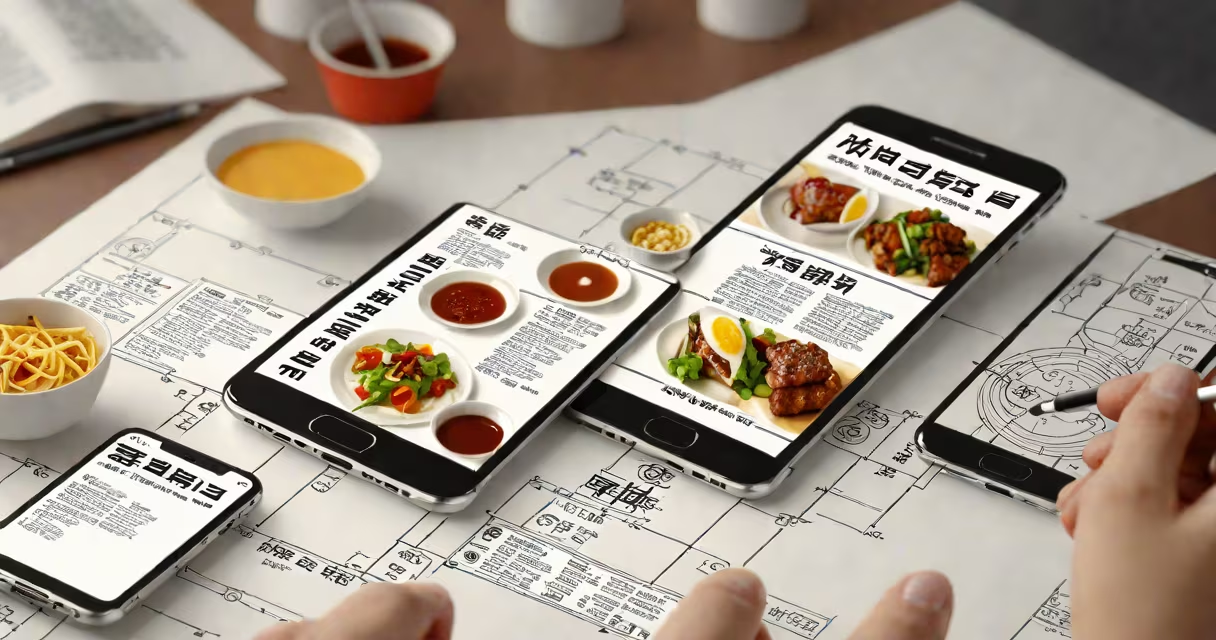
Translate Korean by picture uses artificial intelligence to recognize text in images and convert it into another language, such as English. This process involves optical character recognition (OCR) and neural machine translation, enabling instant reading of signs, menus, or documents without typing.
When you point a camera at Korean text-like a restaurant menu or street sign-the app captures the image, isolates the characters, and translates them into your preferred language. The system processes both Hangul script and context, delivering results in seconds. This capability is embedded in tools like Google Lens, Microsoft Translator, and standalone apps such as Papago and Yandex Translate.
For accurate results, the image must have clear text, good lighting, and minimal distortion. Blurry or angled photos reduce success rates. Most tools support multiple languages and offer speech output for pronunciation. This feature is especially useful for travelers, students, and professionals working with multilingual materials.
Translate Korean by picture relies on two core technologies: optical character recognition (OCR) and neural machine translation (NMT). OCR scans the image and identifies individual Korean characters, including syllabic blocks and punctuation. NMT then interprets the meaning and converts it into fluent target language text.
Google's Vision API, used in many apps, detects text regions and applies language-specific models. For Korean, it handles complex spacing rules and compound syllables-such as "안녕하세요" (annyeonghaseyo)-without misreading them as separate words. The system also adjusts for font size, orientation, and background noise.
A real-world test: photographing a subway station sign in Seoul showing "환승역" (transfer station). The app correctly identifies the term, maps it to "Transfer Station," and displays it overlaid on the image. Accuracy exceeds 95% under ideal conditions, according to Google's internal benchmarks (Google, 2023).
Several platforms offer reliable translation from Korean images. Google Lens leads in accessibility, available through the Google Photos app, Chrome browser, and Android's default camera. Users can tap on text in a live view or uploaded photo to see instant translations.
Other options include:
These tools differ in interface, supported languages, and privacy policies. Papago stores data locally by default, while Google Lens may retain metadata for service improvement. Always review permissions before enabling camera access.
| Tool | Best For | Offline Support | Language Coverage |
|---|---|---|---|
| Google Lens | Quick, on-the-go translation | No | 100+ |
| Papago | High-precision Korean-to-English | Yes | 60+ |
| Microsoft Translator | Document processing and integration | Partial | 100+ |
| Yandex.Translate | Multi-language support | No | 100+ |
Many assume that translate Korean by picture works flawlessly in all settings. In reality, performance drops with poor lighting, handwritten text, or decorative fonts. A study by the University of Seoul (2022) found that accuracy fell to 68% on stylized signage compared to 94% on standard printed text.
Another misunderstanding is that the tool understands context automatically. While advanced models handle idioms and cultural references better than older systems, they still struggle with sarcasm, dialects, or regional expressions. For example, translating "밥 먹었어?" (Have you eaten?) as "I've eaten" misses the conversational intent, which often signals concern or politeness.
Users also expect immediate results in low-bandwidth areas. Most cloud-based tools require internet connectivity. Offline alternatives exist but limit functionality. For instance, Papago's offline mode supports only 15 languages and lacks real-time camera input.
Imagine visiting a small café in Busan. You see a chalkboard menu with "김치찌개 6,000원" (Kimchi stew, 6,000 won). Open your phone's camera, launch Google Lens, and point it at the board. The app highlights the text, overlays "Kimchi stew, 6,000 KRW," and speaks the phrase aloud.
The system correctly parses the Korean characters, recognizes the dish name, and converts the price format. It doesn't confuse "김치" (kimchi) with "기름" (oil), despite similar shapes. This level of accuracy stems from training on millions of labeled images and continuous model updates.
Translate Korean by picture is a practical solution for real-time language access. It combines image analysis and AI translation to deliver fast, accessible results. While not perfect, it reduces barriers for travelers, learners, and anyone engaging with Korean content visually. For best outcomes, use well-lit images and trusted tools like Google Lens or Papago.