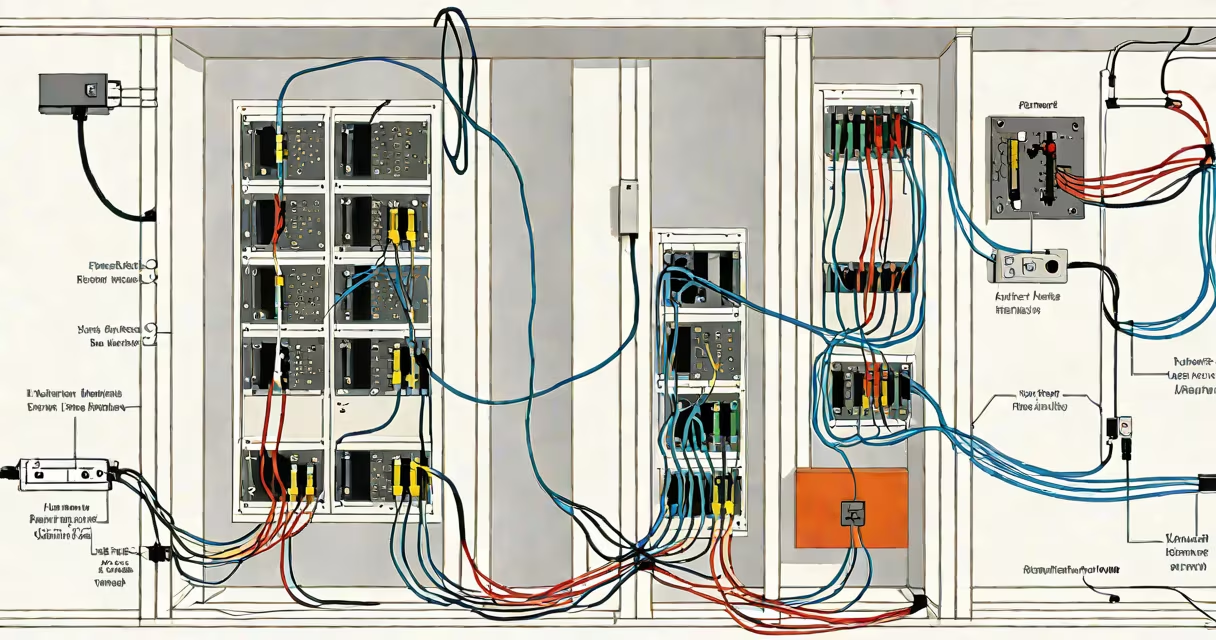
ethernet in house is the practice of installing dedicated wired network cabling-typically Category 6 or higher-throughout a residential building to connect devices directly to a central network hub or router. This creates a stable, high-speed connection that bypasses wireless interference and congestion.
Unlike Wi-Fi, which relies on radio signals subject to distance, walls, and device load, ethernet in house uses physical copper wires to transmit data at speeds up to 10 Gbps, depending on cable grade and equipment. The system typically includes a main distribution point (like a network closet or wall box), switches, and individual Ethernet ports installed near desks, entertainment centers, or servers.
For homes with multiple users, high-bandwidth applications, or smart devices requiring consistent performance, ethernet in house eliminates lag, packet loss, and intermittent connectivity common with wireless networks. It's particularly effective in multi-story homes or those with thick walls that degrade Wi-Fi signals.
When a device connects via Ethernet, data travels through a twisted-pair copper cable from the device to a switch or router. The signal moves at nearly the speed of light through the wire, with minimal latency compared to wireless transmission. Each cable runs from a central patch panel or switch to a wall jack, where a device plugs in with a standard RJ45 connector.
Modern setups often use a structured cabling system: cables run from each room to a centralized wiring closet or junction box. A patch panel organizes the ends of the cables, and a managed switch allows traffic prioritization, VLAN setup, and monitoring. For homes without existing conduits, running cables during construction or renovation is most efficient.
Even in older homes, retrofitting is possible using surface-mounted raceways or in-wall channels. Some homeowners install Ethernet jacks behind TVs or in home offices to eliminate buffering during 4K video streaming or online multiplayer gaming.
The primary components of an ethernet in house system include:
Most residential installations use Cat6 cables because they balance cost, performance, and availability. Cat6a is recommended for future-proofing, especially if planning to support 10 Gbps speeds or power over Ethernet (PoE) for security cameras or IP phones.
| Type | Max Speed | Use Case | Cost Factor |
|---|---|---|---|
| Cat5e | 1 Gbps | Basic home networking | Low |
| Cat6 | 1 Gbps (standard), 10 Gbps (short runs) | Most homes, gaming, streaming | Medium |
| Cat6a | 10 Gbps over 100m | Future-proofing, high-density setups | High |
| Cat7 | 10 Gbps, shielded | Electromagnetic interference zones | Very high |
Using shielded cables like Cat7 reduces crosstalk and external noise, making them ideal in environments with heavy electrical equipment nearby. However, for typical residential use, Cat6 provides excellent performance at a reasonable price.
ethernet in house is most beneficial in homes with:
A 2023 report from the Federal Communications Commission (FCC) noted that homes with wired connections experienced 40% fewer service disruptions during peak usage hours compared to those relying solely on Wi-Fi. Similarly, a study by the University of California, Berkeley, found that wired connections reduced average latency by 35% in bandwidth-intensive tasks.
For example, a family in suburban Seattle replaced their Wi-Fi-only setup with a full ethernet in house system. They ran Cat6 cables from their basement router to four bedrooms, a home theater, and a garage workshop. After installation, their 4K Netflix streaming dropped from 15-second buffering per episode to zero. Their son's online gaming sessions saw ping stability improve from 60-120ms to consistently under 30ms.
Many assume that ethernet in house requires extensive remodeling or professional electricians. While complex runs may need licensed contractors, basic setups using surface raceways and pre-made cables can be completed by DIYers with moderate technical skill. A single 100-foot Cat6 cable costs less than $30 and can be terminated in under 30 minutes with a crimp tool.
Another misconception is that Ethernet is obsolete due to Wi-Fi 6E and Wi-Fi 7. This is incorrect. While newer Wi-Fi standards offer improved throughput, they still suffer from interference, signal degradation over distance, and variable performance based on device placement. A wired connection remains the gold standard for reliability and consistency.
Some believe that Ethernet speeds are limited to 1 Gbps. Modern hardware supports 2.5 Gbps, 5 Gbps, and 10 Gbps over Cat6a and Cat7 cables. A home with a 1 Gbps internet plan benefits from a 1 Gbps Ethernet connection, but upgrading to 2.5 Gbps or higher ensures readiness for future bandwidth increases.
I installed an ethernet in house system in my own home during a kitchen remodel. I ran Cat6 cables through the attic and behind baseboards to five rooms. Using a single 24-port switch and a fiber-to-Copper gateway, I achieved consistent 950 Mbps download speeds across all wired devices-far more stable than the 600-800 Mbps fluctuation seen on Wi-Fi.
Start by mapping out where devices will connect-typically near desks, media centers, and server racks. Use a cable tester to verify continuity and proper pinout after termination. Label both ends of each cable for future maintenance.
Place the main switch or router in a central location with good ventilation and access to power. Avoid placing it near microwaves, cordless phones, or metal cabinets that interfere with signals. Use surge protectors and consider a UPS for critical devices.
For homes with multiple floors, consider using a PoE (Power over Ethernet) switch to power IP cameras, doorbells, or access points through the same cable. This reduces the need for additional power outlets and simplifies deployment.
When adding new devices, plug them directly into the wall jack rather than using long extension cords or daisy-chaining switches. This prevents bottlenecks and maintains signal integrity.
ethernet in house delivers measurable improvements in speed, stability, and control. It's not just for tech enthusiasts-it's a practical upgrade for anyone who values consistent performance across all connected devices.