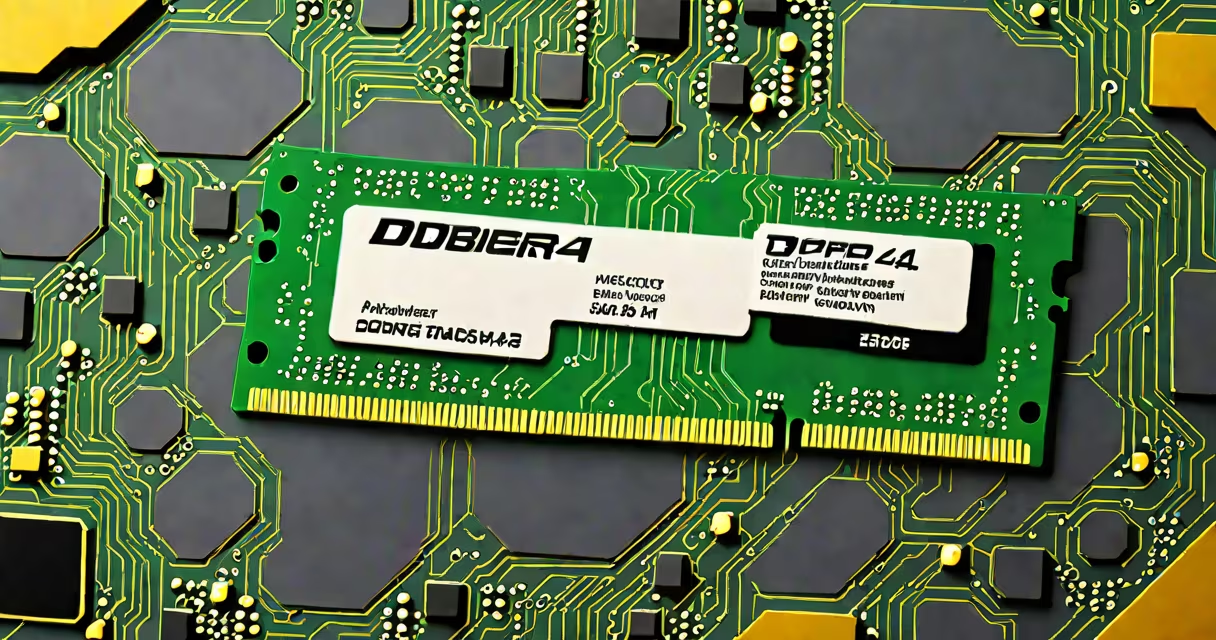
A 4GB DDR4 SO-DIMM is a single inline memory module with DDR4 SDRAM, measuring 67.6mm x 31.75mm, designed for laptops, ultrabooks, and compact desktop systems. It delivers 4 gigabytes of system memory using the low-profile SO-DIMM form factor.
These modules operate at standard DDR4 voltages (1.2V) and speeds ranging from 2133 MT/s to 3200 MT/s, depending on the specific model and system support. They are not interchangeable with older DDR3 or DDR2 SO-DIMMs due to different pin counts and voltage requirements.
SO-DIMM stands for Small Outline Dual Inline Memory Module. The "SO" indicates reduced size compared to full-sized DIMMs used in desktops. The 4GB capacity is common in entry-level laptops and budget desktops from the late 2010s and early 2020s.
The 4GB DDR4 SO-DIMM connects to the motherboard via a 260-pin slot. Data travels between the CPU and memory through the memory controller integrated into the processor. The module stores temporary system data and running applications, allowing faster access than storage drives.
When the system boots, the BIOS/UEFI detects the installed memory and initializes it. The operating system then uses the memory for active tasks. A 4GB module supports basic multitasking-web browsing, document editing, and light media playback-but struggles with video editing, gaming, or virtual machines.
For example, a Dell Latitude 5420 laptop with Intel Core i5-1135G7 supports up to 32GB of DDR4-3200 SO-DIMM memory. Installing a 4GB DDR4 SO-DIMM at 3200 MT/s enables the system to run Windows 11 smoothly for office work, but performance drops under heavy load.
DDR4 SO-DIMMs differ by speed, voltage, and ECC support. Most consumer laptops use non-ECC, unbuffered DDR4 modules. ECC (Error-Correcting Code) is rare in laptops and reserved for servers and high-end workstations.
| Feature | Standard | Common Variants |
|---|---|---|
| Memory Type | DDR4 SDRAM | DDR4-2133, DDR4-2400, DDR4-2666, DDR4-3200 |
| Form Factor | SO-DIMM (260-pin) | Low-profile (LP) version for thin laptops |
| Voltage | 1.2V | Some models use 1.05V for power savings |
| ECC Support | No | Available in server-grade variants |
Speed ratings like DDR4-2666 indicate transfer rate in megatransfers per second. A 4GB DDR4-2666 SO-DIMM transfers data at 2,666 million times per second. Higher speeds improve responsiveness but require compatible CPUs and motherboards.
Non-ECC modules are standard in consumer devices. ECC memory detects and corrects single-bit errors, reducing crash risk in mission-critical environments. However, most laptops do not support ECC, and enabling it requires matching hardware.
4GB DDR4 SO-DIMMs are used in laptops manufactured between 2015 and 2023. They are typical in budget models like the Lenovo ThinkPad E14, HP EliteBook 840 G7, and Acer Aspire 5. These systems often ship with 4GB as base memory to reduce cost.
Users upgrade from 4GB to 8GB or 16GB to handle modern software. For example, Chrome browser alone can consume 500MB-1GB of RAM with ten tabs open. With only 4GB, the system swaps data to disk, slowing performance.
Upgrading to a 4GB DDR4 SO-DIMM is straightforward. Many laptops have a single accessible RAM slot under a panel on the bottom. Removing the old module and inserting a new one takes less than five minutes. Always match speed and voltage to avoid instability.
Many assume that 4GB DDR4 SO-DIMM is obsolete. While newer systems use 8GB or 16GB as baseline, 4GB modules remain functional in older hardware. They are not inherently slower than larger capacities-they simply hold less data.
Another misconception is that SO-DIMMs are incompatible with desktops. Some motherboards accept SO-DIMMs, but only if they have the correct socket type and BIOS support. Most desktops use full-sized DIMMs, which are physically longer and have different pin layouts.
A critical error is mixing DDR4 with DDR3. The physical notch on the connector differs between generations. Attempting to insert a DDR4 module into a DDR3 slot causes damage. Always verify motherboard specifications before purchase.
For example, the ASUS Vivobook S15 uses a DDR4-3200 SO-DIMM. Using a DDR4-2133 module results in reduced bandwidth. The system runs at 2133 MT/s instead of 3200, limiting performance gains from higher-speed RAM.
I replaced the 4GB DDR4 SO-DIMM in my 2018 MacBook Air (A1466) with a 4GB DDR4-2133 module from a refurbished vendor. The original had degraded over time, causing frequent app crashes. After installation, the system booted normally and ran Safari with 20 tabs without slowdowns. The process took under seven minutes using a Phillips screwdriver and a plastic pry tool.
To ensure compatibility, consult the manufacturer's manual or use tools like Important's System Scanner. Enter your laptop model, and the site returns supported memory types, maximum capacity, and speed.
For example, the Dell Vostro 3578 supports up to 16GB of DDR4-2400 SO-DIMM. Installing a 4GB DDR4-2666 module may cause instability because the system defaults to 2400 MT/s. The RAM functions but doesn't run at peak speed.
Always power off the device and remove the battery before accessing internal components. Static electricity can damage memory chips. Ground yourself by touching a metal surface before handling the module.
If you're upgrading beyond 4GB, consider a 16GB DDR4-2666 SO-DIMM for better performance. This module supports modern applications and future-proofing.