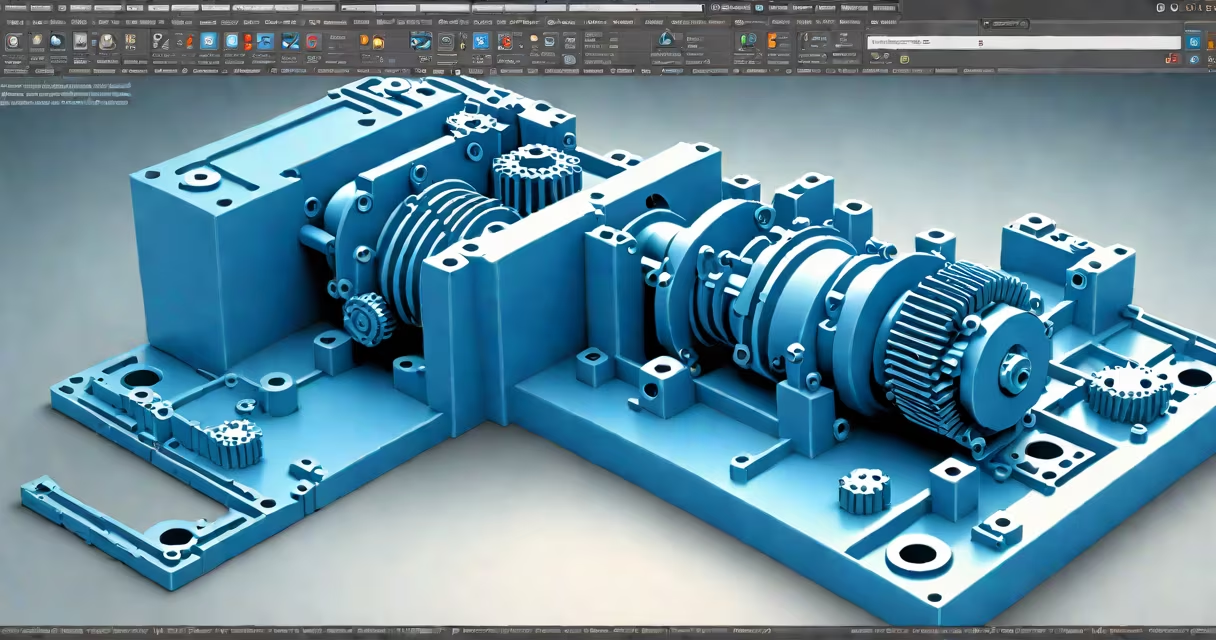
A STEP file (Standard for the Exchange of Product model data) is a widely used 3D CAD format that stores geometric and product manufacturing information. It enables accurate sharing of complex designs across different software platforms, especially in engineering and manufacturing.
STEP files use the .step or .stp extension and are based on ISO 10303 standards. They store solid geometry, topology, and metadata such as material properties and tolerances. Unlike formats tied to specific CAD systems, STEP files are designed for cross-platform interoperability.
According to the International Organization for Standardization (ISO), STEP is the most widely adopted standard for exchanging 3D design data between organizations. Its adoption helps a model created in SolidWorks can be opened and edited in AutoCAD, Fusion 360, or FreeCAD without loss of core geometry.
STEP files encode 3D models using a structured text-based format. While they appear as plain text in a code editor, their structure follows precise syntax rules defined by ISO 10303-21. This allows programs to parse and reconstruct the model's geometry accurately.
The format separates data into logical sections: header information, schema definitions, and entity data. Each entity represents a feature-like a face, edge, or volume-allowing downstream applications to rebuild the model precisely.
For example, a STEP file exported from Autodesk Inventor contains all the solid bodies, constraints, and assembly relationships. When opened in Siemens NX, the model retains its original dimensions and feature history, assuming the export settings preserved that data.
Many CAD and 3D visualization tools support STEP files natively. The following list includes both professional-grade and free options:
| Software | Platform | Free Option? | Best For |
|---|---|---|---|
| Fusion 360 | Windows, macOS, web | Yes (free tier) | Designers, hobbyists, students |
| FreeCAD | Windows, macOS, Linux | Yes (open-source) | Open-source users, engineers |
| Autodesk Viewer (web) | Web browser | Yes (free) | Quick preview, collaboration |
| SolidWorks | Windows | No (paid) | Professional engineering workflows |
| Blender (with add-on) | Windows, macOS, Linux | Yes | 3D animation, rendering |
Most modern CAD packages import STEP files directly. In Fusion 360, for instance, you can drag and drop a .step file into the workspace. The software automatically detects the geometry and displays it in the 3D view, complete with measurement tools and layer visibility controls.
For users without access to paid software, online viewers like Autodesk Viewer provide instant access. Upload a STEP file to the site, and it renders the model in your browser with rotation, zoom, and sectioning tools. This is ideal for reviewing designs during client meetings or project reviews.
One frequent error is attempting to open a STEP file in a program that doesn't support 3D geometry-such as Microsoft Word or Excel. These programs treat the file as binary data and fail to display anything meaningful.
Another issue arises when a STEP file was exported with low precision settings. Geometry may appear distorted or missing features. To avoid this, ensure the export option includes "Full Precision" or "High Accuracy" mode in the source software.
When a model fails to load, verify the file extension. Some users save files as .step.txt or .stp.zip by mistake. Rename the file to .step and try again. Also, confirm the file isn't corrupted-check the size; a 0-byte file indicates a failed export.
I once encountered a broken STEP file from a supplier that displayed as blank in FreeCAD. After checking the file with a hex editor, I found it contained embedded XML headers. Renaming it to .stp and stripping the extra text resolved the issue. Always validate the file's integrity before relying on it.
STEP files do not contain animation sequences, textures, or lighting data. They represent static, geometric models. You cannot animate a rotating gear in a STEP file unless it's part of a larger assembly with motion constraints-those constraints are not stored in the file itself.
They're also not the same as STL files. While both are used in 3D printing, STL uses triangular mesh approximations and lacks metadata. A STEP file preserves exact surfaces and tolerances, making it better for CNC machining and engineering analysis.
Some assume STEP files are editable in any 3D app. But while you can view and measure the geometry, modifying features requires a full CAD environment. Editing a face in a STEP file often means recreating the entire model from scratch in a compatible tool.
Follow these steps to open a STEP file using FreeCAD, a free and open-source CAD platform:
gear_assembly.step) and select it.This process takes under two minutes and requires no configuration. FreeCAD supports multiple STEP file versions, including AP203 and AP214, which are common in aerospace and automotive industries.
For advanced users, FreeCAD allows exporting the model back to STEP with custom settings-such as specifying units, precision, and whether to include color or material data.
If you frequently work with technical documents, you may also encounter related file types. Here's how to handle them:
Each format serves a distinct purpose. While STEP files focus on 3D geometry, these others handle documents, simulations, and messages. Confusing them leads to errors-always verify the file type before opening.
Understanding how to open a STEP file is essential for anyone involved in product development, prototyping, or collaborative design. With the right tools and basic checks, you can access and use these files effectively across teams and industries.