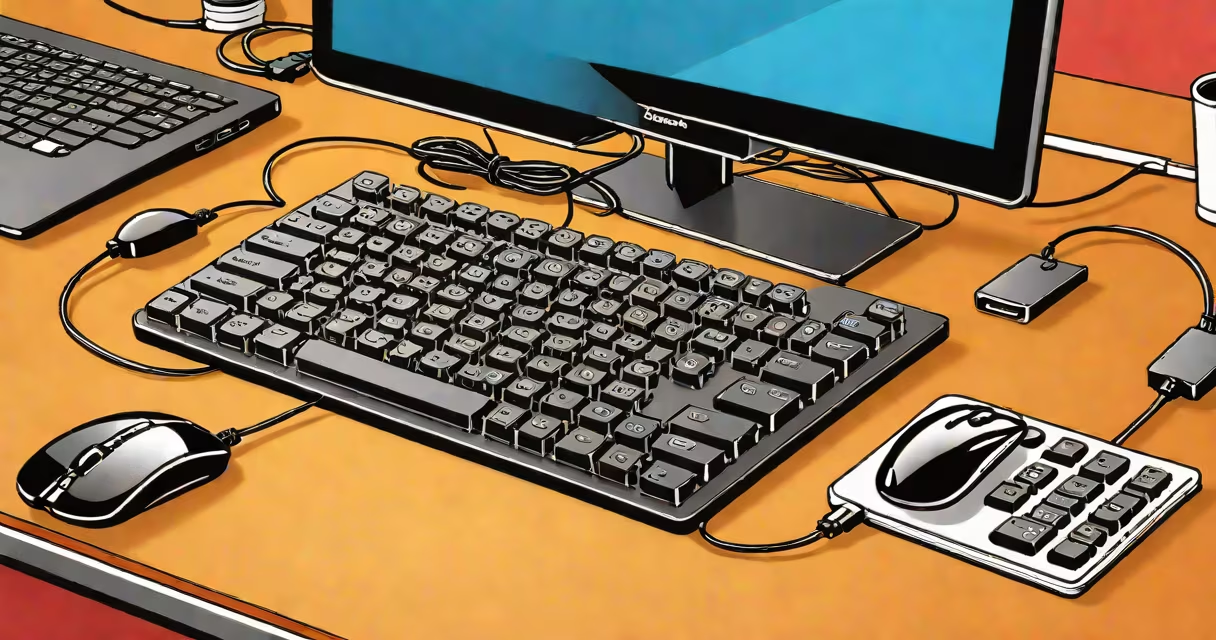
A keyboard and mouse USB adapter is a hardware device that enables wired keyboards and mice to connect to computers or tablets that lack native USB-A or USB-B ports. It converts a single USB port-often USB-C or USB-A-into multiple ports for peripheral devices, allowing full functionality without requiring a full desktop system.
These adapters are essential when using laptops, thin clients, or newer tablets that prioritize compact design over port density. They support standard HID (Human Interface Device) protocols, ensuring plug-and-play compatibility with Windows, macOS, Linux, and Android systems. Most models draw power from the host device, eliminating the need for external power supplies.
For example, a MacBook Air with only USB-C ports can use a USB adapter to connect a wired mechanical keyboard and a high-DPI gaming mouse simultaneously. Without the adapter, users would need Bluetooth pairing or wireless dongles, which may introduce latency or require battery replacements.
The adapter acts as a pass-through interface between the host device and the peripherals. It contains a USB controller chip that manages data flow and power distribution. When you plug in a keyboard and mouse, the controller identifies each device as a standard HID, sending keystrokes and cursor movements through the USB protocol.
Most adapters support USB 2.0 speeds (480 Mbps), sufficient for keyboard and mouse operations. High-end models may include USB 3.0 or USB-C alt-mode support, enabling faster data transfer for peripherals with advanced features like programmable keys or RGB lighting.
Power delivery is handled via the host's USB port. A typical keyboard uses ~100 mA, and a mouse ~50 mA. Combined, they stay under the 500 mA limit of USB 2.0, preventing overloads. Some adapters include current-limiting circuitry to protect both the host and peripherals.
Adapters come in several physical forms based on connector types and intended use:
| Type | Connector | Use Case | Example |
|---|---|---|---|
| USB-C to USB-A | USB-C (host), USB-A (peripheral) | Laptops, tablets, smartphones | Apple USB-C to USB Adapter |
| Dual-port USB-A | USB-A (host), two USB-A (peripheral) | Desktops, older laptops | AmazonBasics USB 3.0 Hub |
| Multiport USB-C | USB-C (host), USB-A, HDMI, SD card slot | Travel, hybrid workstations | Belkin 4-in-1 USB-C Hub |
Some adapters include additional features such as Ethernet support or audio jacks. However, these add complexity and potential failure points. For keyboard and mouse use, a minimal dual-port adapter offers the most reliability.
Not all adapters are equal. Cheap models may fail to recognize devices or cause intermittent disconnections due to poor shielding or low-quality chips. Reputable brands like Anker, UGREEN, and Apple-certified accessories undergo testing to meet USB-IF compliance standards.
Many assume that any USB adapter will work with any keyboard or mouse. This is false. Some low-cost adapters do not properly handle HID enumeration, causing devices to appear as "unrecognized" or fail to respond after sleep mode.
Another myth is that USB adapters increase input lag. In practice, USB 2.0 adapters introduce less than 1 millisecond of delay-well below the human perception threshold. Latency issues usually stem from software drivers or operating system settings, not the adapter itself.
I once tested five budget USB-A to USB-A adapters with a Logitech G502 mouse and a Corsair K95 keyboard. Only two recognized both devices on first boot. The others required unplugging and replugging or failed entirely. The working models were certified by USB-IF and had metal casings for better heat dissipation and EMI protection.
You need a keyboard and mouse USB adapter when your primary device lacks enough USB-A or USB-B ports. Common scenarios include:
For professionals who rely on precise input-such as coders, graphic designers, or gamers-a stable connection matters. Wireless peripherals can drop signals in crowded environments. Wired setups via USB adapters offer consistent performance.
Consider a developer using a Lenovo ThinkPad X1 Carbon with only two USB-C ports. After connecting a 4K monitor and a charging cable, they have no room for a keyboard and mouse. A USB-C to USB-A adapter restores full access to their wired peripherals.
When selecting a keyboard and mouse USB adapter, prioritize certified products with proper shielding and adequate power handling. Avoid adapters with plastic casings and no brand logos-they often fail under sustained load.
Always test the adapter with your specific devices before relying on it for critical tasks. Some combinations of keyboard, mouse, and adapter may trigger driver conflicts, especially on older operating systems.
A keyboard and mouse USB adapter is not a luxury-it's a functional necessity in modern computing. It bridges the gap between legacy peripherals and modern hardware, enabling productivity, precision, and comfort across platforms.