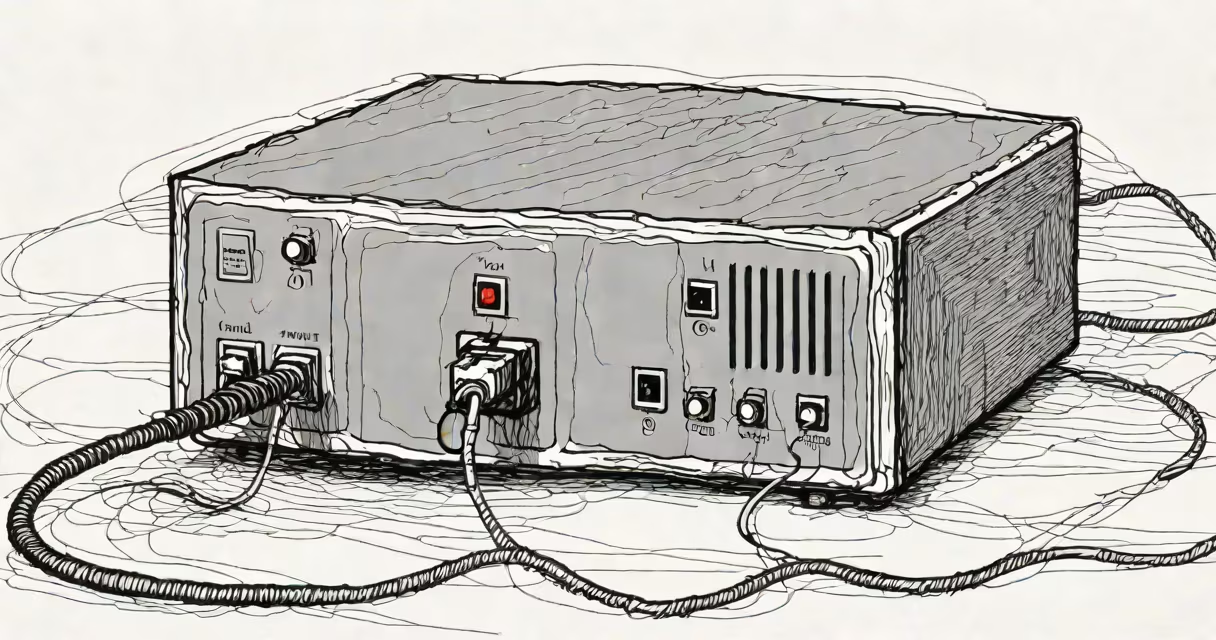
A modem looks like a compact rectangular electronic device, typically 6 to 10 inches long, with a flat, matte finish and status lights along the front. It connects to a cable or DSL line and converts signals into usable internet for home networks.
Most modems measure between 6 and 10 inches in length, 4 to 6 inches wide, and 1 to 2 inches thick. They have a single power port, an Ethernet port for connecting to a router or computer, and a coaxial or phone jack depending on the connection type. Front panels display LED indicators showing power, internet, and activity status.
Modern modems often include external antennas for Wi-Fi support, though many are designed solely for wired internet delivery. The rear panel houses connectors for incoming signal lines and additional Ethernet ports. Units from providers like Spectrum, Comcast, and AT&T usually follow a standardized form factor with minimal branding.
A modem translates analog signals from telephone lines or coaxial cables into digital data that computers understand. For cable internet, it receives data through a coaxial cable from a service provider's network. For DSL, it uses a standard phone line. The device then sends that data to a router or directly to a computer via Ethernet.
When powered on, the modem establishes a connection with the ISP's network. Status lights flash or remain solid based on signal strength, synchronization, and data transfer. A steady green light on the "Internet" or "WAN" port indicates a stable connection. Blinking lights show active data flow.
For example, a Motorola MB8600 modem used by Comcast customers shows four LEDs: power (solid green), sync (steady blue), internet (flashing blue), and Wi-Fi (off unless enabled). These lights confirm operational status without needing software access.
Modems come in several types based on connection method and integration level. Cable modems use DOCSIS standards (DOCSIS 3.1 is current), while DSL modems rely on VDSL or ADSL protocols. Some devices combine modem and router functions into a single unit known as a gateway.
| Type | Connection Type | Typical Size | Ports | Example Model |
|---|---|---|---|---|
| Cable Modem | Coaxial cable | 8 x 5 x 1.5 in | 1 coaxial, 1 Ethernet, 1 power | Arris Surfboard SB8200 |
| DSL Modem | Phone line | 6 x 4 x 1 in | 1 RJ-11, 1 Ethernet, 1 power | Netgear D6200 |
| Gateway (Modem + Router) | Cable or DSL | 10 x 6 x 2 in | 1 coaxial, 4 Ethernet, Wi-Fi | TP-Link Deco M9+ |
Some modems feature external antennas for improved wireless range, especially those supporting Wi-Fi 6. Others are slimline units designed for wall mounting or placement behind TVs. The Netgear CM500 is a compact cable modem with a single Ethernet port and no Wi-Fi capability, measuring just 6.5 inches long.
One non-obvious distinction: many ISPs provide modems with locked firmware that only work with their network. These units may lack configuration options or fail to connect if moved to a different provider. A user who switched from Cox to Spectrum reported that their old modem failed to authenticate despite correct wiring.
Modems are essential for bringing internet access into homes and businesses. They sit between the ISP's infrastructure and internal networks. Without a modem, a computer cannot receive data from a broadband line.
They're typically placed near the entry point of the internet signal-such as a wall outlet for coaxial cable. Placement affects performance: keeping the modem away from metal objects, microwaves, and thick walls improves signal stability. A user in a rural area reported 40% slower speeds when placing their modem in a basement closet due to interference.
Modems are also used in offices, schools, and hotels to manage multiple connections. A small business using a cable modem with a static IP address can host servers or run remote access tools securely. The Arris SB8200 supports up to 1 Gbps downstream speed, suitable for high-bandwidth applications like video conferencing.
People often mistake modems for routers. A modem brings internet into the home; a router distributes it to multiple devices. A single device may combine both functions, but they serve distinct roles. Confusing the two leads to troubleshooting errors-like resetting a router when the issue lies with the modem's connection.
Another misconception is that all modems look the same. While most share a rectangular shape, sizes and designs vary. Some resemble small black boxes, others are sleek and minimalist. The Apple Airport Extreme (discontinued) had a rounded, white design with a single antenna, differing from typical black rectangular units.
Users assume that newer modems automatically improve speed. A DOCSIS 3.1 modem offers faster throughput than older DOCSIS 2.0 models, but actual speed depends on the ISP's network capacity. A customer upgraded from a DOCSIS 2.0 modem to a DOCSIS 3.1 model but saw no change in download speed because their ISP still capped bandwidth at 100 Mbps.
Consider a household receiving internet through a Comcast Xfinity service. The technician installed a Motorola MB8600 modem. This unit measures 9.5 inches long, 5.5 inches wide, and 1.75 inches thick. It has a black casing with a glossy front panel displaying five LED lights: power (solid green), sync (steady blue), internet (flashing blue), Wi-Fi (off), and LAN (flashing amber).
The back includes one coaxial port for the cable line, one Ethernet port for connecting to a router, and a power adapter socket. No USB or audio ports exist. The user can verify connectivity by checking the internet light-when it blinks steadily, the modem is synchronized and delivering data.
After setting up, the user connected a router to the Ethernet port. The router's Wi-Fi network appeared on nearby devices. The modem remained inactive during idle periods, conserving energy. This setup demonstrates how a modem acts as the bridge between the internet provider and local network.
Understanding what a modem looks like helps identify issues quickly. If the internet light is off, the problem likely lies with the signal line or ISP. If the power light is off, the device isn't receiving electricity. These visual cues prevent unnecessary support calls.