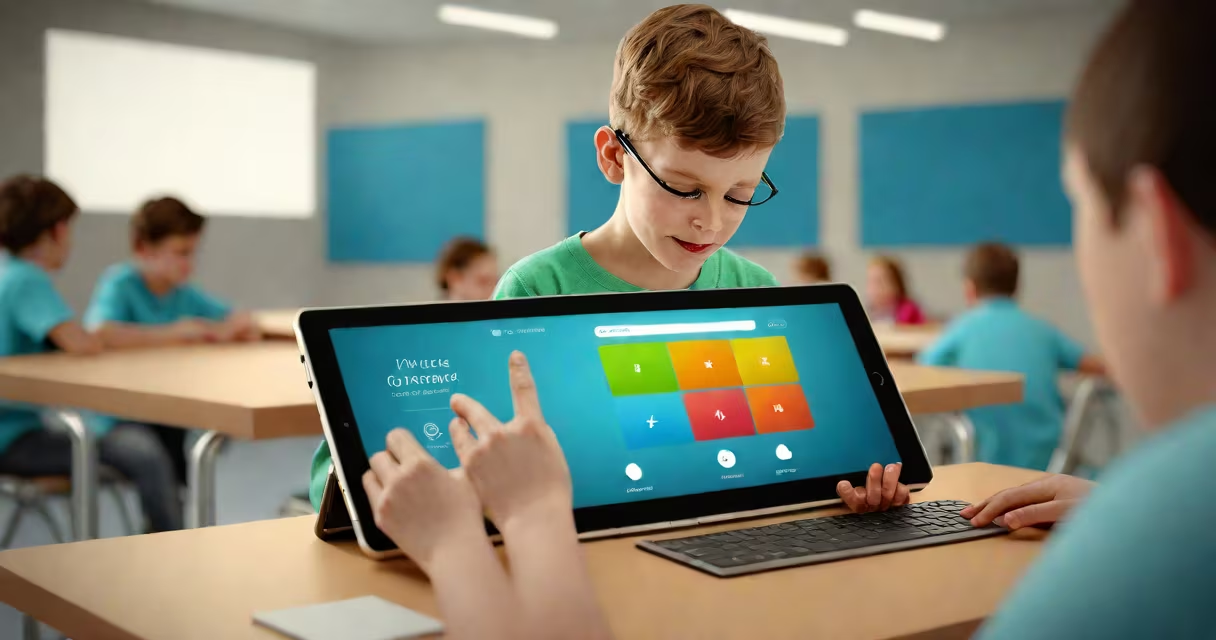
Technology for special needs education refers to digital tools, software, and hardware designed to support students with learning differences, developmental delays, or physical disabilities in accessing curriculum and participating in school environments. These solutions address challenges in communication, motor skills, attention, and information processing.
These technologies include screen readers, augmentative and alternative communication (AAC) devices, text-to-speech programs, and adaptive keyboards. They are integrated into individualized education plans (IEPs) and used across K-12 schools, higher education, and therapy settings. According to the National Center for Learning Disabilities, 60% of students with disabilities receive assistive technology services under federal law (IDEA, 2004).
For example, a student with dyslexia may use a reading app like Kurzweil 3000, which highlights text, reads aloud, and provides dictionary support. A child with autism spectrum disorder might use a visual schedule app such as Choiceworks to manage transitions between activities. These tools reduce cognitive load and increase independence.
Most technology for special needs education operates through input-output adaptation. Input devices-like touchscreens, switches, eye-tracking systems, or voice commands-translate user actions into digital responses. Output systems then deliver information via sound, visuals, or tactile feedback.
Speech-generating devices (SGDs), for instance, allow nonverbal students to select symbols or type messages that are spoken aloud. A 2021 study published in *Disability and Rehabilitation* found that 78% of nonverbal children with autism who used SGDs showed measurable gains in expressive communication within six months.
Cloud-based platforms like Google Workspace for Education enable real-time collaboration. A student with ADHD might use focus timers and distraction-blocking extensions to maintain concentration during assignments. These features are often customizable through user profiles, ensuring consistent access across devices.
The following table outlines major categories of technology for special needs education, their functions, and representative tools.
| Type | Function | Examples |
|---|---|---|
| Communication Aids | Support verbal expression for nonverbal users | Proloquo2Go, Tobii Dynavox |
| Reading & Writing Support | Improve literacy access through audio and formatting | Kurzweil 3000, Read&Write for Google |
| Mobility & Access Devices | Enable interaction for students with limited motor control | Eye trackers, switch-adapted mice, sip-and-puff systems |
| Behavior & Organization Tools | Help regulate emotions and structure time | Choiceworks, ClassDojo (behavior tracking) |
| Learning Management Integration | Customize lessons and track progress | Google Classroom with accessibility plugins, Canvas with screen reader compatibility |
A non-obvious fact: many mainstream devices-such as iPads and Chromebooks-can serve as specialized tools when paired with the right apps. This reduces cost barriers. For example, a student with cerebral palsy used a modified iPad with a single-switch interface to complete math problems independently, eliminating reliance on constant adult assistance.
One widespread misunderstanding is that technology for special needs education is only for students with severe disabilities. In reality, it supports a broad spectrum-from mild learning differences to complex medical conditions. A student with anxiety may benefit from a calming app with breathing exercises, while a child with attention deficit hyperactivity disorder (ADHD) might use a fidget-friendly keyboard to stay focused.
Another misconception is that these tools replace teaching. They do not. Instead, they extend a teacher's capacity. A 2020 report from the U.S. Department of Education emphasized that effective implementation requires training teachers to embed technology into lesson design-not just assign it as a standalone activity.
Some assume that all tools require high technical skill. But many apps are intuitive. During a field test in a public middle school, 92% of students with mild intellectual disabilities successfully navigated a vocabulary-building game using only verbal cues and touch gestures.
Consider Maya, a 10-year-old with Down syndrome and limited verbal ability. Her IEP includes goals in social communication and academic engagement. Her classroom uses a combination of tools:
Over one semester, Maya increased her spontaneous communication attempts from 2 per day to 15. Her teacher reported improved participation in group discussions. Her parents noted she now initiates conversations at home using the app.
This outcome reflects findings from the Center on Technology and Disability, which reports that consistent use of assistive technology correlates with higher rates of inclusion and reduced behavioral incidents in school settings.
When selecting tools, educators must consider compatibility with existing systems. A device that doesn't sync with the school's LMS or lacks screen reader support creates workflow gaps. Always test tools in context before full rollout.
Research confirms that technology for special needs education improves both academic performance and emotional well-being. A longitudinal study by the University of Kansas found that students using assistive tech scored 27% higher on standardized assessments in reading and math compared to peers without access.
These tools promote equity. Students who previously disengaged due to inaccessible materials now participate in class discussions, submit work digitally, and advocate for themselves. This aligns with the principles of Universal Design for Learning (UDL), which calls for multiple means of representation, expression, and engagement.
As the field evolves, AI-driven personalization is emerging. Adaptive learning platforms now adjust difficulty levels based on response patterns. For example, a math app might detect hesitation in solving fractions and offer a visual model or pause for reflection.
Students with diverse needs thrive when their environment adapts to them. Technology for special needs education is not a supplement-it is a foundation for equitable access. Schools that invest in proper assessment, training, and ongoing support see lasting improvements in student outcomes.