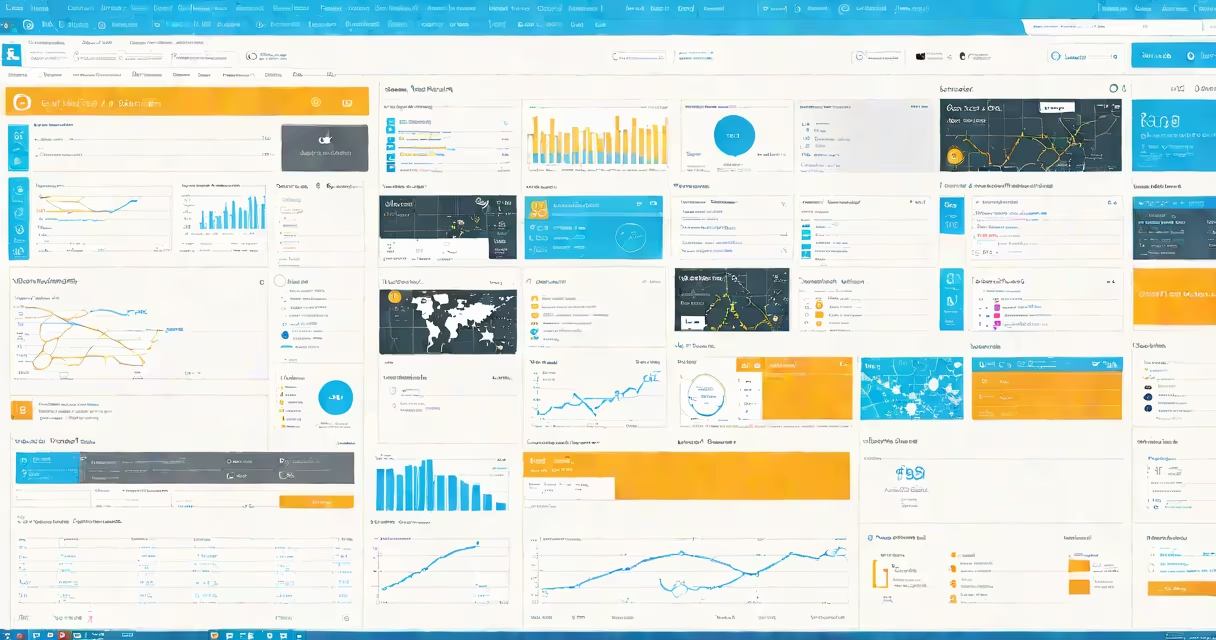
Azure Data Factory Studio is a browser-based development environment for creating, managing, and monitoring data integration workflows in Microsoft Azure. It provides a visual interface to design pipelines that move and change data across cloud and on-premises sources.
It's part of the larger Azure Data Platform, enabling users to orchestrate complex data flows without writing low-level code. The studio supports drag-and-drop components, real-time validation, and direct deployment to production environments.
Developers and data engineers use Azure Data Factory Studio to build ETL (extract, change, load) processes that run on Azure's managed compute infrastructure. It integrates natively with Azure Storage, SQL Database, Synapse Analytics, and external services like Salesforce and AWS S3.
Users create pipelines using a graphical canvas where they define activities such as copying data, transforming it with Azure Databricks or Spark, or triggering other workflows. Each activity is connected via dependencies, forming a directed graph of execution steps.
Pipelines are triggered by events (e.g., file arrival in Blob Storage), schedules (daily at 2 AM), or manual runs. The studio logs each run with detailed metrics, including execution time, row counts, and error details.
For example, a retail company might set up a pipeline that pulls daily sales data from an on-premises SQL Server, transforms it to calculate regional revenue totals, and loads it into an Azure Synapse workspace for reporting. This entire process runs automatically every morning through a scheduled trigger in the studio.
The studio consists of several interconnected elements:
Each component is configured through JSON or a visual editor. While the JSON allows fine-grained control, the visual designer simplifies common tasks like setting up copy operations between storage accounts.
There are two primary execution models:
| Model | Description | Use Case |
|---|---|---|
| Data Flows | Visual transformation engine using Spark under the hood. No code required. | Joining customer and transaction tables, cleaning null values, applying business rules. |
| Copy Activities | Direct data movement between sources and sinks. Supports batching and compression. | Moving daily log files from on-premises servers to Azure Blob Storage. |
Unlike older versions of Azure Data Factory that required manual JSON editing, Studio now includes a live preview feature that shows sample output before running a pipeline. This reduces debugging time by catching schema mismatches early.
Many assume Azure Data Factory Studio is limited to moving data between Azure services. That's incorrect. It supports hybrid scenarios-data can be pulled from on-premises databases using a self-hosted integration runtime, then processed and loaded into cloud destinations.
Another misconception is that it replaces data warehouses. It does not. Azure Data Factory Studio moves and prepares data; it doesn't store or analyze it at scale. For analytics, it feeds data into tools like Azure Synapse Analytics or Power BI.
Some confuse it with Azure Logic Apps, which handles business process automation. While both support triggers and actions, Logic Apps focuses on workflow coordination across SaaS applications (like sending emails or updating CRM records), whereas Data Factory Studio specializes in bulk data movement and transformation.
I once configured a pipeline to extract customer data from a legacy Oracle database, cleanse it using a Data Flow transformation, and push it to a Delta Lake in Azure Databricks. The studio's ability to validate schema mappings in real time caught a mismatch in date formats before the first run-saving hours of troubleshooting.
Studio integrates tightly with Azure DevOps and GitHub for CI/CD. You can export pipeline definitions as ARM templates or Bicep scripts, then deploy them across environments using version-controlled pipelines.
Security is enforced through Azure Active Directory roles. Users must have Contributor or Owner permissions on the Data Factory resource to make changes. The studio also supports private endpoints for secure access to on-premises systems.
Best practices include naming conventions (e.g., "prod_sales_load_daily"), parameterizing frequently changing values (like file paths), and using linked services with service principal authentication instead of user credentials.
Azure Data Factory Studio is not a standalone application. It runs entirely in the browser, hosted within Azure's global network. Access requires a valid Azure subscription and appropriate permissions.
Understanding the difference between a pipeline and a dataset is critical. A pipeline defines the sequence of actions. A dataset describes the structure and location of the data being operated on. Confusing them leads to failed executions and hard-to-debug errors.
For instance, a dataset named "SalesData_2024" pointing to a CSV file in a container named "raw" will fail if the file is actually stored in "staging." The studio flags this during validation, but only if the dataset path is correctly specified.
Finally, while the studio offers a rich UI, advanced users often export configurations to code for better version control. This practice aligns with infrastructure-as-code principles and ensures consistency across test, staging, and production environments.
Azure Data Factory Studio is a central tool for orchestrating data movement and transformation in cloud environments. It enables consistent, repeatable data workflows across diverse systems, from local databases to global cloud services.