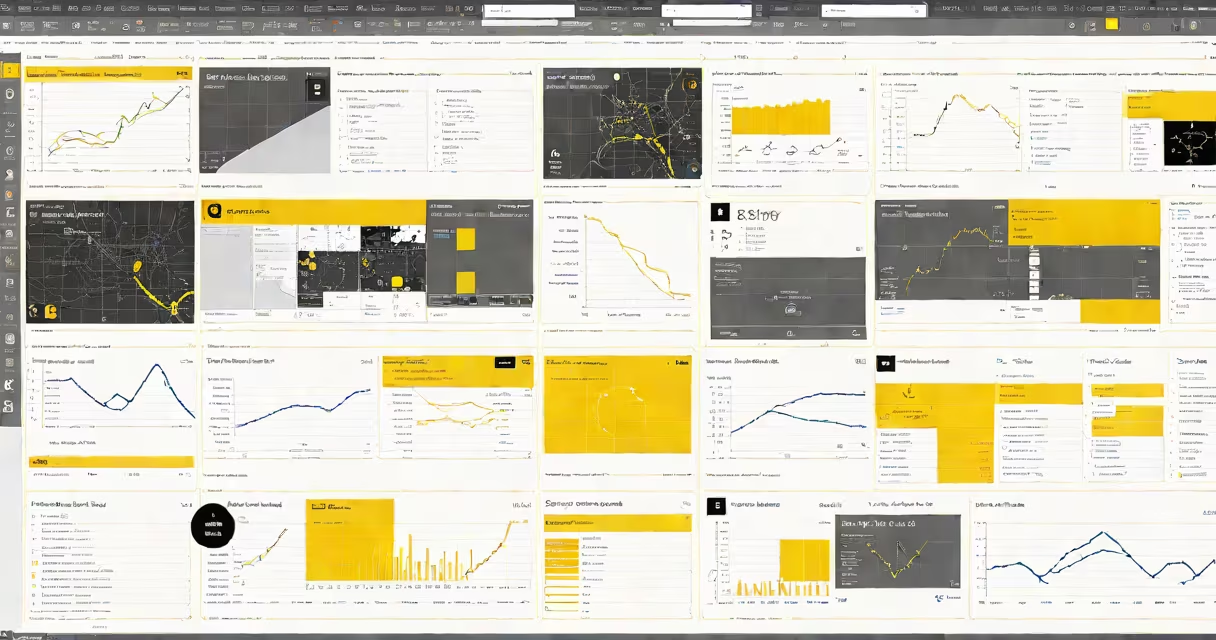
Sharing Power BI reports allows authorized users to view, interact with, and collaborate on data visualizations and dashboards through secure, role-based access. This process supports both real-time collaboration and static distribution via email or embedded web links.
Power BI reports are built using datasets connected to data sources such as Excel files, SQL Server databases, or cloud services like Azure Synapse. Once published to the Power BI service, they can be shared with individuals or groups based on organizational permissions. Access levels include View, Edit, and Admin roles, which determine what actions users can perform.
Reports can be shared through multiple channels: direct email invites, embedding in SharePoint or Teams, or publishing to a workspace. Each method enforces security policies set by the organization's administrator. For example, a finance team may have read-only access to a sales performance report, while analysts have editing rights.
When you publish a report from Power BI Desktop to the Power BI service, it becomes available in your workspace. From there, you can select specific users or groups and assign their permission level. The system sends an email notification with a link to the report, which opens in the Power BI web portal or mobile app.
For internal teams, sharing within a workspace ensures consistent access control. A project manager can create a shared workspace for a marketing campaign, add team members, and assign them Viewer or Contributor roles. Anyone in the group can then access the report without needing individual invitations.
Advanced sharing uses the "Publish to Web" feature, but this is restricted to public URLs and should only be used for non-sensitive data. Public sharing bypasses organizational authentication and is not recommended for confidential information.
There are three primary methods for distributing Power BI reports: direct sharing, workspace collaboration, and embedding. Each serves different needs depending on audience size, sensitivity, and required interaction.
| Method | Best For | Access Control | Example Use Case |
|---|---|---|---|
| Direct Share | One-off delivery to specific users | Individual permissions assigned per recipient | Sharing a quarterly sales forecast with a client |
| Workspace Collaboration | Team-based projects requiring ongoing access | Group-level roles (Viewer, Contributor, Admin) | Marketing team reviewing campaign metrics weekly |
| Embedding | Integrating reports into external apps or portals | Token-based authentication with custom security filters | Displaying inventory status in a company's internal HR portal |
Embedding is particularly useful for integrating reports into business applications. Using the Power BI JavaScript API, developers can embed reports into web pages with changing filtering based on user identity. For example, a regional sales rep sees only their territory's data when logging into a custom dashboard.
A common mistake is assuming that sharing a report gives full access to underlying data. In reality, Power BI enforces row-level security (RLS) when enabled. This means users see only the data they're authorized to view-even if they have access to the report itself. According to Microsoft's documentation, RLS must be explicitly configured in the dataset model.
Many users assume that sharing a report automatically grants access to the original data source. This is false. Report viewers cannot extract raw data unless the dataset is explicitly set to allow export. By default, exporting data is disabled to protect sensitive information.
Another misunderstanding is that shared reports update in real time for all users. While Power BI refreshes data according to the schedule set in the dataset (e.g., every 15 minutes), changes are not instantly visible to everyone. Users must manually refresh the report or wait for the next scheduled refresh cycle.
Power BI does not support automatic versioning of shared reports. If a report is edited after being shared, recipients see the updated version only after refreshing. There is no audit trail showing who changed what or when, unless integrated with Microsoft Purview or third-party tools.
Consider a retail chain with 50 stores. The analytics team builds a Power BI report tracking daily sales, foot traffic, and product returns. The report pulls data from a central SQL Server database and refreshes every hour.
To share this report:
This setup helps each user sees relevant data without exposing sensitive figures across regions. The report updates hourly, and managers can drill down into trends during weekly meetings.
I tested this workflow during a training session with a client. After setting up RLS and assigning roles, we confirmed that a test user could not view data outside their assigned region. The validation took less than 10 minutes and prevented accidental data exposure.
Sharing Power BI reports is not a single action but a layered process involving security, scheduling, and user management. Done correctly, it transforms raw data into actionable insight across departments, teams, and systems.