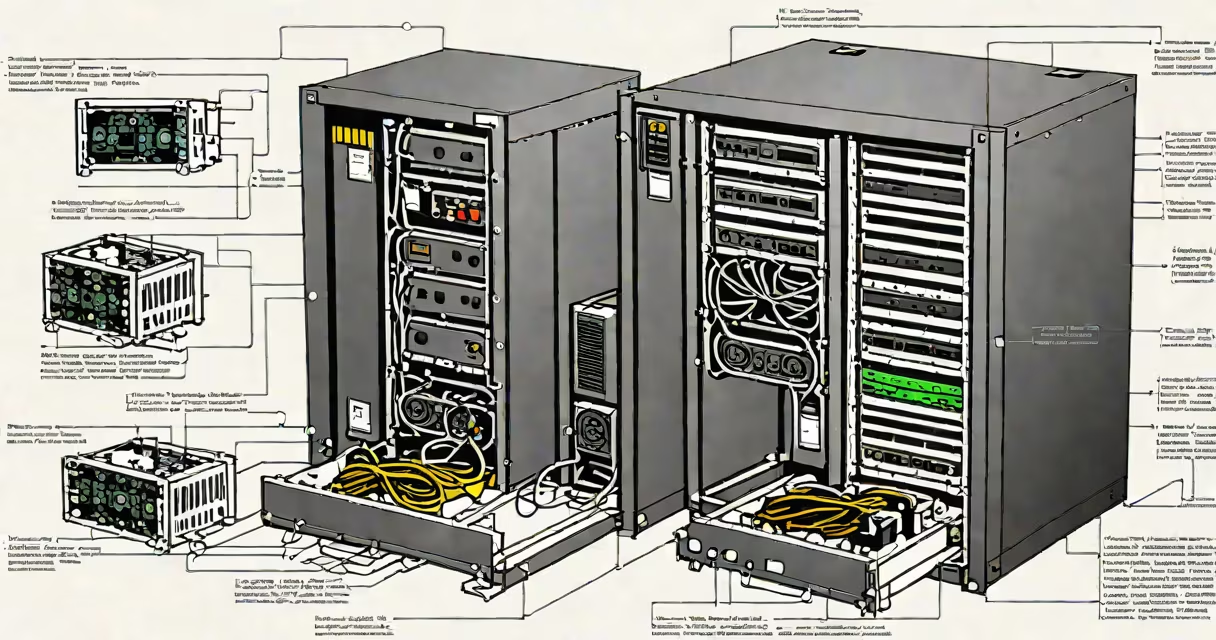
A computer UPS, or uninterruptible power supply, is a device that provides emergency power to a load when the main power source fails. It ensures continuous operation during brief outages and protects against voltage spikes, sags, and surges.
Unlike a standard surge protector, which only blocks sudden voltage increases, a UPS includes a battery backup system. This allows time to safely shut down equipment or switch to alternative power sources without data loss or hardware damage.
The core function of a computer UPS is to maintain stable power delivery. It filters electrical noise, regulates voltage, and supplies stored energy during blackouts. This prevents abrupt shutdowns that can corrupt files or damage storage drives.
When AC power drops below safe levels or cuts out entirely, the UPS instantly switches to battery power. This transition happens within milliseconds-typically under 10 ms-so connected devices remain operational.
Inside the UPS, a rectifier converts incoming AC power into DC to charge the battery. A inverter then converts the battery's DC output back into clean AC power for the connected devices. This process ensures a consistent, regulated power stream even during unstable grid conditions.
Modern UPS units also feature monitoring software. They communicate with computers via USB or serial ports, allowing users to track power status, receive alerts, and initiate automatic shutdowns during prolonged outages. For example, APC's PowerChute software can detect a sustained outage and shut down Windows systems gracefully.
UPS systems fall into three primary categories based on design and performance:
| Type | How It Works | Best For | Example Use Case |
|---|---|---|---|
| Standby (offline) | Switches to battery only when power fails. Minimal filtering. | Basic home setups, low-cost protection. | Running a desktop PC with a monitor and printer. |
| Line-interactive | Regulates voltage automatically without switching to battery. Uses automatic voltage regulation (AVR). | Small offices, network routers, servers. | Protecting a router and VoIP phone system during brownouts. |
| Online (double-conversion) | Constantly runs on battery power, feeding filtered AC to the load. No transfer delay. | Data centers, medical equipment, high-end workstations. | Backing up a database server with zero downtime risk. |
Line-interactive models offer the best balance of cost and reliability for most users. Online UPS systems eliminate all power anomalies but consume more energy and cost more.
Without a UPS, a sudden power cut can cause data corruption. A hard drive or SSD may be writing a file when power fails. If the write operation is interrupted, the file becomes unreadable or the operating system may fail to boot.
For example, during a storm in 2022, a small business in Seattle lost power for 47 minutes. Their unattended server had no UPS. Upon restoration, the database required a full recovery from backups-two hours of work lost. With a properly sized UPS, the system would have shut down safely.
According to the U.S. Department of Energy, power quality issues cost U.S. businesses $119 billion annually in downtime and data loss. A single UPS can reduce this risk by up to 90% in environments with frequent outages.
Many organizations require UPS compliance for IT audits. The National Institute of Standards and Technology (NIST) Special Publication 800-53 mandates continuous power support for critical systems handling sensitive data.
People often confuse a UPS with a surge protector. While both protect against electrical faults, a surge protector does not provide battery backup. It only diverts excess voltage away from devices.
Another mistake is assuming all UPS units are equal. A 600VA model may handle a desktop and monitor but fail under a server load. Always match the UPS wattage rating to the total power draw of connected devices.
For instance, a typical gaming PC with a GPU draws 400-600 watts. A 600VA UPS rated at 360W max cannot sustain it through a blackout. Overloading causes immediate failure and risks fire.
Even the term "uninterruptible" is misleading. The UPS doesn't make power uninterrupted-it delays interruption long enough to prevent harm. The system still goes offline; the UPS just buys time.
I installed a CyberPower CP1500PFCLCD online UPS for my home server setup. The system included a NAS, a workstation, and a router. Total load: 480 watts.
I selected a 1500VA unit with a 700W continuous load capacity. The UPS supported 10 minutes of runtime at full load-enough to save all open files and shut down cleanly.
Using the included software, I configured automatic shutdown after five minutes of outage. During a test, the system detected a simulated power loss, saved all processes, and powered off safely. No data was lost.
This setup prevented a previous incident where a 30-minute outage corrupted a project file. Now, even in a storm, the system handles interruptions silently.
Understanding computer UPS meaning isn't just technical-it's about safeguarding work. Whether running a small business or maintaining personal projects, a UPS prevents loss, extends hardware life, and ensures peace of mind.
When selecting a UPS, calculate your total load in watts. Choose a unit with 20% overhead. For example, if your gear uses 600W, pick a 750W-rated UPS. This prevents overload and extends battery life.
Always test the UPS with a full load. Many models advertise runtime at 50% load but perform poorly at 100%. Real-world testing reveals actual performance.
Computer UPS meaning covers more than just backup power. It includes stability, safety, and system resilience. Ignoring it risks data, time, and money.