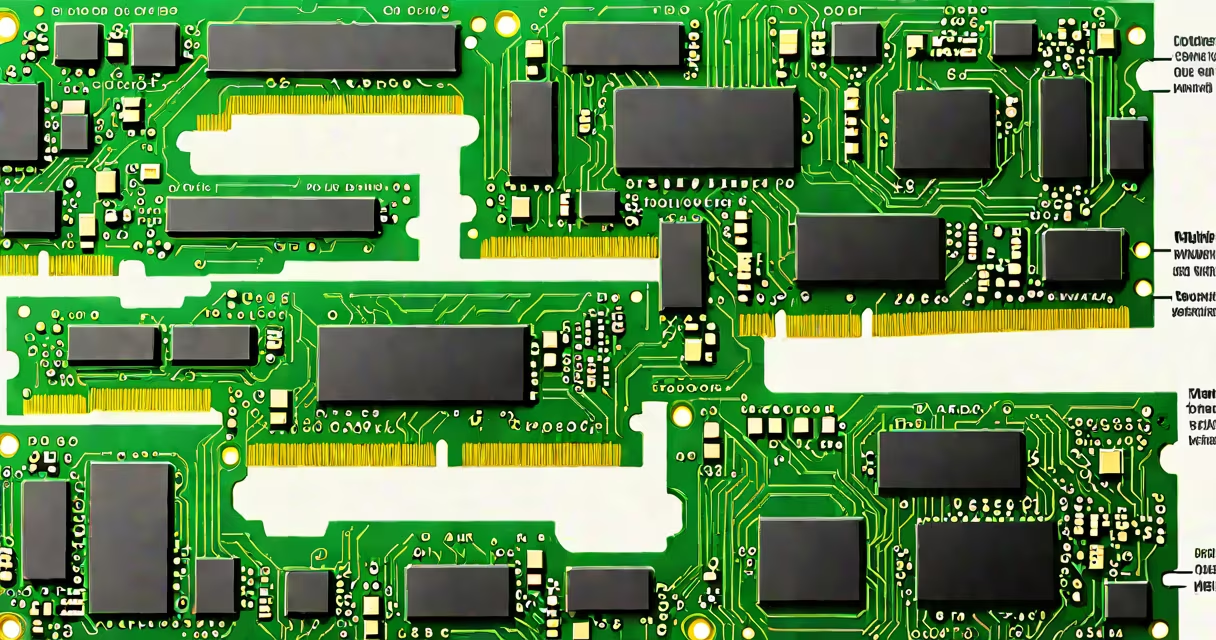
DDR4 and DDR5 are generations of SDRAM used in modern computers, differing in speed, power efficiency, capacity limits, and physical design. DDR5 offers higher bandwidth, lower voltage, and greater maximum capacity than DDR4, but requires compatible motherboards and CPUs.
Both DDR4 and DDR5 are synchronous changing random-access memory (SDRAM) types that store data temporarily while a computer runs. They connect to the CPU via the memory controller on the processor die, transferring data in bursts synchronized to a clock signal.
DDR5 improves on DDR4 by doubling the internal bank structure from 16 to 32 banks per channel, enabling faster access to different memory segments. This change allows DDR5 to sustain higher throughput even under heavy load. DDR5 also uses a split data bus architecture, separating command and address signals from data lines, reducing interference and improving signal integrity.
For example, a DDR5-6400 module transfers data at 6.4 gigatransfers per second (GT/s), compared to DDR4-3600's 3.6 GT/s. That's a 78% increase in raw transfer rate, though real-world performance gains depend on system configuration.
The table below summarizes core technical distinctions between DDR4 and DDR5:
| Feature | DDR4 | DDR5 |
|---|---|---|
| Base Clock Speed | 2133-3600 MT/s | 4800-8400 MT/s |
| Operating Voltage | 1.2V | 1.1V (down to 1.05V in low-power modes) |
| Max Module Capacity | 64GB per stick (theoretical) | 128GB per stick (theoretical) |
| Channel Architecture | Single 64-bit channel per DIMM | Split into two 32-bit channels per DIMM |
| On-Die ECC | No | Yes (built-in error correction) |
DDR5's lower voltage reduces heat output and improves energy efficiency. A 32GB DDR5 kit running at 1.1V consumes about 15% less power than a comparable DDR4 setup at 1.2V, according to Intel's 2023 power efficiency benchmarks.
DDR5 also includes on-die error-correcting code (ECC), which detects and corrects single-bit errors in real time. This feature was previously available only in server-grade memory, making DDR5 more resilient for long-term workloads like video rendering or database operations.
DDR4 remains dominant in mainstream desktops, laptops, and entry-level servers due to broad chipset support and lower cost. Most consumer-grade AMD Ryzen 3000/5000 series and Intel 10th-12th Gen CPUs still rely on DDR4.
DDR5 is standard on newer platforms like Intel's 13th-14th Gen Core processors and AMD's Ryzen 7000 series. These systems benefit from DDR5's higher bandwidth, especially in applications involving large datasets-such as 4K video editing, 3D modeling, and machine learning inference.
For example, a 3D rendering task using Blender showed a 12% reduction in render time when upgrading from DDR4-3600 to DDR5-6400 on a Ryzen 7 7700X system, per AnandTech's 2023 testing.
Many assume DDR5 is always faster than DDR4. That's not true in all scenarios. Performance depends on memory bandwidth, latency, and CPU architecture. A high-latency DDR5 module may underperform a low-latency DDR4 kit in games or legacy software.
Another misconception: DDR5 is incompatible with DDR4 sockets. The notches on the edge of the module differ-DDR5 has a notch shifted 1.5mm inward compared to DDR4. Plugging a DDR5 stick into a DDR4 motherboard will not work and may damage the slot.
A lesser-known fact: DDR5 modules include an on-module PMIC (power management integrated circuit). This chip regulates voltage at the memory module level, allowing precise control and reducing power noise. DDR4 lacks this feature, relying on the motherboard's VRM to deliver stable voltage.
Consider a build with an AMD Ryzen 7 7800X3D and a B650 motherboard. The system supports DDR5-6000 CL30 out of the box. Using 32GB of 128GB DDR4 RAM would be impossible due to physical and electrical limitations. The motherboard won't accept DDR4 sticks, and the CPU doesn't support them.
Choosing DDR5-6000 over DDR4-3600 results in a 15% average frame rate gain in Cyberpunk 2077 at 1440p, based on TechPowerUp's 2024 benchmark set. However, the upgrade costs $180 more for the same 32GB capacity.
Choose DDR4 if you're building on older hardware, prioritizing cost, or using legacy systems. Opt for DDR5 if you're investing in a new platform, want better future-proofing, or run memory-intensive tasks. Always verify motherboard and CPU compatibility before buying.