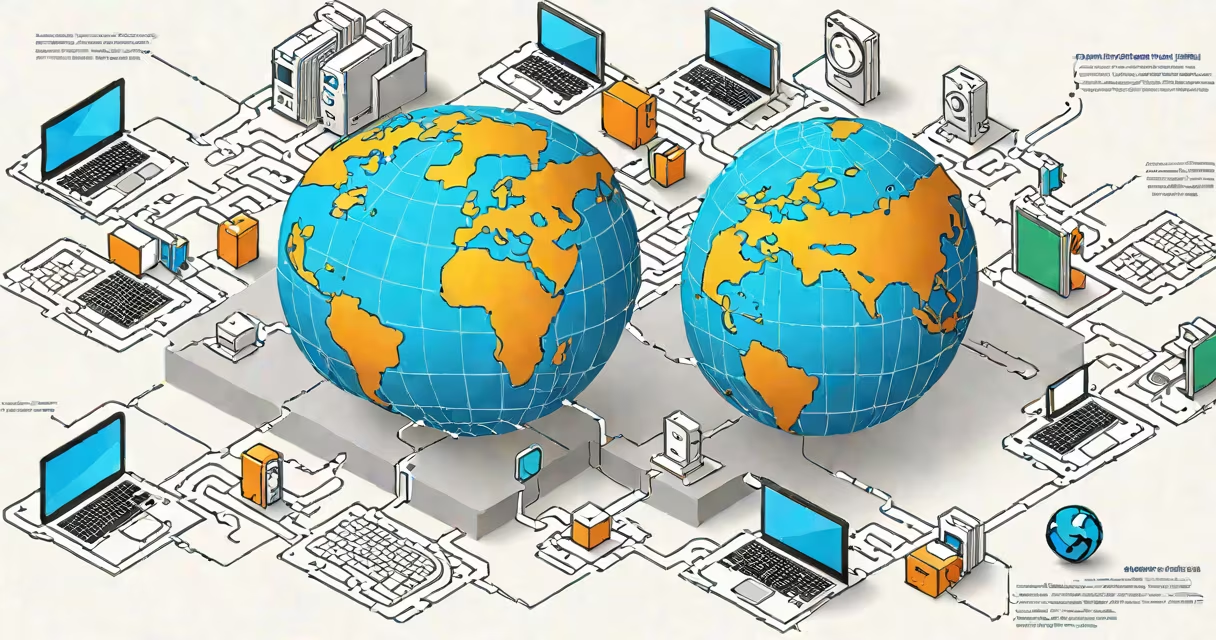
A public DNS is a domain name system service operated by third parties that translates human-readable website names-like google.com-into machine-readable IP addresses. Unlike your internet service provider's default DNS, public DNS services are available to anyone online and prioritize speed, reliability, and security.
When you type a website address into your browser, your device contacts a DNS server to find the correct IP address. Most people rely on their ISP's DNS, but public DNS providers offer alternatives that are faster, more secure, and less prone to outages. Major providers include Google Public DNS (8.8.8.8), Cloudflare (1.1.1.1), and OpenDNS.
Public DNS services are designed to handle millions of queries per second. They use globally distributed networks of servers to reduce latency and improve uptime. For example, Cloudflare's 1.1.1.1 service routes queries through its global network, often returning results in under 20 milliseconds.
Your device sends a DNS query to a public DNS server when you visit a website. The server checks its cache for the requested domain's IP address. If it's not cached, it queries root servers, then top-level domain servers, and finally authoritative name servers until it finds the correct IP.
Once resolved, the public DNS returns the IP address to your device. Your browser then connects to that IP to load the site. This entire process typically takes less than half a second, but the choice of DNS server affects performance and security.
For example, if you're in New York and use Google Public DNS (8.8.8.8), your query may be routed through a nearby Google data center in Newark, New Jersey. That proximity reduces round-trip time and speeds up access. In contrast, an ISP's DNS might route through a regional hub hundreds of miles away.
Public DNS services differ in focus: speed, privacy, filtering, or security. Here's a comparison of major options:
| Provider | IP Addresses | Focus | Privacy Policy |
|---|---|---|---|
| Google Public DNS | 8.8.8.8, 8.8.4.4 | Speed, reliability | Logs minimal data; deletes logs after 24 hours |
| Cloudflare 1.1.1.1 | 1.1.1.1, 1.0.0.1 | Speed, privacy | No logging of user queries; audited annually |
| OpenDNS (by Cisco) | 208.67.222.222, 208.67.220.220 | Security, filtering | Logs queries for threat detection; offers family protection |
| Quad9 | 9.9.9.9, 149.112.112.112 | Security, malware blocking | Does not log queries; blocks known malicious domains |
Each service uses different infrastructure and policies. Cloudflare's 1.1.1.1 is known for its commitment to privacy-no query logs are stored. Google's DNS retains data briefly for abuse prevention but doesn't use it for advertising.
Some public DNS services include filtering features. OpenDNS offers parental controls and phishing protection. Quad9 blocks domains linked to malware and botnets. These filters are optional and can be enabled via settings or device configuration.
Many users assume public DNS is only for tech-savvy people. That's incorrect. Anyone can switch to a public DNS with a few steps in their router or device settings. On most smartphones and computers, changing DNS settings takes under two minutes.
Another misconception is that public DNS replaces your ISP entirely. It does not. Your ISP still handles your internet connection, data transfer, and billing. Public DNS only changes how domain names are translated into IP addresses.
Some believe public DNS slows down browsing. The opposite is true. A 2022 study by the Internet Society found that users switching to Cloudflare's 1.1.1.1 experienced average response times 18% faster than with their ISP's default DNS. This improvement was consistent across regions and network types.
There's also confusion between public DNS and encrypted DNS protocols like DNS-over-HTTPS (DoH) or DNS-over-TLS (DoT). Public DNS refers to the server itself. DoH and DoT refer to encryption methods used to protect the DNS query while in transit. You can use a public DNS over DoH-such as Cloudflare's 1.1.1.1 with DoH-to prevent eavesdropping.
I switched my home router's DNS settings to Cloudflare's 1.1.1.1 during a network outage. My ISP's DNS had failed due to a routing error, causing websites to time out. After changing to 1.1.1.1, all sites loaded within seconds.
To do this, I logged into my router's admin panel (via 192.168.1.1), navigated to "Network Settings," and replaced the primary DNS field with 1.1.1.1. I saved the change and rebooted the router. Within 30 seconds, my devices were resolving domains again.
Public DNS improves performance, enhances security, and increases privacy. ISPs may log DNS queries for troubleshooting or analytics. Public DNS providers vary in their retention policies-but many, like Cloudflare, don't store logs at all.
Security is another benefit. Many public DNS services block known malicious domains. Quad9, for example, maintains a real-time list of domains associated with malware, ransomware, and phishing. If you try to visit a known bad site, the DNS server returns an error instead of the IP address.
For travelers or users on public Wi-Fi, public DNS adds a layer of protection. An attacker on the same network cannot easily redirect your traffic to a fake site if you're using a secure public DNS with filtering.
Finally, public DNS supports transparency. You can verify which server you're using and whether it's encrypting your queries. Tools like dnsleaktest.com show exactly which DNS servers your device contacts, helping identify leaks or misconfigurations.
Public DNS is not a substitute for a firewall or antivirus software. But it's a low-effort, high-impact step toward a safer, faster internet experience.