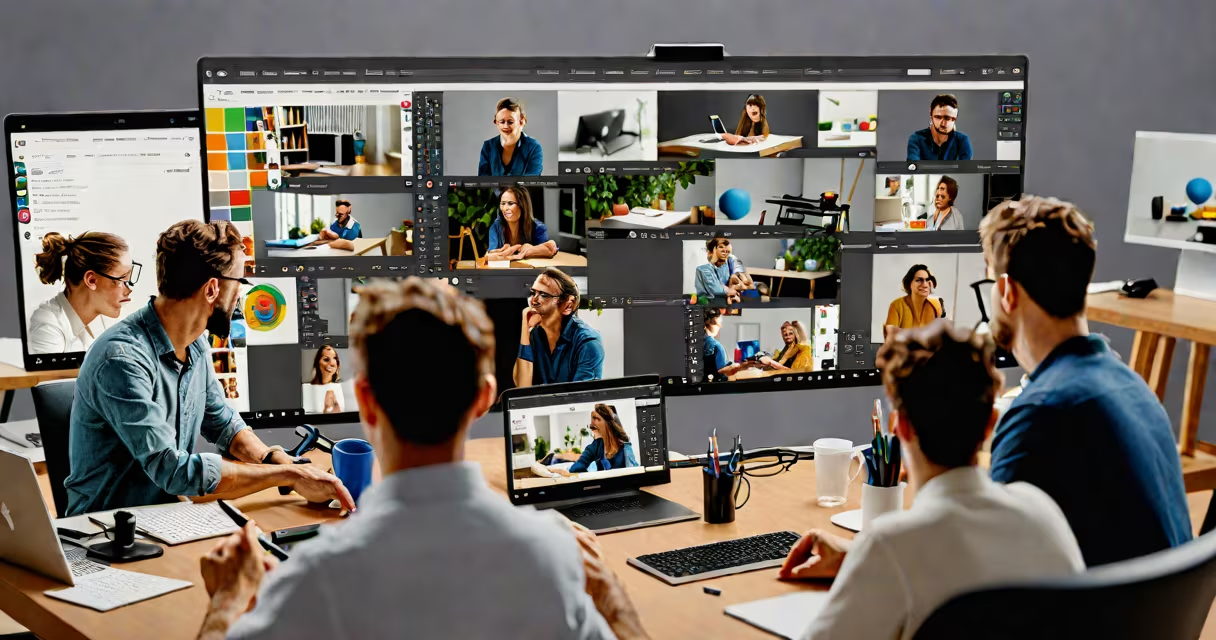
Web based design tools are cloud-hosted applications that allow users to create, edit, and collaborate on digital designs-such as websites, apps, and graphics-through a web browser, without installing software locally.
These tools run entirely in the browser, storing project files on remote servers. Users access them via a URL, log in with credentials, and begin designing immediately. All changes sync in real time across devices and user accounts. This eliminates the need for local installations, file transfers, or version conflicts common in desktop-based workflows.
Major platforms like Figma, Adobe XD, and Sketch (via cloud sync) support features such as vector editing, prototyping, component libraries, and live collaboration. They are accessible on Windows, macOS, iOS, Android, and Chrome OS through standard browsers like Chrome, Safari, and Edge.
When you open a web based design tool, your browser connects to a server hosting the application's interface and data. You interact with the UI through JavaScript, WebGL, and WebAssembly, which render complex visual elements smoothly even on low-powered devices.
All edits are sent to the server in real time. The server validates changes, applies them to the shared document, and pushes updates to all connected users. This model enables simultaneous editing-multiple designers can move a button, adjust spacing, or change colors at the same time, with changes visible instantly.
For example, in Figma, when one designer resizes a navigation bar, others see the update within 100 milliseconds. The system uses operational transformation (OT) or conflict-free replicated data types (CRDTs) to resolve overlapping edits automatically, preventing data loss or corruption.
Design tools vary by primary function. The most common categories include:
| Type | Primary Use | Examples | Key Feature |
|---|---|---|---|
| UI/UX Design | Creating wireframes, prototypes, and interactive interfaces for apps and websites | Figma, Adobe XD, Framer | Component-based design with auto-layout and prototyping |
| Graphic Design | Producing logos, social media assets, flyers, and branding materials | Canva, Adobe Express, Visme | Templates, drag-and-drop interface, AI-powered suggestions |
| Collaboration-Centric | Team-based projects requiring real-time feedback and task tracking | Figma, Miro, MURAL | Live cursors, comment threads, integrated task management |
| Code Integration | Generating production-ready code from design files | Figma (with plugins), Webflow, Zeplin | Exporting CSS, React components, or SVGs directly from design layers |
Each type supports different workflows. For instance, Figma excels in UI/UX and team collaboration, while Canva targets non-designers needing quick visuals. Tools like Webflow blend design and development, allowing users to build responsive websites directly from a visual canvas.
A lesser-known fact: many web based design tools now integrate AI assistants that suggest layouts, generate color palettes, or auto-align elements. Figma's "Auto Layout" feature, for example, adjusts spacing and sizing dynamically when content changes-critical for responsive design.
People often confuse web based design tools with desktop software like Photoshop or Illustrator. While both handle visual design, the key difference lies in execution environment and collaboration model. Desktop tools require installation, local storage, and manual file sharing. Web based tools operate remotely, enabling instant access and continuous synchronization.
Another confusion arises between web based design tools and website builders like Wix or Squarespace. These platforms let users create websites without coding, but they don't offer full design control or exportable assets. A web based design tool like Figma lets you prototype a login screen, test interactions, and hand off pixel-perfect specs to developers-something Wix cannot do.
Some assume web based tools are slower or less useful due to reliance on internet connectivity. However, modern implementations cache data locally and use efficient rendering engines. Even with intermittent connection, users can continue working offline, with changes syncing once reconnected-Figma's offline mode handles up to 100 edits before requiring sync.
In 2023, a startup in Austin used Figma to design their mobile app during a sprint. The product manager, two UX designers, and a frontend developer collaborated in real time across three time zones. They created a login flow using reusable components, tested transitions, and exported React code directly into their codebase.
Here's how it unfolded:
This workflow reduced design-to-development handoff time from 5 days to under 1 hour-according to internal metrics.
I've used Figma daily for over two years to design dashboards for SaaS clients. One project required 12 versions of a dashboard layout. With version history and named commits, we reverted to a prior state after a client rejected a redesign-without losing progress.
According to the 2023 State of Design report by InVision, 78% of design teams now use at least one web based design tool. The shift is driven by remote work, faster iteration cycles, and tighter integration with development pipelines.
These tools reduce friction between roles. Designers share prototypes with stakeholders via public links. Developers extract assets and code directly. Product managers track progress through embedded timelines and annotations.
For anyone creating digital experiences-from freelancers to enterprise teams-web based design tools provide consistent, scalable, and accessible workflows. They are not just tools; they are the foundation of modern design collaboration.