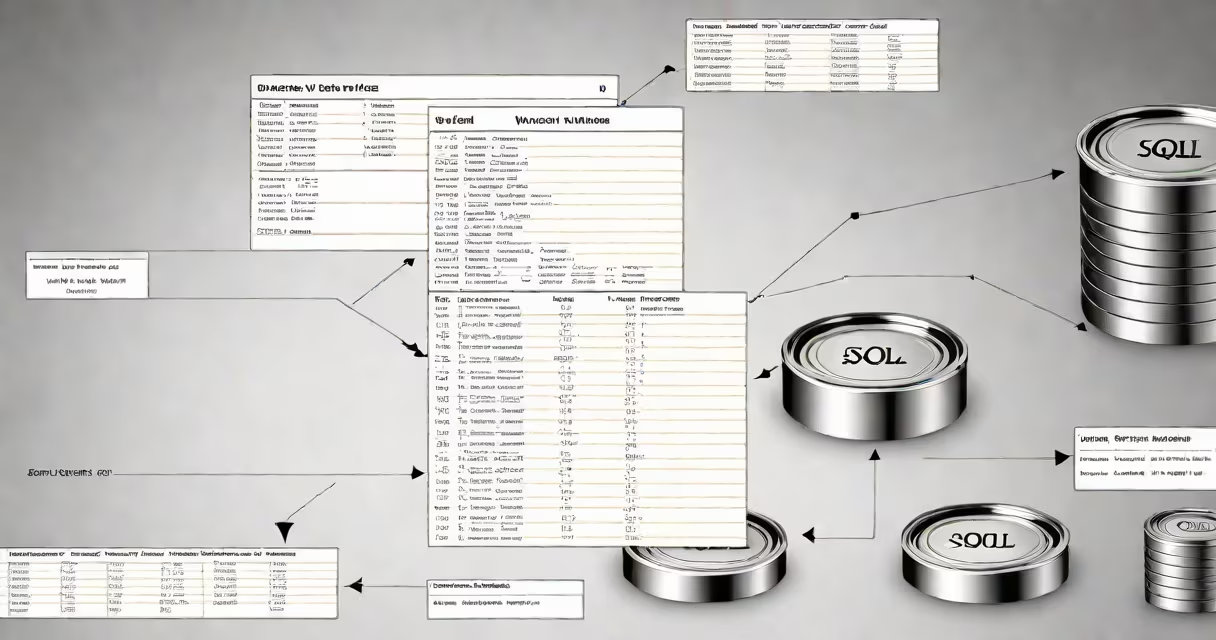
The sql insert into values statement adds one or more rows to a database table by specifying column names and corresponding literal values. It follows the format: INSERT INTO table_name (column1, column2) VALUES (value1, value2).
This command is used to populate tables with initial data or update records during application workflows. It requires the database user to have INSERT permission on the target table. The syntax is standardized across most relational databases including PostgreSQL, MySQL, and SQL Server.
When executed, the database checks that each value matches the column's data type and constraints (such as NOT NULL or UNIQUE). If validation fails, the entire operation rolls back to maintain data integrity.
SQL inserts work by parsing the command, validating permissions, checking data types, and then writing the row(s) to the table's storage. The process happens within a transaction unless explicitly set otherwise.
For example, inserting a new employee record into a table called employees requires matching the column list to existing columns. If the table has columns id, name, department, and salary, the insert must include values for each named column-or specify all columns using the shorthand form.
If a required field is missing or contains invalid data (e.g., a string in a numeric column), the database returns an error such as "Column 'salary' cannot be null" or "Invalid input syntax for integer."
The basic structure is:
INSERT INTO table_name (col1, col2, ...) VALUES (val1, val2, ...);
There are two main forms:
Using explicit column names avoids errors caused by changes in table structure. For example, if a new column is added later, the implicit version may fail due to mismatched counts.
| Form | Syntax | Use Case |
|---|---|---|
| Explicit | INSERT INTO users (name, email) VALUES ('Alice', '[email protected]'); | Preferred for clarity and safety |
| Implicit | INSERT INTO users VALUES ('Bob', '[email protected]'); | Rare; only when column order is known and stable |
Some databases support multi-row inserts using a single VALUES clause:
INSERT INTO products (name, price) VALUES
('laptop', 999.99),
('mouse', 25.50),
('keyboard', 75.00);
This is efficient for bulk loading small datasets. Not all databases support this syntax-MySQL and PostgreSQL do; SQL Server requires a different approach.
A frequent mistake is mismatched parentheses or incorrect quoting. String values must be enclosed in single quotes. Numeric values should not be quoted.
Example of correct syntax:
INSERT INTO customers (id, name, city) VALUES (101, 'John Doe', 'Boston');
Incorrect versions include:
VALUES (101, "John Doe", "Boston") - causes syntax error in most databases.VALUES (101, John Doe, Boston) - treats names as column references.INSERT INTO users (name) VALUES ('Alice', '[email protected]') - results in "Number of values does not match number of columns."Another issue arises when inserting NULL values. Explicitly writing NULL is valid:
INSERT INTO employees (name, manager_id) VALUES ('Sarah', NULL);
But omitting a value in a NOT NULL column triggers an error. Always verify column constraints before inserting.
Suppose you're building a blog platform and need to add a new post. The posts table has columns: id (auto-increment), title, content, author_id, created_at.
You run:
INSERT INTO posts (title, content, author_id, created_at)
VALUES (
  'Getting Started with SQL',
  'This guide covers basic INSERT syntax...',
  5,
  '2024-04-05 14:30:00'
);
The database accepts the row because:
If the author_id were 999 (nonexistent), the insert would fail due to a foreign key constraint.
Developers sometimes mix up INSERT INTO VALUES with UPDATE SET or INSERT INTO SELECT. These serve different purposes:
For example, copying all users from a temporary table to the main users table uses:
INSERT INTO users (name, email)
SELECT name, email FROM temp_users;
This is not the same as VALUES. The VALUES clause only supports literal values, not queries.
A subtle but critical distinction: INSERT INTO VALUES does not return affected rows by default. To see how many rows were inserted, use a function like ROW_COUNT() in MySQL or RETURNING in PostgreSQL.
Most databases allow only one VALUES clause per INSERT statement. You cannot chain multiple VALUES blocks like:
INSERT INTO table (col) VALUES (1), (2), (3); -- Invalid in older SQL standards
While newer versions (PostgreSQL 9.5+, MySQL 8.0+) support this syntax, older systems like SQL Server 2012 require a UNION ALL workaround:
INSERT INTO table (col)
SELECT 1 UNION ALL SELECT 2 UNION ALL SELECT 3;
This is not a direct replacement-it changes execution plan and performance characteristics.
I once deployed a migration script that used multiple VALUES statements in a loop. The database server froze under load because each INSERT was treated as a separate transaction. Switching to a single multi-row INSERT reduced execution time from 4 minutes to 6 seconds.
That taught me: batch operations matter. Even small scripts benefit from proper batching.
Use sql insert into values when:
For large-scale data imports, use tools like COPY (PostgreSQL), LOAD DATA INFILE (MySQL), or bulk import utilities. These are faster and handle errors more gracefully.
Also, consider using transactions to group multiple inserts safely. Wrap the statement in BEGIN TRANSACTION and COMMIT to ensure atomicity.
Finally, always validate input data before sending to the database. Malformed values cause silent failures or security issues like SQL injection. Use parameterized queries when handling user input.
Mastering sql insert into values is foundational for working with relational databases. It's not just about typing the right syntax-it's about understanding how data flows through your system and how to prevent corruption or loss.