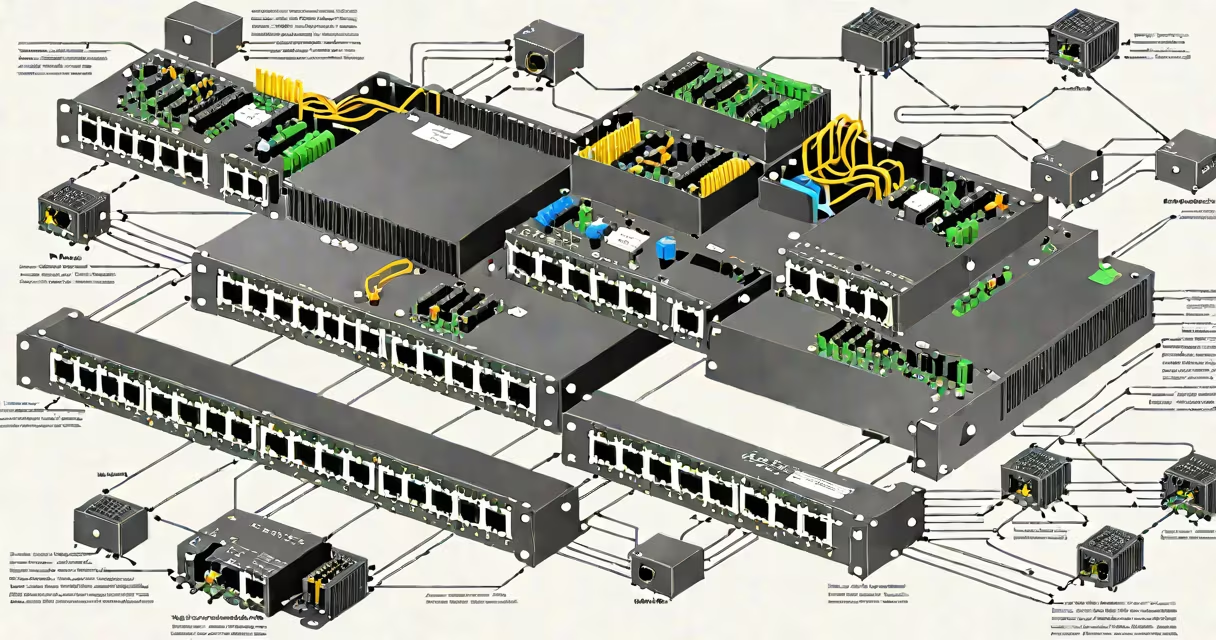
A poe capable switch is a network switch that supplies electrical power over standard Ethernet cables to connected devices, eliminating the need for separate power adapters. It enables devices like IP cameras, VoIP phones, and wireless access points to receive both data and power through a single cable.
PoE capability is defined by IEEE standards. The original IEEE 802.3af standard provides up to 15.4 watts per port, while IEEE 802.3at (PoE+) increases this to 30 watts. A newer standard, IEEE 802.3bt (PoE++), supports up to 60 watts per port and is used for high-power devices such as PTZ cameras and advanced access points.
These switches integrate power sourcing equipment (PSE) into their design. When a device connects, the switch detects whether it supports PoE and applies power accordingly. This prevents damage to non-PoE devices. For example, connecting a standard laptop to a PoE switch causes no harm because the switch only powers devices that request it.
Power over Ethernet operates by injecting DC voltage onto the same twisted pairs used for data transmission. In 10/100 Mbps networks, power is delivered on pairs 1-2 and 3-4. Gigabit Ethernet uses all four pairs, allowing higher power delivery. The switch acts as the power source, while the connected device (powered device or PD) draws energy from the line.
Each port on a PoE capable switch monitors current draw. If a device exceeds its rated power or fails to negotiate properly, the switch cuts power to prevent overheating or damage. This negotiation happens during the initial handshake, using low-voltage signals to assess power requirements.
For example, a security camera requiring 12 watts will be supplied with exactly that amount if the switch supports PoE+. If the switch only supports 802.3af, it may not deliver enough power, causing the camera to fail to boot or reset intermittently.
Three primary PoE standards define power levels and compatibility:
| Standard | Max Power Per Port | Use Cases | Common Devices |
|---|---|---|---|
| IEEE 802.3af (PoE) | 15.4 W | Basic IP phones, entry-level access points | VoIP phones, basic surveillance cameras |
| IEEE 802.3at (PoE+) | 30 W | High-performance access points, PTZ cameras | Wireless access points, pan-tilt-zoom cameras |
| IEEE 802.3bt (PoE++) | 60 W (Type 3), 90 W (Type 4) | High-end video systems, digital signage | Advanced PTZ cameras, smart displays, high-density access points |
Not all PoE switches support all standards. A switch labeled "PoE+" typically supports 802.3at but not 802.3bt Type 4. Always verify the standard supported by both the switch and the device.
Some switches offer PoE on select ports only. For example, a 24-port switch may have 8 PoE ports and 16 non-PoE ports. These are often used in mixed environments where only certain devices require power.
Businesses deploy poe capable switches to simplify infrastructure. Installing a single cable for both data and power reduces cabling complexity, lowers installation costs, and improves scalability. This is especially valuable in environments like office buildings, retail stores, and campuses.
For example, a hotel installing 50 IP cameras across multiple floors avoids running power lines to each unit. Instead, each camera connects via a single Ethernet cable to a central PoE switch. The switch powers all cameras from a single power supply, reducing labor and material costs.
Another common use is in wireless networking. Access points placed in ceilings or behind walls can be powered entirely by the Ethernet cable. This eliminates the need for nearby outlets and allows flexible placement based on coverage needs rather than power availability.
Many assume that any switch with a power adapter is PoE capable. That's incorrect. A switch with a power brick still requires PoE functionality in its circuitry. Without PoE support, it cannot deliver power over Ethernet.
Another misconception is that PoE switches can power any device. They cannot. A device must be designed to accept PoE. Connecting a non-PoE device to a PoE port won't cause damage-but the device won't turn on unless it has a PoE receiver.
Also, PoE does not increase data speed. It only adds power delivery. A 1 Gbps PoE switch performs at 1 Gbps regardless of whether power is being delivered. Bandwidth and power are separate functions.
One non-obvious fact: PoE switches consume more power than non-PoE switches. Even when no devices are drawing power, the switch's PSE circuits remain active. A 48-port PoE switch may draw 100-150 watts continuously, compared to 30-50 watts for a similar non-PoE model.
A retail chain with 12 locations installs a centralized security system. Each store has 10 IP cameras, 4 VoIP phones, and 2 wireless access points. All devices are PoE compatible.
The IT team selects a 24-port PoE+ switch (supporting 802.3at) with a 150W power budget. Each camera uses 10W, each phone 6W, and each access point 15W. Total power required: (10 × 10) + (4 × 6) + (2 × 15) = 100 + 24 + 30 = 154W.
The switch's 150W budget falls short. The team upgrades to a 24-port PoE++ switch with a 300W power supply. The new switch supports 802.3bt Type 3, delivering up to 60W per port. Power usage remains under 160W, well within limits.
This setup allows remote management, reduced cabling, and simplified maintenance. The store manager can view live feeds from any camera without needing a local power source.
When selecting a poe capable switch, consider the number of PoE devices, their power draw, and the standard they use. Check the switch's total power budget and per-port limits. Overloading the power supply causes instability or shutdowns.
For high-density deployments, look for switches with redundant power supplies. These ensure uptime during outages. Enterprise-grade models often include features like port mirroring, VLAN support, and remote monitoring.
Testing a switch in a lab environment reveals real-world performance. I once deployed a 48-port PoE switch in a warehouse. Initially, it failed to power 12 new access points. Investigation showed the switch's power budget was exceeded. After replacing it with a model rated for 300W, all devices powered reliably.
Always match the switch's PoE standard to the device's requirements. Using a PoE+ switch with a device that only supports 802.3af is safe-but using a PoE+ switch with a device that needs 40W will result in failure.
Understanding the capabilities and limitations of a poe capable switch ensures reliable deployment and long-term stability in any network environment.