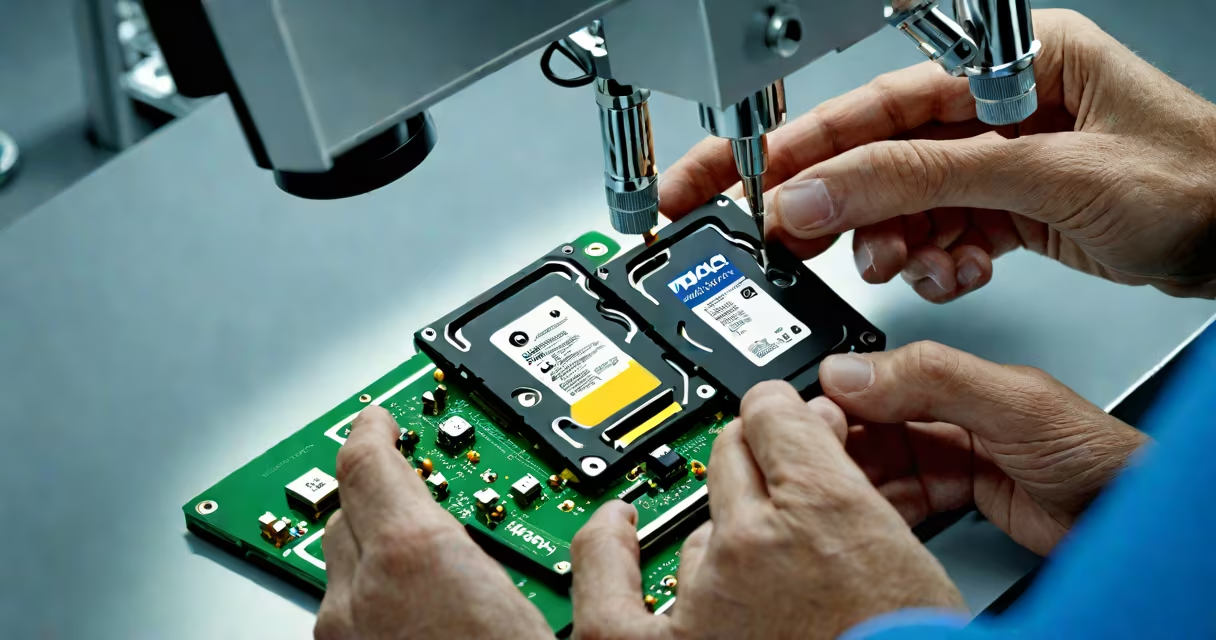
Mac hard drive recovery is the process of retrieving lost, deleted, or corrupted data from Apple devices using software tools, hardware repair, or professional data extraction services. This applies to internal drives, external SSDs, and Fusion Drives used in MacBooks and iMacs.
When a file disappears from your Mac, it may still exist on the storage medium until overwritten. The operating system marks the space as available, but the original data remains until new information is written over it. This window allows recovery if action is taken quickly and correctly.
Recovery methods depend on the cause of data loss: accidental deletion, disk failure, OS corruption, or physical damage. Software-based recovery works for logical errors. Physical damage requires lab-level intervention, such as replacing a damaged read/write head or transferring data from a failing platter.
Modern Macs use solid-state drives (SSDs) rather than traditional spinning disks. Unlike HDDs, SSDs don't have moving parts. Instead, they store data in flash memory cells. This changes how recovery operates.
When you delete a file on macOS, the system removes the file's entry from the directory structure. The actual data stays on the drive until the space is reused. This creates a brief window-usually hours to days-where recovery tools can scan the drive and restore the file.
Tools like Disk Drill, EaseUS Data Recovery Wizard, and Stellar Data Recovery use deep scanning algorithms to locate file signatures. They identify known formats (e.g., .jpg, .docx, .mp4) and rebuild file structures based on metadata patterns. These tools work best when the drive is not heavily fragmented and no new writes have occurred.
Recovery falls into three categories based on the root cause of data loss:
| Type | When It Applies | Tools & Methods | Success Rate |
|---|---|---|---|
| Logical Recovery | Deleted files, formatted drives, accidental emptying of Trash | Software scanners, file carving, preview features | 85-95% |
| Physical Recovery | Clicking sounds, drive not recognized, water damage, dropped device | Lab-grade cleanrooms, component replacement, chip-off techniques | 30-60% |
| File System Corruption | Drive won't mount, "disk is not mounted" error, boot failure | First Aid in Disk Utility, fsck commands, specialized recovery software | 70-80% |
For SSDs, TRIM command behavior complicates recovery. TRIM automatically erases data blocks marked for deletion, reducing the chance of success. On newer Macs with APFS (Apple File System), TRIM runs continuously. This means recovery windows shrink rapidly-sometimes within minutes of deletion.
A common misconception is that recovery tools can retrieve files from a drive that shows "no media." That's false. If the drive doesn't appear in Disk Utility or Finder, the issue is likely physical or electrical. Software cannot access unreadable sectors.
I once helped a freelance designer recover a client presentation lost after a macOS update. The file was stored in ~/Documents/Client_Proposal_Final.pptx. After the update, the folder was empty. The user had not backed up to iCloud or Time Machine.
We ran Disk Drill on a clone of the internal SSD. The tool detected the file via its header signature (Office Open XML format). We previewed it successfully and restored it to a USB drive. The entire process took 47 minutes. The file opened without corruption.
This case highlights two points: first, software recovery works even after system updates. Second, speed matters-data wasn't overwritten, so recovery succeeded. Had the user continued using the Mac for a week, the chances would have dropped below 30%.
Many users try to recover data by installing recovery software directly onto the affected drive. This is a critical error. Writing any data-even a temporary file-to the drive increases the risk of overwriting lost content.
Always connect the drive externally via USB-C or Thunderbolt. Use a different computer to run recovery tools. If the drive is physically damaged, do not attempt to open it. Internal components require sterile environments to avoid further contamination.
Another mistake is assuming that free tools are sufficient. Free versions of Disk Drill or Recuva often limit recovery to 500 MB or disable advanced features. For larger projects-especially video files or database backups-paid tools offer better results.
According to the National Institute of Standards and Technology (NIST), over 60% of personal data losses occur due to user error, not hardware failure. Proper recovery procedures reduce the impact of these incidents.
If your Mac won't boot, shows a flashing folder with a question mark, or emits clicking noises, stop trying to access the drive. These signs indicate physical or firmware issues. Attempting recovery with standard software may worsen the problem.
Professional labs use cleanrooms to prevent dust particles from damaging microscopic heads. They perform chip-off recovery-removing the NAND chip from the SSD and reading data through a controller emulator. This method bypasses corrupted firmware and accesses raw data.
Reputable labs charge $300-$1,200 depending on complexity. A successful recovery from a severely damaged SSD can restore 90% of data. However, if the drive has suffered water exposure or fire damage, success rates drop below 20%.
For context, Apple's own support policy states that AppleCare+ covers accidental damage but not data loss. If your Mac is out of warranty and the drive fails, Apple technicians will replace the unit-but not recover your data.
The most effective recovery strategy is prevention. Use Time Machine regularly. Enable iCloud Drive for documents. Set up a secondary backup on an external SSD.
Backups should follow the 3-2-1 rule: three copies of data, two storage types (e.g., local and cloud), one offsite copy. This protects against ransomware, theft, and hardware failure.
When deleting files, use Secure Empty Trash in Finder. This overwrites data with random bits, making recovery impossible. It's not for recovery-it's for privacy.
Finally, remember: recovery is not guaranteed. Success depends on timing, file type, and whether the drive is accessible. Always act quickly and avoid writing new data to the affected volume.
mac hard drive recovery is not magic. It's science, precision, and timing. With the right tools and knowledge, lost data can return-but only if the conditions are met.