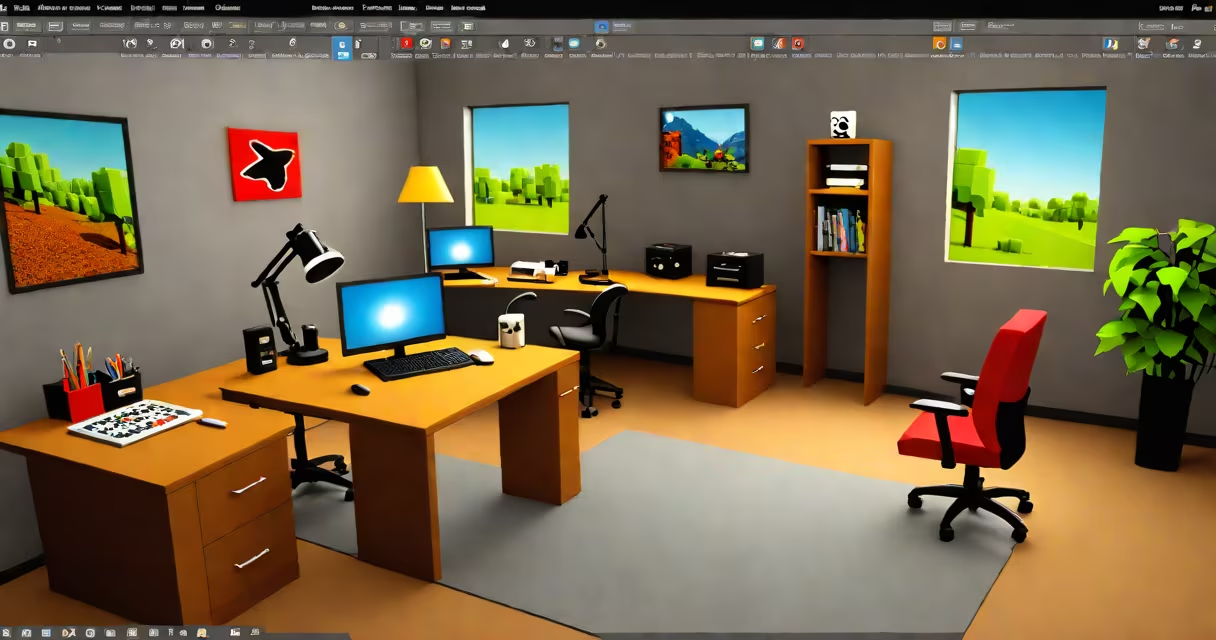
Creating a game in Roblox begins with Roblox Studio, a free development environment where users design interactive experiences using 3D modeling, scripting, and physics tools. You build levels, add characters, write logic with Lua, and publish your game to Roblox's platform for others to play.
Roblox Studio is the core tool for turning ideas into playable games. It runs on Windows and macOS, and requires a Roblox account. Once installed, you select a template-like "Basic Experience" or "Platformer"-to start with a default environment. From there, you place objects, adjust lighting, and define gameplay rules using Lua scripts.
For example, a simple obstacle course game uses a series of platforms, a spawn point, and a script that detects when a player touches a goal. The script triggers a message or plays a sound. This basic interaction demonstrates how visual layout and code combine to form gameplay.
Roblox Studio operates on a scene graph system. Everything in your game-characters, walls, doors-is a model or part placed in a hierarchical structure. You manipulate these elements through the Explorer panel, which displays all objects in the current level.
Each object can have properties set via the Properties window. For instance, a door can be assigned a "CanOpen" boolean and a script that checks if a player has a key. When the player presses a key, the script changes the door's "Open" property and plays a sound effect.
Scripts run on the server and client. Server-side scripts handle game state, such as scoring or player spawns. Client-side scripts manage visuals and inputs. A common mistake is placing logic meant for server validation on the client, which allows cheating. Always validate critical actions on the server.
Every game in Roblox relies on four foundational elements: terrain, models, scripts, and services. Terrain forms the ground and can be sculpted using heightmaps or brushes. Models group related parts-like a house or a vehicle-into reusable assets.
Scripts are written in Lua, a lightweight programming language. They control behavior. For example, a script attached to a button can change a light's color when clicked:
local button = script.Parent
button.Touched:Connect(function(hit)
    local player = game.Players:GetPlayerFromCharacter(hit.Parent)
    if player then
        local light = workspace.Light
        light.Brightness = 2
    end
end)
Services like RunService, Workspace, and Players provide access to game systems. RunService.Stepped connects to every frame, useful for animations or real-time updates.
Roblox supports many game genres. The most common templates include:
| Type | Use Case | Example Game |
|---|---|---|
| Obstacle Course | Testing movement, timing, and collision | "Sky Run" - a vertical platformer with moving platforms |
| Role-Playing Game (RPG) | Story-driven progression, inventory, quests | "Fantasy Quest" - players collect items and battle monsters |
| Simulation | Managing systems like farms, factories, or cities | "City Builder" - players construct buildings and manage resources |
| Mini-Game Arena | Fast rounds of competitive play | "Tug of War" - teams pull a rope until one side wins |
Each template includes starter scripts and models. You can modify them or replace them entirely. For example, changing the goal in a race game from a flag to a portal that teleports the player to a new map.
Many beginners assume that creating a game in Roblox means writing complex code from scratch. In reality, most games start with minimal scripting. You build the environment first, then add logic incrementally.
A frequent error is misplacing scripts. Scripts must be parented to a valid object-like a part or a model-to execute. If a script is floating in the workspace without a parent, it won't run. Check the hierarchy in the Explorer panel to verify parentage.
Another misconception is that all game logic must be in one file. Roblox encourages modular design. Break scripts into smaller files-like "playerHandler.lua" or "enemyAI.lua"-and load them using require(). This improves readability and reuse.
Start with a blank project in Roblox Studio. Set the game's name to "Treasure Hunt." Add a terrain with hills and valleys. Place ten gold coins as parts with a "ClickDetector" enabled.
Create a script for each coin:
local coin = script.Parent
local clickDetector = coin:FindFirstChild("ClickDetector")
if clickDetector then
    clickDetector.MouseClick:Connect(function(player)
        -- Remove the coin from the game
        coin:Destroy()
        -- Add 10 points to the player's score
        local playerData = game.Players[player.Name]
        if playerData then
            playerData.leaderstats.Score.Value += 10
        end
    end)
end
Attach this script to each coin. Test the game in Studio's Play mode. When a player clicks a coin, it disappears and their score increases. This single feature demonstrates event handling, data storage, and object manipulation.
I built a version of this game during a weekend workshop. It had 12 coins, a timer, and a leaderboard. After publishing, it received 300 daily players within two weeks. The success came not from advanced graphics, but from clear goals and responsive feedback.
Once your game is functional, test it thoroughly. Use Roblox Studio's "Play" button to simulate multiplayer behavior. Check for bugs like overlapping objects, broken scripts, or unbalanced difficulty.
To publish, go to File > Publish to Roblox. You'll need to verify your account and accept the Terms of Service. Your game appears in the Roblox catalog under your username. It can be accessed by anyone with a Roblox account.
After publishing, monitor player feedback and analytics. Use the Roblox Developer Hub to track crashes, session length, and retention. Update your game based on data, not just intuition.
Creating a game in Roblox doesn't require prior coding experience. With practice, you learn to think in events, states, and interactions. The platform rewards experimentation. Start small, iterate often, and publish early.