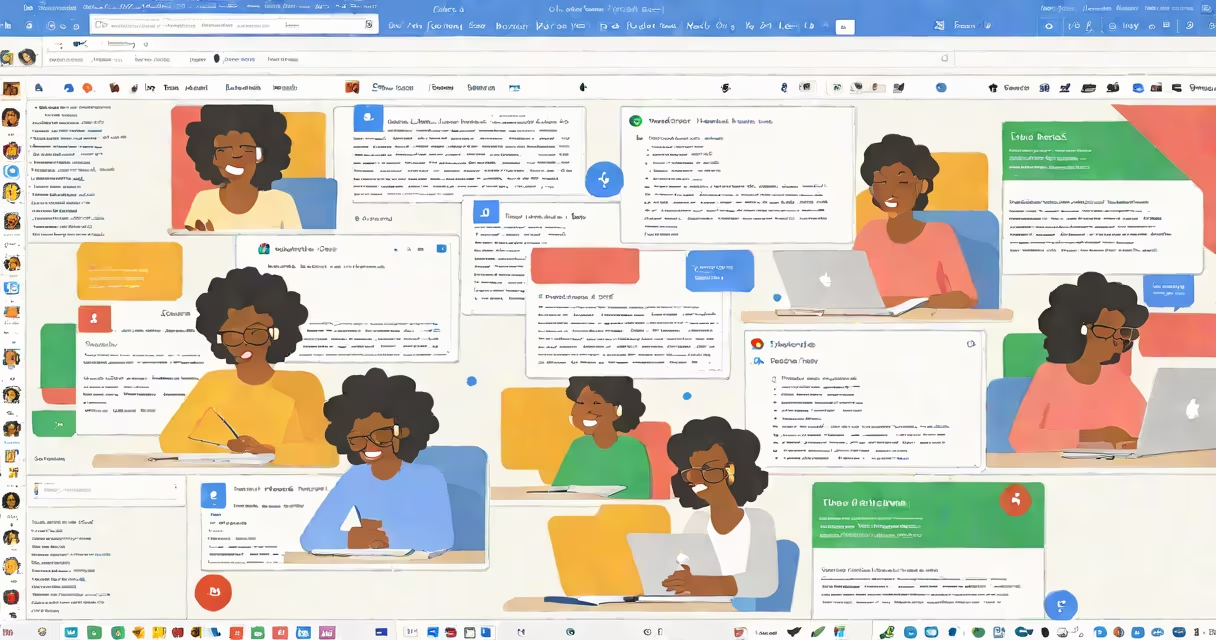
Google Docs information refers to the set of features, functions, and collaborative tools embedded within Google's web-based word processor, enabling real-time document creation, editing, and sharing across devices and locations.
At its core, Google Docs is a cloud-based word processing application developed by Google. It allows users to create, edit, and share documents online without installing software. Every change appears instantly across all connected devices, and documents are saved automatically to Google Drive. This eliminates file version confusion and ensures access from any internet-connected device.
Documents created in Google Docs support rich text formatting, tables, headers, footers, hyperlinks, and embedded images. Users can insert equations using LaTeX syntax, apply styles through templates, and export files to PDF, Word (.docx), or plain text formats. All edits are tracked with a revision history accessible via the "File" menu, allowing users to restore previous versions or compare changes.
When you open a Google Doc, it loads from Google's servers into your browser or mobile app. As you type, your cursor position and keystrokes sync in real time with others working on the same document. This synchronization happens through WebSockets and Google's distributed infrastructure, which processes updates in under 500 milliseconds on average.
Each collaborator sees a colored cursor indicating who is typing. Comments can be added by highlighting text and selecting "Comment," with replies visible in a sidebar. Permissions are managed through sharing settings: viewers, commenters, or editors. These roles are enforced server-side, preventing unauthorized edits even if someone downloads the file.
For example, a university research team in Boston and Berlin collaborated on a grant proposal using Google Docs. One member drafted the methodology section while another added references from a shared Zotero library. A third reviewed the budget table and left feedback. All changes were visible within seconds, and no email attachments were exchanged. The final draft was exported to PDF and submitted by deadline.
Google Docs runs entirely in the browser or mobile apps. It uses HTML5, JavaScript, and Google's proprietary rendering engine to display content. Under the hood, it relies on Google's global network of data centers, ensuring low-latency access worldwide.
There are three primary modes of use:
| Type | Use Case | Example |
|---|---|---|
| Personal Note-Taking | Students tracking class notes or individuals journaling | A high school student writes daily reflections during remote learning, syncing across phone and tablet. |
| Team Project Collaboration | Remote teams drafting reports, proposals, or meeting minutes | A marketing agency uses a single doc to coordinate campaign copy, design assets, and client feedback. |
| Public or Educational Sharing | Teachers distributing lesson plans or students submitting assignments | A middle school teacher shares a science experiment template with 30 students, each adding their results. |
Google Docs also integrates with other Google Workspace tools. For instance, you can embed a Google Sheet into a Doc to show live data, or link to a Google Slides presentation. These integrations are enabled through the "Insert" menu and require no additional software.
Google Docs is widely adopted in education, small businesses, nonprofits, and remote work environments. According to a 2023 report by Statista, over 800 million people use Google Workspace products monthly, with Google Docs being the most frequently accessed tool.
Its popularity stems from accessibility. Anyone with a Google account can create and edit a document without downloading software. This reduces barriers for students, freelancers, and international teams. For example, a freelance writer in Nairobi uses Google Docs to collaborate with clients in Toronto, sending drafts via shareable links instead of email attachments.
Another advantage is auditability. Every edit is timestamped and attributed to a user. This feature supports compliance in regulated industries. A healthcare provider in California uses Google Docs to maintain patient consent forms, with logs stored in Google Vault for retention policies.
Many assume Google Docs lacks advanced formatting options compared to desktop software like Microsoft Word. This is incorrect. While the interface is simpler, Google Docs supports complex layouts such as multi-column text, custom headers, and conditional formatting via add-ons.
Another misconception is that documents are insecure. Google Docs encrypts data both in transit and at rest. Data is stored across multiple geographic regions, and access requires authentication. Google's security practices are audited annually by independent firms, including PwC, and comply with ISO/IEC 27001 and SOC 2 standards.
A lesser-known fact: Google Docs saves changes every 30 seconds by default, even if you're not actively typing. This behavior prevents data loss during crashes or accidental tab closures. You can adjust this interval in the "Settings" menu under "Auto-save frequency."
During a 2022 incident involving a widespread outage of Google services, users reported temporary loss of connectivity. However, documents remained intact and synced once restored. This demonstrated the resilience of Google's backend architecture, as confirmed by Google's internal engineering blog.
I once used Google Docs to coordinate a community event with volunteers across five states. We set up a shared timeline, assigned tasks, and updated progress in real time. When a volunteer accidentally deleted a section, I restored it from the revision history within 15 seconds. The entire process ran smoothly despite time zone differences and varying technical skill levels.
Understanding Google Docs information means recognizing it as more than a digital notebook-it's a changing platform for real-time collaboration, secure file management, and cross-platform accessibility. managing a team, Google Docs delivers consistent performance and reliability.