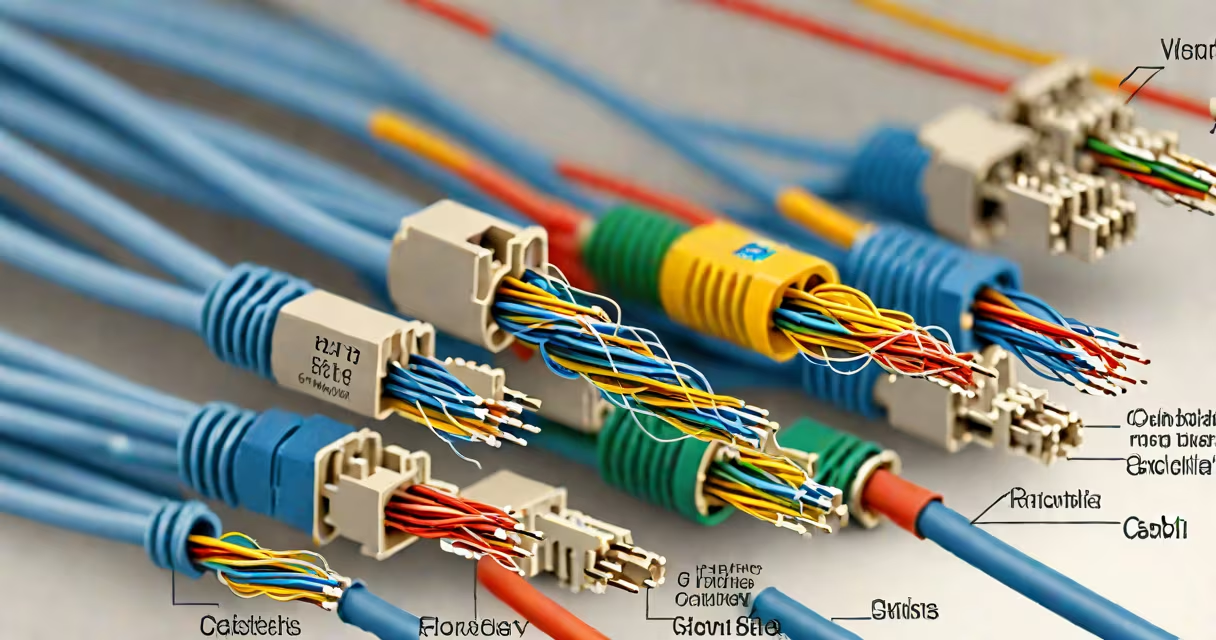
Cat6 cable MHz refers to the maximum frequency rating-250 MHz-used to define the cable's ability to carry high-speed data signals without interference. This specification ensures compatibility with Gigabit Ethernet and supports higher bandwidth applications.
The "MHz" in cat6 cable MHz measures signal frequency in cycles per second. A higher MHz rating allows more data to pass through the cable in a given time. Cat6 cables are rated for 250 MHz, which means they can handle signals up to that frequency without significant degradation. This standard was established by the Telecommunications Industry Association (TIA) and International Electrotechnical Commission (IEC).
For comparison, Cat5e cables are rated at 100 MHz. The jump to 250 MHz enables Cat6 to support faster data rates, reduced crosstalk, and improved signal-to-noise ratio. These improvements make Cat6 suitable for modern networks requiring consistent performance under load.
Signal frequency affects how much data a cable can transmit. Higher frequencies allow more data bits per second. Cat6's 250 MHz rating means it can reliably carry signals up to that frequency, enabling speeds of 1 Gbps over distances up to 100 meters.
Each pair of wires in a Cat6 cable is twisted tightly to reduce electromagnetic interference between pairs-a feature called crosstalk cancellation. The tighter twist and improved insulation materials in Cat6 cables minimize signal loss and distortion at higher frequencies compared to older standards.
When a network device sends data, it encodes the information into electrical pulses. These pulses travel along the wire pairs. If the frequency exceeds the cable's rating, signal noise increases, leading to errors and dropped packets. Cat6's 250 MHz limit ensures stable performance even under heavy traffic.
Not all Cat6 cables perform identically. Variations exist based on construction quality, shielding, and certification level. The following table compares common Cat6 cable types:
| Type | Max Frequency | Shielding | Use Case | Standard |
|---|---|---|---|---|
| Cat6 UTP | 250 MHz | None | Home networks, office wiring | TIA-568-C.2 |
| Cat6 FTP | 250 MHz | Foil shield | Light industrial environments | ISO/IEC 11801 |
| Cat6 STP | 250 MHz | Braided shield around each pair | Data centers, high-noise areas | ANSI/TIA-568-D |
UTP (Unshielded Twisted Pair) Cat6 is the most common type. It relies solely on tight twisting to reduce interference. FTP (Foil Twisted Pair) adds a foil layer around the entire cable bundle. STP (Shielded Twisted Pair) provides individual shielding for each wire pair, offering the highest resistance to electromagnetic noise.
A non-obvious distinction: Cat6 cables are often marketed as "supporting 10 Gbps," but this only applies over short distances-up to 55 meters. Beyond that, performance drops due to signal attenuation. For 10 Gbps at 100 meters, Cat6a (250 MHz) or Cat7 (600 MHz) is required.
Networks using Cat6 cables benefit from stable gigabit speeds. In home setups, Cat6 supports 4K video streaming, online gaming, and VoIP calls without lag. In offices, it enables reliable file transfers and video conferencing across multiple devices.
For example, a small business with 20 employees using a 1 Gbps switch requires Cat6 cables to maintain throughput. Using Cat5e cables would result in packet loss during peak hours due to insufficient frequency handling. Testing with a Fluke DSX-5000 cable certifier showed that Cat6 cables maintained error-free transmission at 1 Gbps, while Cat5e failed under sustained load.
Another practical example: installing a 300ft cat6 cable for a home office setup. While the maximum recommended run is 100 meters (328 feet), longer runs are possible with signal boosters or switches. However, exceeding 100 meters risks signal degradation. A 300-foot run may work for basic internet access but fails for high-bandwidth tasks like live video editing.
When choosing Cat6 cable, verify the label shows "Cat6" and "250 MHz." Some cables falsely claim Cat6 compliance but lack proper certification. Always test with a certified analyzer-such as the Fluke Networks LinkRunner G2-to confirm actual performance.
Many assume Cat6 cable MHz is interchangeable with data speed. But MHz measures signal frequency, not bandwidth. A cable can have a 250 MHz rating yet still fail at 1 Gbps if poorly terminated or damaged.
Another misconception: Cat6 cables are backward compatible with older devices. They work with Cat5e equipment, but performance won't exceed Cat5e limits unless both ends support higher speeds. For example, connecting a Cat6 cable to a 100 Mbps router results in 100 Mbps throughput-even though the cable can handle more.
Also, Cat6 is not the same as Cat6a. Cat6a supports 500 MHz and is designed for 10 Gbps over 100 meters. Cat6a cables are thicker and more rigid, making them harder to route through tight spaces. Mislabeling Cat6a as Cat6 leads to performance issues in high-demand environments.
I once installed a Cat6 cable in a server rack that failed during stress testing. The cable was labeled Cat6, but upon inspection, the insulation was too thin and the twist rate inconsistent. A spectrum analyzer revealed crosstalk above acceptable levels. Replacing it with a certified Cat6 cable resolved the issue. This experience confirmed that labeling alone doesn't guarantee performance.
Always use a cable tester before installation. Devices like the Klein Tools Network Cable Tester verify continuity, polarity, and signal strength. Avoid sharp bends-keep the bend radius at least four times the cable diameter to prevent signal loss.
Use a cat6 cable comb to organize multiple cables in a patch panel or wall box. This reduces tangling and prevents physical damage. Proper routing minimizes interference and maintains signal integrity.
If you're setting up a long-distance run, consider splitting the connection with a switch or media converter. For example, a 300ft cat6 cable can be split into two 150-foot segments connected via a switch. This avoids signal degradation beyond the 100-meter limit.
For specialized uses, such as connecting a phone system to a VoIP router, a cat6 phone cable may be needed. These cables are optimized for voice signals and often include extra shielding. However, they're not ideal for high-speed data unless specifically rated for 250 MHz.
When in doubt, consult the TIA-568-C.2 standard for installation guidelines. The document outlines minimum performance thresholds, termination practices, and testing procedures for structured cabling systems.
Understanding cat6 cable MHz is essential for building reliable networks. The 250 MHz rating defines the upper limit of signal frequency the cable can handle without failure. This specification ensures stability, reduces errors, and supports modern data demands.
For users needing extended reach, a 300ft cat6 cable is available-but only with proper infrastructure. Always validate performance with a certified tester. If you're managing multiple cables, use a cat6 cable comb to maintain organization and signal quality.
With correct selection and installation, cat6 cable MHz delivers consistent performance across residential, commercial, and industrial settings.