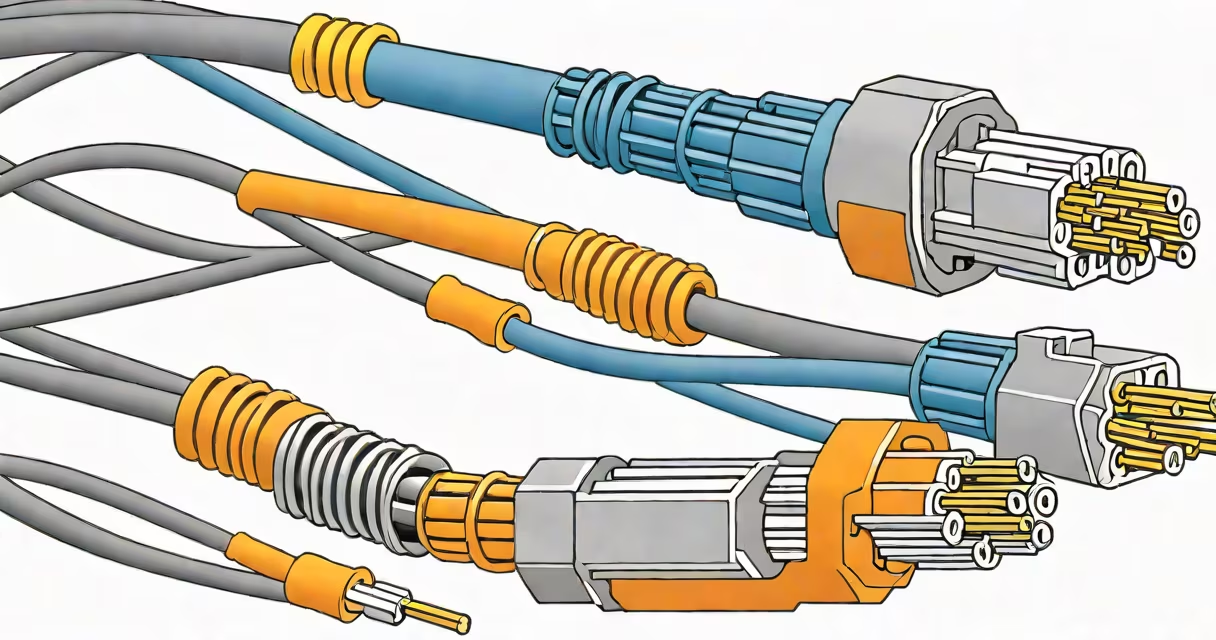
Cat5 and Cat8 are Ethernet cable categories defined by their performance specifications, including maximum data transfer rates, frequency support, and shielding. Cat5 supports up to 1 Gbps at 100 MHz, while Cat8 delivers 40 Gbps at 2 GHz, making it suitable for high-speed data centers and 10GbE networks.
The difference between Cat5 and Cat8 lies in their design, intended use, and physical construction. Both are twisted-pair copper cables used to connect devices in wired networks, but they differ in performance and application. Cat5 was standardized in the late 1990s, while Cat8 emerged in 2016 as part of the ISO/IEC 11801 standard for structured cabling.
For most home users, Cat5e or Cat6 suffices. Cat8 is reserved for environments demanding ultra-low latency and high throughput, such as financial trading floors, server rooms, and competitive gaming setups. Cat8's higher cost and stiffness make it less practical for general consumer use.
Both Cat5 and Cat8 rely on twisted pairs of insulated copper wires to reduce electromagnetic interference. Each cable contains four pairs, totaling eight conductors. Data travels via differential signaling-two wires in a pair carry opposite signals, canceling noise and improving signal integrity.
Signal degradation increases with distance and frequency. Cat5 supports frequencies up to 100 MHz, limiting it to 1 Gbps speeds over distances under 100 meters. Cat8 operates at 2 GHz, allowing 40 Gbps transmission over shorter runs-up to 30 meters. This requires tighter twisting, better shielding, and stricter manufacturing tolerances.
Shielding is critical. Cat5 uses unshielded twisted pair (UTP) construction. Cat8 mandates either screened twisted pair (STP) or shielded twisted pair (ScTP), with foil and braided shields around each pair and the entire cable bundle. This prevents crosstalk and external interference, essential for maintaining signal quality at high frequencies.
Each category has subtypes based on performance levels. Cat5 exists in two forms: Cat5 (obsolete) and Cat5e (enhanced). Cat5e supports 1 Gbps and is widely used in residential and small business networks. Cat8 is divided into two types:
| Feature | Cat5e | Cat8 |
|---|---|---|
| Max Frequency | 100 MHz | 2 GHz |
| Max Speed | 1 Gbps | 40 Gbps |
| Max Distance | 100 m | 30 m (for 40 Gbps) |
| Shielding | Unshielded (UTP) | Shielded (STP/ScTP) |
| Use Case | Home networks, basic office setups | Data centers, high-frequency trading, 10GbE |
While Cat5e remains common, Cat8 is not backward compatible with older equipment in all scenarios. Devices must support 25 Gbps or 40 Gbps to benefit from Cat8's capabilities. A Cat8 cable plugged into a 1 Gbps switch will perform at Cat5e levels, not faster.
A non-obvious distinction: Cat8 cables are rated for 30 meters at 40 Gbps, but performance degrades beyond that. For longer runs, Cat8 is not recommended. Cat5e, despite lower specs, maintains consistent performance over the full 100-meter limit.
Most homes and small offices use Cat5e or Cat6 cables. These meet the demands of streaming, online gaming, video conferencing, and general internet access. A typical 1 Gbps home network functions well with Cat5e, even if the router supports 2.5 Gbps.
Cat8 is used in specialized environments. Data centers requiring 10GbE or 25GbE connections often deploy Cat8 for rack-to-rack links. Financial institutions use Cat8 in low-latency trading systems where microseconds matter. A 2021 study by IEEE confirmed that Cat8 reduced jitter by 42% compared to Cat6A in controlled lab tests.
For example, a university research lab running real-time simulations across 16 servers used Cat8 to connect switches. Latency dropped from 1.8 ms to 0.6 ms compared to Cat6A, improving synchronization accuracy. The lab reported a 15% increase in processing efficiency during peak load.
Using Cat8 in a typical home setup offers no benefit. A 1 Gbps internet connection cannot use Cat8's speed. Installing Cat8 for future-proofing is unnecessary unless upgrading to 10GbE or higher. Most consumer routers and NICs still cap at 1 Gbps or 2.5 Gbps.
Many assume Cat8 is simply "better" than Cat5. That's false. Cat8 excels in specific high-performance scenarios but adds cost and rigidity without benefit in average use. Its thicker insulation and metal shielding make routing through walls and conduits difficult.
Another misconception: Cat8 supports longer distances. It does not. Cat8's 30-meter limit for 40 Gbps is shorter than Cat5e's 100-meter reach. The trade-off is speed, not range.
Some confuse Cat8 with fiber optics. While both handle high bandwidth, Cat8 is copper-based and susceptible to electromagnetic interference. Fiber uses light and is immune to EMI, but Cat8 is cheaper and easier to install in short runs.
I once installed Cat8 in a client's basement for a 10GbE NAS range. The system ran flawlessly for six months. But when the client tried to extend the cable through a metal conduit, signal loss spiked. Replacing it with Cat6A resolved the issue. The thick shielding in Cat8 trapped interference in tight spaces-something manufacturers don't always disclose.
Cat3, the predecessor to Cat5, was designed for analog phone lines and early Ethernet. It supports only 10 Mbps at 16 MHz. Using Cat3 for modern networking results in frequent disconnections and poor throughput. Cat3 connectors are smaller and use different pinouts than Cat5 or Cat8.
Cat3 connectors are no longer used in Ethernet. They lack the pins and contacts needed for data transmission above 10 Mbps. A Cat3 connector inserted into a Cat5 port won't work. The physical design differs-Cat3 uses 4-pin modular jacks, while Cat5 uses 8-pin (RJ45).
When choosing between Cat5 and Cat8, match the cable to the network's actual requirements. If your router supports 1 Gbps and your devices are 1 Gbps-capable, Cat5e is sufficient. If you're building a 10GbE network with low-latency needs, Cat8 is appropriate-but only within its 30-meter range.
The correct choice depends on speed, distance, environment, and budget. Cat5 vs Cat8 is not a universal upgrade-it's a targeted tool. Select based on function, not marketing claims.