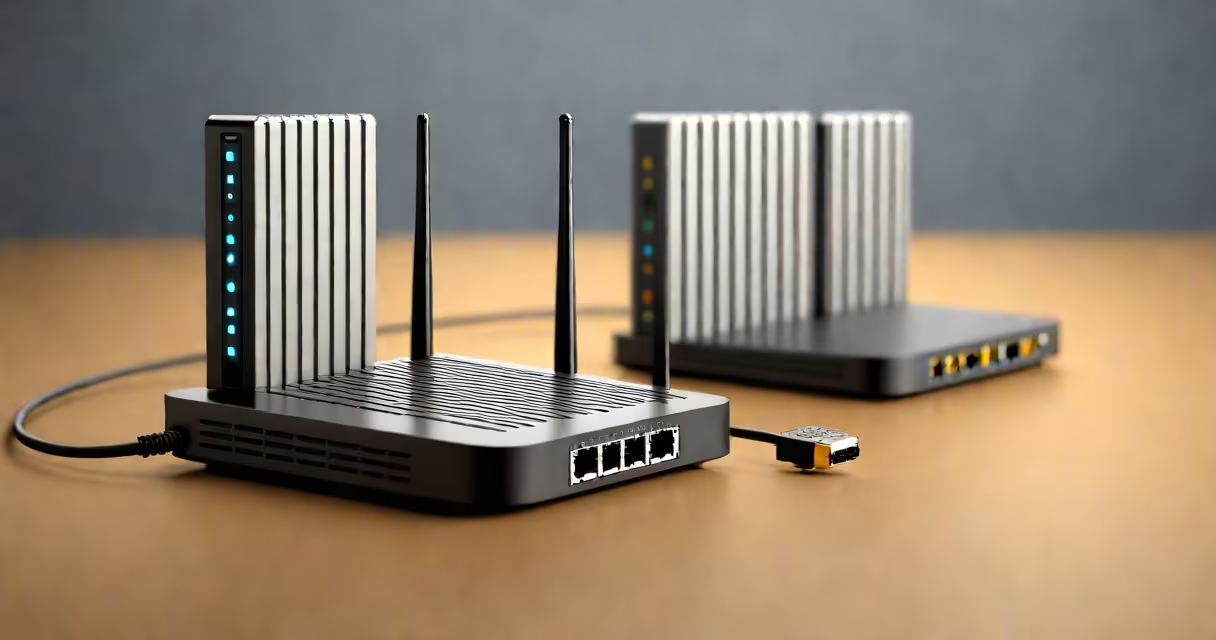
A cable modem converts signals from your cable provider into a usable internet connection, while a router distributes that connection to multiple devices via Wi-Fi or wired Ethernet. The modem handles the link to the internet; the router manages local network traffic.
These two devices serve distinct roles in home networking. A cable modem connects to your cable line using a coaxial cable and translates the signal into data your computer or smart devices can use. A router takes that data and broadcasts it as Wi-Fi or sends it through Ethernet ports to wired devices. Most households use both together, though some modern devices combine both functions into a single unit.
The confusion often arises because both devices sit near your internet service provider's termination point and share similar physical appearances. However, their internal operations differ. A modem operates at the network layer (Layer 3) of the OSI model, handling data transmission between your home and the wider internet. A router operates at the same layer but focuses on directing traffic among devices within your home network.
Cable modems receive broadband signals through a coaxial cable from your ISP. These signals travel at high speeds-up to 1 Gbps depending on your plan-but are encoded in a format only a modem can decode. The modem then outputs a standard Ethernet signal, typically through an RJ-45 port, which connects to a router.
Once the router receives the Ethernet signal, it performs several tasks. It assigns unique IP addresses to each connected device using DHCP. It filters incoming and outgoing traffic through a firewall. And it broadcasts a Wi-Fi signal using radio frequencies (2.4 GHz and 5 GHz bands) to allow smartphones, laptops, and smart TVs to connect wirelessly.
For example, if you have a 300 Mbps internet plan, your cable modem must support DOCSIS 3.1 standards to achieve that speed. A router with Wi-Fi 6 support can handle multiple high-bandwidth devices simultaneously-like a 4K stream on a TV, a video call on a laptop, and a game console online-all without lag.
Modems and routers come in standalone models or combined units. Standalone devices offer better performance and upgrade flexibility. Combined units, often called gateway devices, integrate both functions into one box. While convenient, they limit customization and may not scale well with faster internet plans.
| Type | Best For | Performance Limitation |
|---|---|---|
| Standalone modem + standalone router | High-speed plans, advanced users, mesh networks | Requires separate setup and management |
| Combined modem/router (gateway) | Basic internet use, simplicity seekers | May bottleneck at higher speeds |
| Modem-only with external router | Existing Wi-Fi systems, upgrading only the router | Requires manual configuration of the router |
DOCSIS 3.1 is the current standard for cable modems. It supports downstream speeds up to 10 Gbps and upstream speeds up to 1 Gbps. Older modems using DOCSIS 3.0 max out around 1 Gbps downstream and 200 Mbps upstream. If your ISP offers gigabit plans, a DOCSIS 3.1 modem is required.
For routers, Wi-Fi 6 (802.11ax) provides better performance in crowded environments and supports more devices. Wi-Fi 6E adds a 6 GHz band, reducing interference. A router without Wi-Fi 6 may struggle with multiple devices streaming or gaming simultaneously.
Many people assume that a router can replace a modem. This is incorrect. Without a modem, a router cannot access the internet. You cannot plug a router directly into a coaxial cable-the signal won't be recognized. The modem is essential for converting the analog signal from the cable line into digital data.
Another common mistake is assuming that a router with a stronger Wi-Fi signal automatically improves internet speed. Signal strength and actual throughput are different. A router may broadcast a strong signal, but if the modem is outdated or the ISP throttles bandwidth, the speed remains capped.
I once encountered a customer who replaced their old router with a high-end model boasting "10,000 Mbps" Wi-Fi. The issue? Their cable modem was DOCSIS 2.0, limiting them to 30 Mbps. The new router couldn't overcome that bottleneck. After upgrading the modem, speeds reached 200 Mbps-within the expected range for their plan.
You need both a cable modem and a router unless your ISP provides a combined device. Even then, many users replace the built-in router with a higher-performance model for better coverage and security.
For example, if you're setting up a home office with video conferencing, cloud backups, and remote access, a dedicated router with Quality of Service (QoS) settings lets you prioritize critical traffic. A standalone modem allows you to swap routers easily when new models launch.
Most ISPs provide a modem-router combo at no extra cost. But these devices often lack advanced features like parental controls, guest networks, or support for mesh systems. If you want better control over your network, buying separate devices gives you long-term flexibility.
To set up a basic network: connect the coaxial cable from the wall to the modem's coax port. Plug an Ethernet cable from the modem's LAN port into the router's WAN port. Power both devices. Wait 2-3 minutes for the modem to sync with the ISP. Then configure the router's Wi-Fi name and password through its web interface.
Always verify compatibility. Not all modems work with all ISPs. Check your provider's list of approved devices. Some require registration through a portal before activation.
Understanding the difference between a cable modem and a router prevents costly mistakes. The modem brings the internet into your home. The router spreads it around. Both are necessary for a complete, functional network.