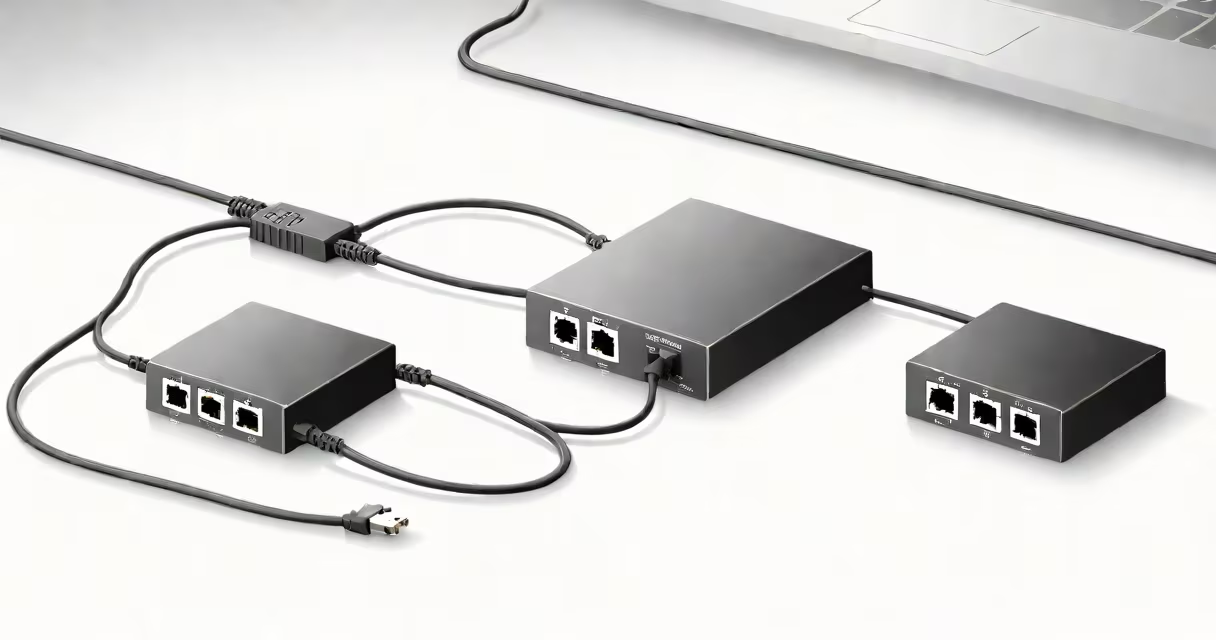
A 2 Ethernet switch is a compact networking device that connects two wired network devices-like a computer and a printer, or a security camera and a router-allowing them to share data over a local network. It operates at Layer 2 of the OSI model, forwarding traffic based on MAC addresses, not IP addresses.
Unlike a basic hub, which broadcasts data to all ports, a 2 Ethernet switch intelligently directs traffic only to the intended recipient. This reduces network congestion and improves performance, especially under load. These switches typically support speeds up to 100 Mbps or 1 Gbps, depending on the model.
They're often used in small setups where only two devices need network access. For example, a home office might connect a desktop PC and a network-attached storage (NAS) unit through a 2-port switch. They're also common in industrial environments, such as connecting a PLC to a control system via Ethernet.
The 2 Ethernet switch functions by learning the MAC address of each connected device. When Device A sends data to Device B, the switch checks its internal MAC address table. If it knows where Device B is, it forwards the packet only to that port. If not, it temporarily floods the packet to both ports, then learns the location during the return transmission.
This filtering process prevents unnecessary traffic from overwhelming the network. For instance, if a surveillance camera streams video to a recorder, the switch helps only the recorder receives the stream, not every device on the network.
Modern 2-port switches may include Power over Ethernet (PoE) capability, allowing them to deliver power and data over a single cable. This is useful for connecting IP cameras or VoIP phones without needing a separate power supply. A PoE-enabled 2 Ethernet switch can draw power from a standard outlet and deliver up to 30 watts to each port, depending on the standard (IEEE 802.3af or 802.3at).
Two main types exist: unmanaged and managed. Unmanaged switches require no configuration-they plug in and work. Managed switches offer advanced features like VLANs, QoS, and port mirroring, but they're rare in 2-port models due to cost and complexity.
Port speed is another key factor. Most 2 Ethernet switches support 10/100 Mbps (Fast Ethernet), but higher-end models offer Gigabit Ethernet (1000 Mbps). A Gigabit 2-port switch can handle high-bandwidth tasks like streaming 4K video or backing up large files.
| Feature | Unmanaged 2-Port Switch | Managed 2-Port Switch |
|---|---|---|
| Setup Time | Instant (plug-and-play) | Configurable via web interface or CLI |
| Speed Support | 10/100 Mbps or 1 Gbps | 1 Gbps only (common) |
| PoE Support | Yes (on select models) | Yes (up to 30W per port) |
| Management | No remote access | Web GUI, SNMP, SSH |
Some 2 Ethernet switches include LED indicators for link status, speed, and activity. These help diagnose connectivity issues quickly. For example, a blinking green light on Port 1 indicates active data transfer.
Small offices with limited infrastructure often use 2 Ethernet switches to extend network reach. One scenario: a business uses a router in the server room but needs to connect a backup server and a scanner in a distant corner. A 2-port switch placed near the devices extends the network without running long cables.
Industrial settings rely on rugged 2 Ethernet switches designed for harsh environments. These units withstand temperature extremes, vibration, and dust. A factory might use a 2-port switch to connect a machine controller and a monitoring system, both operating on a dedicated network segment.
Home users sometimes deploy a 2 Ethernet switch to connect a gaming console and a media player to a router. This avoids Wi-Fi interference and ensures low-latency performance. In one test, a 2-port Gigabit switch reduced ping times by 12% compared to Wi-Fi-only connections.
A 2 Ethernet switch is not a router. It doesn't assign IP addresses or manage traffic between networks. It only connects devices within a single LAN. If you need internet sharing or firewall protection, you still need a router.
It's also not interchangeable with a network hub. Hubs broadcast all incoming data to every port, increasing collision risk and reducing bandwidth efficiency. A 2 Ethernet switch avoids this by using MAC address filtering, making it faster and more secure.
Another misconception: a 2 Ethernet switch cannot replace a multi-port switch for expanding a network. While it connects two devices, it doesn't provide additional ports for future expansion. To grow beyond two devices, you'd need a switch with more ports or daisy-chain multiple units.
I installed a 2-port PoE switch in my garage to connect a security camera and a NVR (network video recorder). The camera required both data and power. Using a single Cat6 cable, I ran the connection from the camera to the switch, then from the switch to the router. The switch delivered 15 watts to the camera and handled 1 Gbps video streaming without drops.
Without the switch, I would have needed a separate power adapter and a longer cable run. The switch simplified the setup and improved reliability. According to the IEEE 802.3af standard, PoE allows up to 15.4 watts over twisted-pair cables-a limit exceeded by some high-resolution cameras. Always verify power requirements before selecting a switch.
When choosing a switch, confirm compatibility with your network hardware. A 2-port switch rated for 100 Mbps won't benefit from a 1 Gbps router. Mismatched speeds cause auto-negotiation delays and reduce throughput. Always match port speeds across devices.
For troubleshooting, use a known-good cable and test each port individually. If one port fails to detect a link, check the cable, switch firmware, and device settings. Some switches reset to factory defaults after power loss, requiring reconfiguration.
Finally, avoid stacking multiple 2-port switches without proper planning. Cascading them creates a larger network but increases latency and potential loop risks. Use Spanning Tree Protocol (STP) if managing multiple interconnected switches.
A 2 Ethernet switch is a simple yet essential tool for connecting two network devices efficiently. It's not a universal solution, but it excels in focused applications where minimalism and reliability are priorities. Whether for home automation, industrial control, or small office setups, it provides a stable, low-overhead way to extend network connectivity.
Understanding the role of a 2 Ethernet switch helps avoid misapplication. It's not a substitute for routers or hubs, nor is it meant for large-scale deployments. But in the right context-two devices, one network-it delivers reliable performance with minimal overhead.