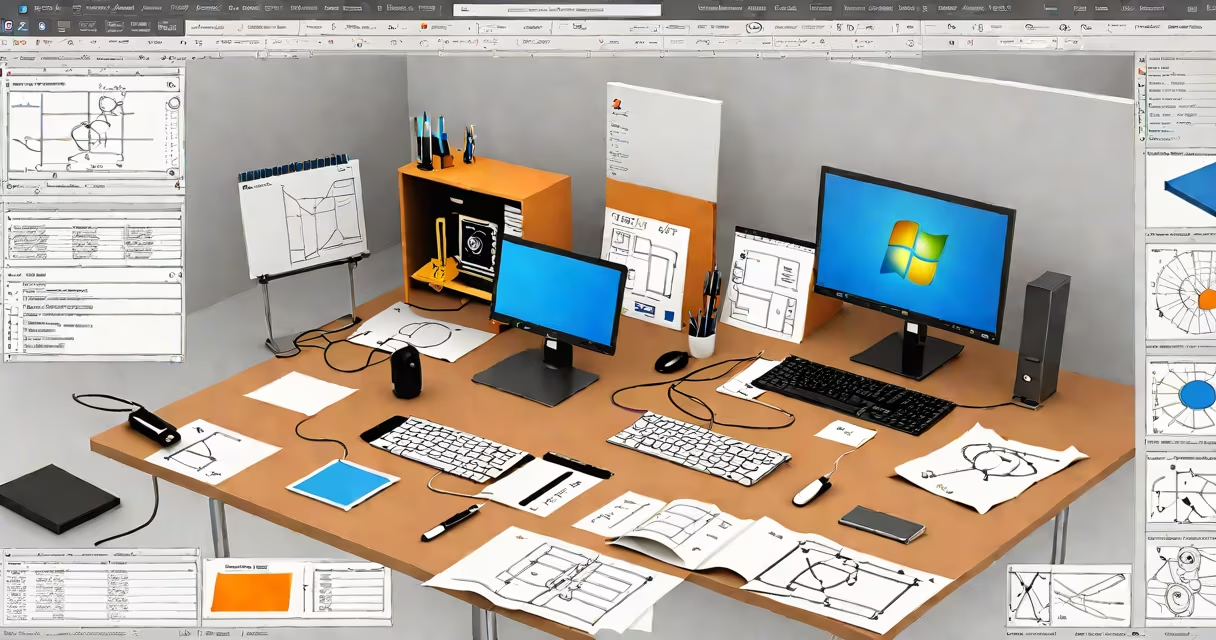
Windows desktop publishing software is a category of applications designed to create visually rich, professionally formatted documents such as brochures, newsletters, posters, and magazines using layout tools, typography controls, and image integration. These programs run natively on Windows operating systems and support features like master pages, bleed settings, and print-ready export options.
These tools differ from basic word processors like Microsoft Word by offering advanced layout capabilities. They allow designers to position text and graphics independently, control layering, and maintain consistent spacing across multiple pages. Unlike web-based design platforms, they operate locally, enabling offline work and faster rendering of complex designs.
Major applications in this space include Adobe InDesign, Affinity Publisher, and Canva Pro (Windows version). All support CMYK color modes, high-resolution image handling, and PDF export with embedded fonts. They are used by graphic designers, marketing teams, and small business owners who produce printed materials requiring precision and visual polish.
Windows desktop publishing software uses a grid-based layout system. Users place text frames and image boxes on a canvas, then adjust alignment, spacing, and flow between elements. The software tracks how content moves across pages when edits occur, preserving design integrity.
Each document consists of one or more spreads, which are pairs of facing pages. Designers define margins, columns, and guides to ensure consistency. Text flows automatically into designated frames, and objects can be locked, grouped, or layered to prevent accidental movement during editing.
For example, creating a 16-page magazine involves setting up a document with 8 spreads. A designer places a headline in a text frame, applies a custom font (e.g., Helvetica Neue Bold, 24 pt), and adds a photo with a 10% drop shadow. The program calculates how much space each element occupies and adjusts surrounding content accordingly.
Desktop publishing software varies by cost, complexity, and target audience. The following table outlines major categories and their distinguishing traits:
| Type | Examples | Best For | Key Limitations |
|---|---|---|---|
| Professional-grade | Adobe InDesign, Affinity Publisher | Print studios, agencies, multi-page projects | High learning curve, subscription pricing |
| Mid-tier | Canva Pro (Windows), Serif PagePlus | Small businesses, social media content | Limited export formats, fewer automation tools |
| Free/open-source | Calligra Stage, Scribus | Students, hobbyists, budget-conscious users | No cloud sync, less polished interface |
Professional-grade tools offer scripting support, automated table of contents generation, and advanced typography features like OpenType font controls. Mid-tier apps prioritize ease of use and template libraries. Free tools often lack native support for CMYK color profiles and may not export correctly to commercial printers.
A key distinction is file format compatibility. InDesign uses .indd files, which preserve layers and editable text. Scribus exports to .pdf and .odt but cannot open .indd files. This affects collaboration workflows - a team using InDesign cannot share edits with someone using Scribus without conversion.
Many users mistake Windows desktop publishing software for presentation tools like PowerPoint. While both handle visuals and text, PowerPoint prioritizes sequential slides and animations. Desktop publishing software focuses on fixed-layout, multi-page documents meant for printing or digital distribution with consistent formatting.
Another error is assuming all design tools support bleed and trim marks. Bleed extends content beyond the final cut edge to prevent white borders after trimming. Only professional tools like InDesign and Affinity Publisher include built-in bleed settings. Free tools often require manual calculation or external plugins.
For example, a user designing a 5x7 inch postcard with a 0.125-inch bleed must extend all backgrounds and images past the edge by that amount. In InDesign, this is set via Document Setup > Bleed. In Canva, the feature exists but requires switching to "print" mode and adjusting margins manually - a step many overlook.
I designed a 12-page event program for a university symposium using Adobe InDesign. The project required consistent headers, image captions, and a two-column layout. I created a master page with a header bar and footer with page numbers. Using the Paragraph Style panel, I applied a uniform font (Garamond, 10 pt) and line spacing (1.15).
Images were placed using the Place command, then resized with constraints to maintain aspect ratio. I used the Object Export Options dialog to embed low-res previews for faster file sharing. After final review, I exported the document as a PDF/X-1a file - a standard for commercial printing that ensures color accuracy and font embedding.
When submitting to a printer, I verified the PDF had no missing fonts and all images were at 300 DPI resolution. The final print job matched the on-screen preview exactly, proving the software's reliability in production environments.
Even free tools can deliver results. I once used Scribus to create a 4-page flyer for a local art show. I imported a PNG logo, added a gradient background, and set up a 3-column layout. After exporting to PDF, I sent it to a print shop. The flyer printed with sharp text and accurate colors - despite Scribus being open-source and free.
Understanding the difference between word processing and desktop publishing software prevents costly design errors. A newsletter created in Word may have inconsistent spacing and poor image alignment. Using proper desktop publishing software ensures visual consistency, correct typography, and print-ready output.
Windows desktop publishing software remains essential for anyone producing polished, professional documents. Whether designing a single poster or a 100-page catalog, these tools provide the structure, precision, and control needed for effective communication.