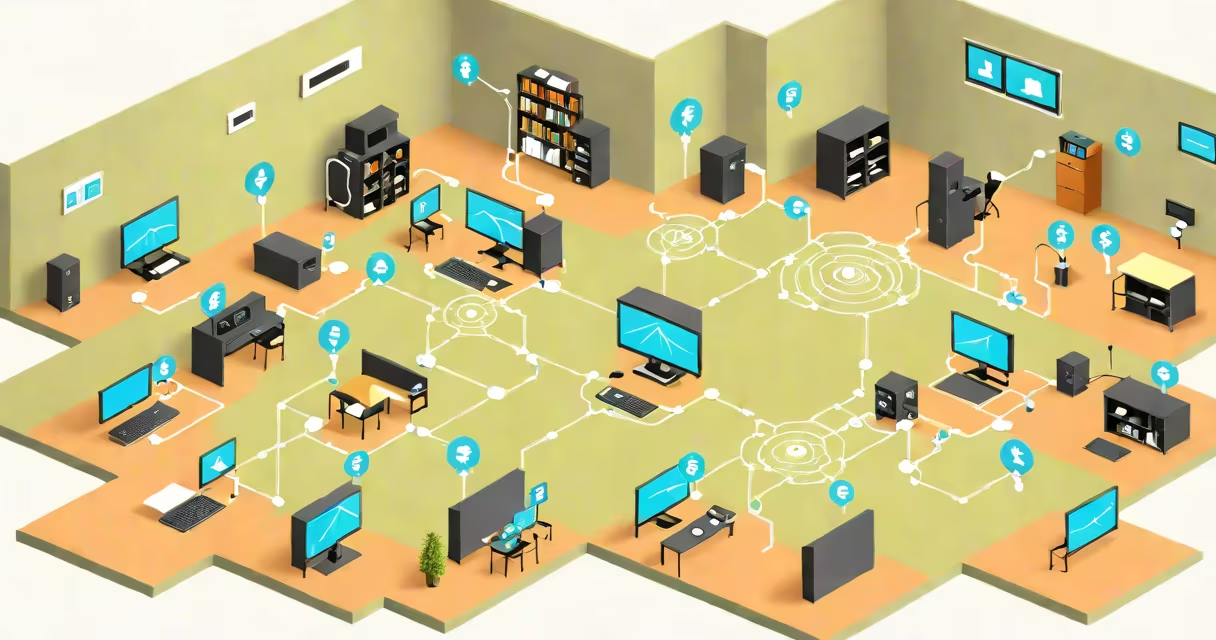
A network IP address is a unique identifier assigned to a device on a local network, enabling communication between devices within that network. It operates alongside a subnet mask to define the network boundary and determine which devices are reachable without routing through a gateway.
Every device connected to a network-whether a laptop, phone, or smart thermostat-must have a network IP address to send and receive data locally. This address is distinct from a public IP, which identifies a network on the internet. While public IPs are assigned by ISPs, network IPs are typically assigned automatically by a router using DHCP.
For example, a home network might assign addresses like 192.168.1.10, 192.168.1.11, and 192.168.1.12 to different devices. These are private IP addresses within the 192.168.1.0/24 range, where the /24 indicates the subnet mask 255.255.255.0. Devices with matching network portions (192.168.1.x) can communicate directly; those outside this range require routing.
Network IP addresses function within a hierarchical system. A device's IP address consists of two parts: the network prefix and the host identifier. The network prefix defines the local network segment, while the host portion identifies the individual device.
The subnet mask determines how many bits belong to the network and how many to the host. For instance, a subnet mask of 255.255.255.0 (or /24) means the first 24 bits of the IP address define the network. So, 192.168.1.10 and 192.168.1.11 share the same network prefix (192.168.1), allowing direct communication.
If a device tries to reach 192.168.2.5, it recognizes the network portion doesn't match and sends traffic through the default gateway-usually the router-to reach the destination. This process ensures efficient local communication and prevents unnecessary internet traffic.
There are two primary versions of IP addresses: IPv4 and IPv6. Most local networks still use IPv4, which uses 32-bit addresses written in decimal format, such as 192.168.1.100. IPv6 uses 128-bit addresses in hexadecimal notation, like 2001:0db8:85a3::8a2e:0370:7334, but adoption remains limited in home environments.
Private IP addresses fall into specific ranges reserved for internal networks:
| Range | Subnet Mask | Usable Hosts | Common Use |
|---|---|---|---|
| 10.0.0.0 - 10.255.255.255 | 255.0.0.0 (/8) | 16,777,214 | Larger enterprise networks |
| 172.16.0.0 - 172.31.255.255 | 255.240.0.0 (/12) | 1,048,574 | Medium-sized organizations |
| 192.168.0.0 - 192.168.255.255 | 255.255.0.0 (/16) | 65,534 | Home and small office networks |
These ranges are defined by RFC 1918, a standard published by the Internet Engineering Task Force (IETF). They are not routable on the public internet, ensuring security and preventing address conflicts.
Many people confuse the network IP address with the public IP address assigned by their ISP. The public IP is visible to websites and services online, while the network IP is only relevant within the local network. For example, when you visit a website, your public IP may be logged, but the site sees your router's public IP-not your laptop's 192.168.1.10.
Another common error is assuming that changing a device's IP address changes its internet access. In most cases, devices obtain network IPs via DHCP, and static assignment doesn't affect internet connectivity unless misconfigured. A device with a static IP in the wrong subnet will fail to communicate with others on the network.
Some users also mistake the default gateway's IP (often 192.168.1.1) as the network IP itself. The gateway is a router interface that connects the local network to the internet. It has its own IP address, but it's not the network IP-it's a node on the network.
Understanding the network IP address is essential for troubleshooting. If a printer won't connect to a computer, checking both devices' network IPs reveals whether they're on the same subnet. If one is 192.168.1.10 and the other is 192.168.2.5, they cannot communicate without a router or VLAN setup.
For example, during a home network setup, I once had a smart TV fail to stream video. The TV showed "No network connection." After checking the settings, I discovered it was assigned 192.168.2.100 due to a misconfigured DHCP range. The router's LAN IP was 192.168.1.1. The mismatch prevented communication. Adjusting the DHCP pool to stay within 192.168.1.100-192.168.1.200 resolved the issue instantly.
Network IP addresses are also critical for setting up port forwarding, remote access, and hosting servers. To allow external access to a web server on a local network, administrators must know the internal IP address and configure the router to forward incoming traffic to it.
To find your current network IP address, open a terminal or command prompt and run:
ipconfig (Windows)
ifconfig (macOS/Linux)
Look for the "IPv4 Address" under your active network adapter. The result will show something like 192.168.1.10.
Always verify your network IP address when setting up devices, especially when configuring firewalls, routers, or running services. A single incorrect digit can break connectivity.
Understanding the network IP address is fundamental to managing any network. It's not just a technical detail-it's the foundation of local communication, security, and reliability.