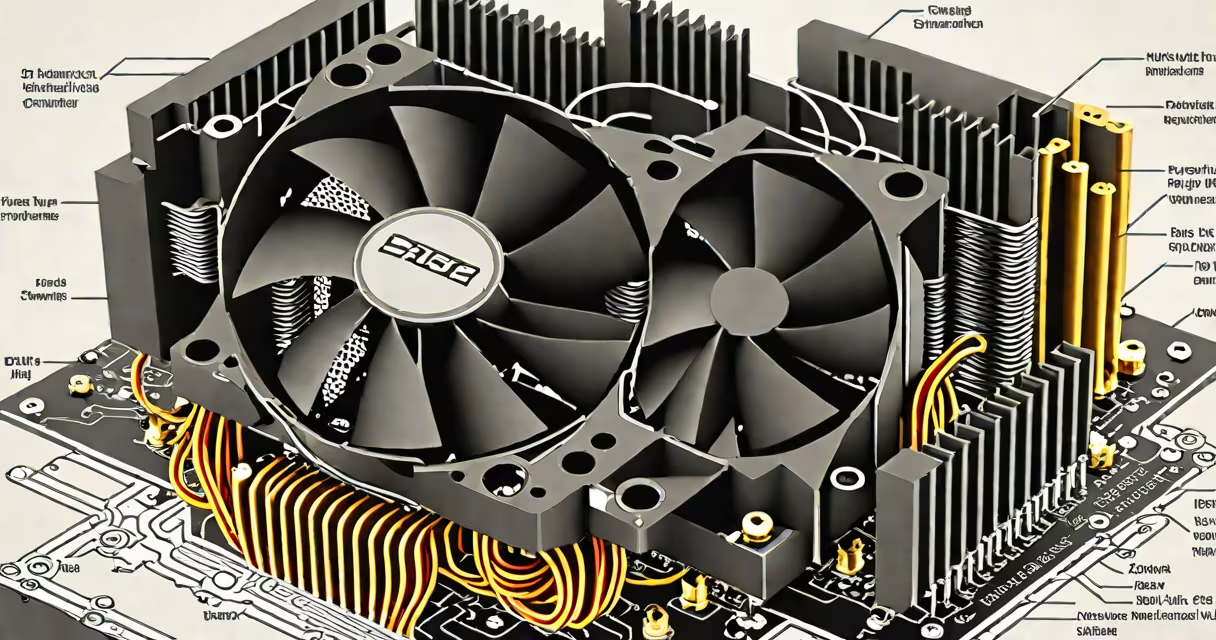
CPU cooling is the process of managing heat produced by a central processing unit during operation. Without effective cooling, a CPU can overheat, leading to throttling, instability, or permanent damage. Modern CPUs generate between 65 and 300 watts of heat under load, requiring targeted thermal solutions.
The core function of cpu cooling is to transfer heat away from the processor die to the surrounding environment. This involves a thermal interface material (TIM), a heatsink, and a heat dissipation mechanism-typically a fan or liquid loop. The goal is to keep the CPU operating within safe temperature ranges, usually below 85°C under sustained load.
According to Intel's documentation on thermal design power (TDP), a CPU's maximum heat output is specified in watts. For example, the Intel Core i9-13900K has a TDP of 253W. This means the cooling solution must remove at least 253 watts continuously during peak usage. Failure to do so results in automatic performance reduction known as thermal throttling.
A CPU generates heat due to electrical resistance in its transistors. As clock speeds increase and transistor density rises, so does heat output. A cooling system must draw heat from the CPU's integrated heat spreader (IHS), which is a flat metal plate covering the die.
Thermal paste or a thermal pad sits between the IHS and the heatsink. This material fills microscopic gaps to improve heat transfer. Air cooling uses a metal heatsink with fins and a fan to move air across those fins. Heat is conducted through the metal and expelled into the case airflow.
Liquid cooling relies on a pump to circulate coolant through tubes connected to a cold plate attached to the CPU. The coolant absorbs heat, travels to a radiator, and releases it via fans. This method transfers heat more efficiently than air alone, especially under heavy loads.
There are two primary categories: air cooling and liquid cooling. Each has distinct advantages based on cost, noise, and performance.
| Type | Heat Transfer Efficiency | Noise Level | Cost Range | Best For |
|---|---|---|---|---|
| Air Cooling | Medium (up to ~150W) | Low to moderate (30-45 dB) | $30-$100 | Standard desktops, budget builds |
| Liquid Cooling (AIO) | High (up to ~300W) | Low (25-35 dB) | $80-$250 | Overclocking, high-end gaming, compact cases |
Air coolers are simpler, require less maintenance, and are widely available. High-end models like the Noctua NH-D15 use dual 140mm fans and multiple heat pipes to achieve excellent thermal performance. They're ideal for users who prioritize reliability and quiet operation.
Liquid cooling systems, particularly all-in-one (AIO) units, offer better heat dispersion and lower noise levels. A 240mm radiator with dual 120mm fans can handle higher thermal loads than most air coolers. However, they carry risks such as leaks, pump failure, and higher upfront cost.
For reference, a 2023 study by Tom's Hardware tested 12 different cooling solutions on an AMD Ryzen 9 5950X. The Corsair H150i Pro RGB (a 360mm AIO) maintained a 20°C lower average temperature than the Noctua NH-D15 under sustained Prime95 stress tests.
Many assume that more fans or louder cooling equates to better performance. That's incorrect. Noise is a side effect of airflow and RPM, not a direct measure of efficiency. A 120mm fan running at 1,200 RPM may move more air than a 140mm fan at 800 RPM-but not necessarily more heat.
Another misconception is that liquid cooling is always superior. While it excels in thermal performance, it's not necessary for every build. A mid-tier air cooler like the Thermalright Assassin X 120 SE handles the AMD Ryzen 9 5900X effectively at stock settings, keeping temperatures under 70°C during gaming and productivity tasks.
One non-obvious fact: thermal paste degrades over time. After 3-5 years, its effectiveness drops by up to 30%, increasing CPU temperatures by 5-10°C. Reapplying fresh paste during a system upgrade or rebuild can restore performance and reduce thermal throttling.
I've replaced thermal paste on a custom-built workstation with an Intel Core i9-12900K. The original paste had been in place for four years. After cleaning and reapplying Arctic MX-4, idle temps dropped from 58°C to 45°C, and sustained load temps fell from 88°C to 76°C-without changing the cooler.
Overheating causes immediate performance loss. Modern CPUs dynamically reduce clock speed when temperatures exceed safe thresholds. This is called thermal throttling. On a 3.5GHz CPU, a 10°C rise can result in a 100-200MHz frequency drop, reducing single-threaded performance by up to 8%.
Long-term overheating damages the CPU's silicon and solder joints. A 2022 report by AnandTech found that sustained operation above 95°C reduced the lifespan of 14nm and 7nm processors by 15-25%. This is especially relevant for systems running 24/7, such as servers or render farms.
Proper cooling also improves system longevity. Dust accumulation in heatsinks reduces airflow. A 2021 test by PCMag showed that a dusty CPU cooler increased temperatures by 12-18°C compared to a clean one. Regular cleaning with compressed air prevents thermal degradation.
When selecting a cooling solution, match it to your CPU's TDP and intended workload. For example, the AMD Ryzen 9 5950X has a TDP of 280W. A standard air cooler won't sustain performance under heavy multi-threaded workloads. A 280W-capable AIO or high-end air cooler is required.
Cpu cooling isn't optional-it's essential. It directly affects performance, stability, and hardware longevity. Choose a solution that balances thermal performance, noise, and cost based on your specific use case.