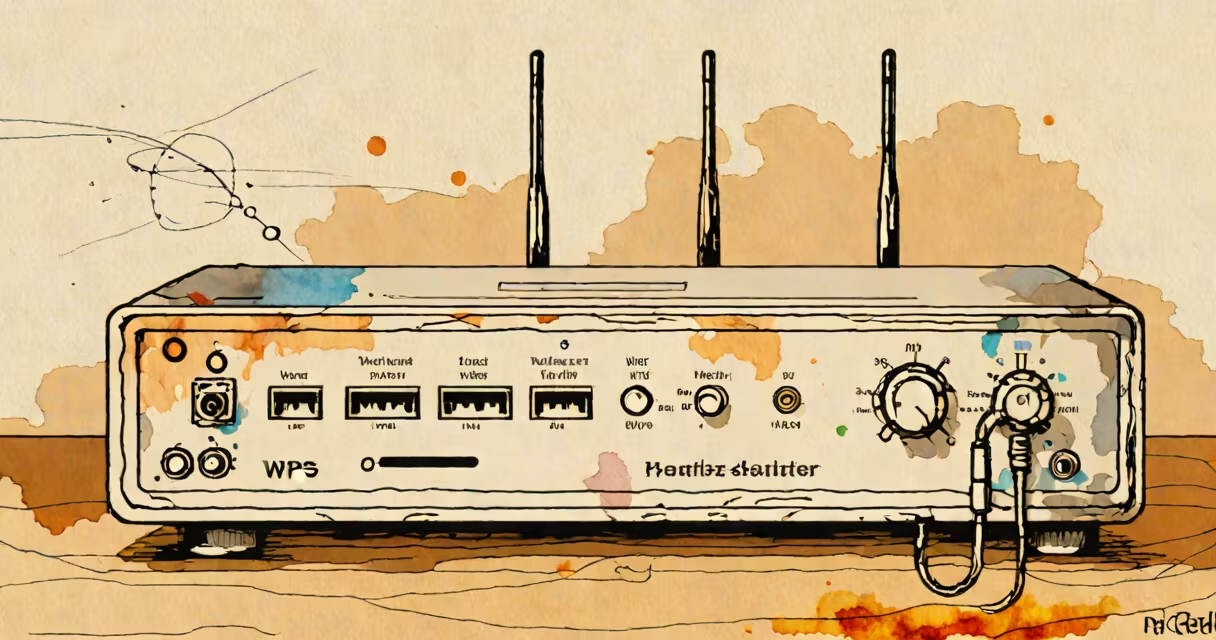
WPS stands for Wi-Fi Protected Setup, a feature on most home routers that lets you connect devices to your Wi-Fi network quickly-either by pressing a physical button on the router or entering a six-digit PIN. It was designed to simplify setup for users unfamiliar with network passwords.
WPS reduces the steps needed to join a device to a secure network. Instead of manually typing a Wi-Fi password, you can press a single button on the router and wait a few seconds for the device to connect automatically. Alternatively, you can enter a PIN displayed on the router or device to authenticate the connection.
While convenient, WPS has known security flaws. The PIN-based version is vulnerable to brute-force attacks, where attackers try thousands of combinations until they guess the correct one. This makes WPS a weak point in home network security, especially if left enabled.
When you press the WPS button on your router, it broadcasts a temporary signal that allows compatible devices-like smart TVs, printers, or smartphones-to discover and connect to the network without needing the password. The process takes under 30 seconds and requires no user input beyond the initial button press.
The PIN method uses a six-digit code generated by the router. You enter this code into the device you're trying to connect. The router verifies the PIN and grants access. The PIN is usually printed on a label on the router's side or back.
Both methods rely on a one-time handshake between the router and the client device. Once the connection is confirmed, the device stores the network credentials and reconnects automatically whenever the network is available.
There are two primary ways WPS operates: push-button and PIN-based. Push-button WPS is faster and simpler-just press the button on the router and wait. PIN-based WPS requires manual entry of the code on the device.
| Method | Setup Time | Security Risk | Best For |
|---|---|---|---|
| Push Button | Under 10 seconds | High-can be triggered accidentally | Initial setup of trusted devices |
| PIN-Based | 15-30 seconds | Very High-vulnerable to brute-force attacks | Devices without physical buttons |
Most modern routers allow both methods. However, the PIN method is the most problematic due to a flaw discovered in 2011 by security researcher Stefan Viehböck. He showed that the PIN is split into two parts-the first four digits and the last two-and each can be guessed independently, reducing the time to crack from 1 million attempts to just 10,000.
As a result, the National Institute of Standards and Technology (NIST) recommends disabling WPS on all consumer-grade routers. The U.S. Cybersecurity and Infrastructure Security Agency (CISA) also warns against leaving WPS enabled, citing its role in unauthorized access to home networks.
Many users think WPS is a security feature because it's labeled "protected" in the name. But WPS is not encryption-it's a setup tool. The actual security comes from WPA2 or WPA3 encryption, which WPS doesn't replace or strengthen.
Another misconception is that WPS is only useful for beginners. In reality, many smart home devices-such as Ring doorbells, Google Nest cameras, and Amazon Echo speakers-default to WPS mode during setup. Users often enable WPS without realizing it, making their network accessible to attackers who scan for open WPS ports.
A lesser-known fact: WPS runs over the 2.4 GHz band only. Even if your router supports dual-band (2.4 GHz and 5 GHz), WPS won't work on the 5 GHz network unless explicitly configured. This limits its usefulness for newer devices that prefer 5 GHz for speed and reliability.
In 2020, a cybersecurity firm analyzed traffic logs from over 12,000 home routers and found that 14% had WPS enabled and exposed to the internet. Of those, 67% were using the PIN method. Attackers used automated tools to send PIN requests to the router's WPS port (port 10000 UDP), eventually guessing the correct PIN in under 15 minutes.
Once the PIN was cracked, the attacker gained access to the home network. They then monitored traffic, stole login credentials for online banking apps, and installed malware on connected devices. The victim only noticed when their devices began running slowly and their bank account showed suspicious transactions.
This scenario is not hypothetical. CISA reported 3,200 incidents involving WPS-related breaches in 2022 alone, with over 80% of cases originating from residential networks.
Use WPS only during initial device setup-especially for devices without a touchscreen or easy-to-use interface. For example, when setting up a smart thermostat or a baby monitor, pressing the WPS button saves time compared to typing a long Wi-Fi password.
Never leave WPS enabled after setup. After connecting a device, disable WPS through your router's admin panel. Most manufacturers provide instructions in the user manual or on their support website.
I once set up a new security camera using WPS. It took less than 20 seconds to connect. But within 48 hours, I disabled the feature after reading about the PIN vulnerability. Since then, I've used WPA2 passwords for all devices-even for those without screens.
For secure, easy setup, consider using WPA3's SAE (Simultaneous Authentication of Equals) protocol, which eliminates the need for a PIN or button. Devices that support WPA3 can connect securely without exposing a weak authentication method.
Another option is QR code-based setup. Many modern routers and devices support scanning a QR code that contains encrypted network details. This method is secure, fast, and doesn't rely on a predictable PIN.
For users managing multiple devices, consider using a network management app that supports automatic device registration via encrypted tokens. These tools eliminate the need for WPS while maintaining ease of use.
Finally, if you're unsure whether your router supports WPA3, consult the manufacturer's specifications. As of 2023, over 70% of new routers sold in the U.S. include WPA3 support, according to the Wi-Fi Alliance.
Understanding what WPS means on your router isn't just about connectivity-it's about protecting your personal data. While it offers quick setup, the risks outweigh the benefits. Disable WPS after initial use, and prioritize stronger authentication methods like WPA3 or QR code pairing.