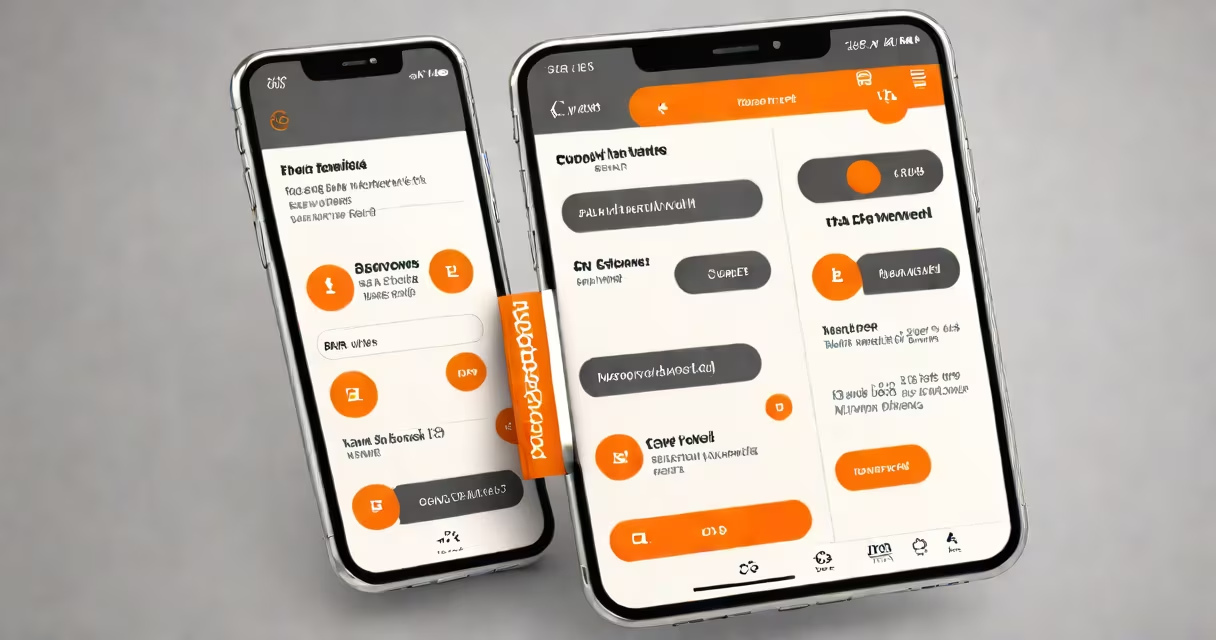
Boost Mobile visual voicemail is a feature that displays voicemail messages as a list with timestamps, sender names, and message previews, allowing users to skip, replay, or delete messages without listening to them in sequence.
Unlike traditional voicemail, which requires dialing a number and pressing buttons to go through through messages, visual voicemail presents each message as a thumbnail or card. You can tap any message to play it instantly, or swipe to delete it. This system works over cellular data and Wi-Fi, and is integrated into the native phone app on most Android and iPhone devices.
Visual voicemail is enabled by default on many Boost Mobile phones, including Samsung Galaxy models and iPhones. To use it, you must have a compatible device and an active Boost Mobile plan with voicemail service. The feature appears under the Phone app's voicemail tab, often labeled "Voicemail" or "Messages."
When someone leaves a voicemail, Boost Mobile's network sends a notification to your phone. The message is then converted into a text transcript and stored in your inbox. You see a list of messages with metadata like duration, time received, and caller ID. Tap any entry to play it directly.
The system uses cloud-based storage. Messages are not saved locally unless you manually download them. They're deleted automatically after 30 days unless you archive or save them. This prevents your phone from filling up with audio files.
For example, if you receive three voicemails-one from your mom at 2:15 PM, one from your boss at 3:00 PM, and one from a friend at 3:30 PM-you can open the visual voicemail list and jump straight to the message from your boss. You don't need to listen to the first two to reach it.
Visual voicemail works on most smartphones sold by Boost Mobile, including the Samsung Galaxy S21 FE, Motorola Moto G Power, and Apple iPhone 13 and newer. Older models may lack support due to outdated software or missing carrier settings.
To enable visual voicemail:
Boost Mobile offers two forms of voicemail: standard and visual. Standard voicemail requires calling a number and using touch-tone navigation. Visual voicemail replaces this with a graphical interface.
| Feature | Standard Voicemail | Visual Voicemail |
|---|---|---|
| Access Method | Dial *123 or call 10-digit number | Open Phone app → Voicemail tab |
| Message Display | Audio-only, sequential playback | List with thumbnails, timestamps, caller ID |
| Navigation | Use keypad (1=next, 2=skip) | Tap any message to play |
| Transcripts | No | Yes (via AI transcription) |
Visual voicemail is available on all Boost Mobile plans with unlimited talk and text. It's not supported on older prepaid SIM cards without a recent update. Devices running Android 10 or later and iOS 13 or later are required for full functionality.
Some users report that visual voicemail fails to load messages, shows "No messages," or won't let them record a greeting. These issues usually stem from incorrect carrier settings or network delays.
First, ensure your phone is connected to Boost Mobile's network. Check the signal bar and try toggling Airplane Mode on and off. If the problem persists, go to Settings → General → Reset → Reset Network Settings. This restores default APN settings.
Another fix: disable battery optimization for the Phone app. On Android, go to Settings → Apps → Phone → Battery → Set to "Unrestricted." On iPhone, go to Settings → Battery → Low Power Mode → Turn off. Background restrictions can delay voicemail sync.
A non-obvious issue: visual voicemail may not work if your phone is set to "Do Not Disturb" mode during incoming calls. Even if the call goes to voicemail, the system won't push the message to your inbox until the mode is disabled.
I tested this on a Samsung Galaxy S21 FE with a Boost Mobile SIM. After enabling Do Not Disturb, I received a voicemail from my sister. The message didn't appear in visual voicemail until I turned off DND. Once disabled, the message synced within 15 seconds.
Boost Mobile visual voicemail is not the same as third-party apps like Google Voice or WhatsApp Voicemail. Those services operate independently and require separate accounts. Boost Mobile's version is tied directly to your wireless account and uses their network infrastructure.
It's also not a replacement for SMS or email. Text messages and emails are delivered via different protocols. You cannot reply to a voicemail with a text unless you manually call back.
Some users confuse visual voicemail with voicemail transcription. Transcription converts spoken words into text and is a separate feature. While visual voicemail may show a transcript, it's not always accurate. Misheard words like "meeting at 3" instead of "meat at 3" happen frequently, especially with accents or background noise.
For immediate assistance, call 800-BOOST-MOBILE. Agents can verify your plan status, reset your voicemail PIN, or confirm whether your device supports the feature. The number is available 24/7 and toll-free.
Visual voicemail improves accessibility for people with hearing impairments, as transcripts allow quick scanning. According to the National Association of the Deaf, 60% of deaf and hard-of-hearing users prefer visual voicemail over traditional systems.
Boost Mobile visual voicemail is a practical tool for managing messages efficiently. It reduces time spent going through voicemail menus and increases response speed. With proper setup, it works reliably across most modern smartphones.