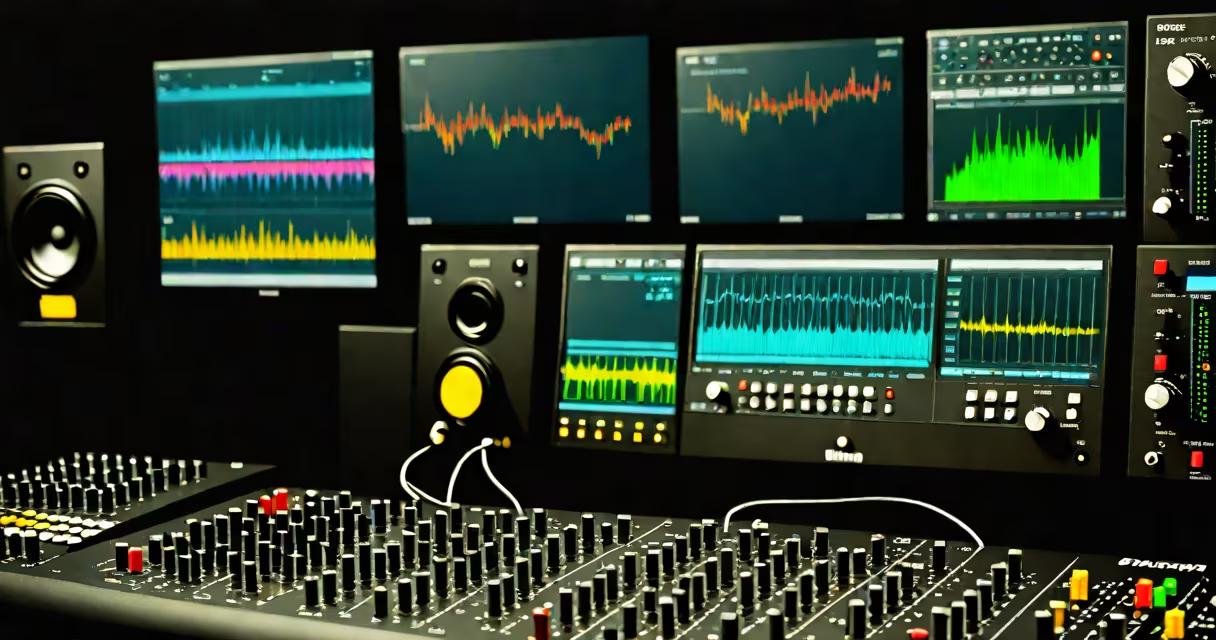
A DAW, or digital audio workstation, is software used to record, edit, mix, and master music and audio. It serves as the central hub for creating and producing music in the digital age, combining tools for audio processing, MIDI sequencing, and effects automation.
DAWs run on computers and integrate with audio interfaces, MIDI controllers, and studio monitors. They allow producers to arrange tracks, apply effects like reverb and compression, and export finished songs in formats such as WAV or MP3. Popular DAWs include Ableton Live, Logic Pro X, FL Studio, and Pro Tools.
The term "DAW" emerged in the late 1990s as analog recording gave way to digital workflows. Today, it's the standard tool for songwriters, producers, DJs, and sound designers across genres-from hip-hop beats to orchestral scores.
When you open a DAW, you're presented with a timeline-based workspace. Audio clips appear as waveforms, and MIDI notes show as colored bars. You can drag and drop recordings, adjust volume levels, apply filters, and automate changes over time.
For example, in Ableton Live, you can record a guitar track, then use the built-in pitch corrector to fix off-key notes. Afterward, you route the signal through a reverb plugin, adjust the wet/dry mix, and bounce the result to a stereo file. All actions happen within the same environment, eliminating the need for external hardware.
DAWs also support virtual instruments-software emulations of synthesizers, drum machines, and orchestral samples. A producer can trigger a grand piano sound using a MIDI keyboard connected to the computer, and the DAW renders the audio in real time.
Every DAW includes several core features: a sequencer for arranging musical events, a mixer for balancing levels, a plugin host for effects and instruments, and a render engine for exporting final projects.
DAWs fall into two broad categories based on workflow:
| Type | Best For | Examples | Key Feature |
|---|---|---|---|
| Linear (Traditional) | Studio recording, film scoring, detailed editing | Pro Tools, Logic Pro X, Cubase | Time-accurate editing with snap-to-grid precision |
| Non-linear (Loop-Based) | DJ sets, electronic music, live performance | Ableton Live, FL Studio, Bitwig Studio | Session view for improvisation and real-time arrangement |
FL Studio is designed around a piano roll interface, ideal for crafting rhythmic patterns and melodies. Its step sequencer lets users enter notes one by one, making it popular among bedroom producers in genres like trap and house.
Logic Pro X, used by professionals in film and TV, integrates advanced tools like Flex Time and Flex Pitch. These features allow precise timing corrections and vocal tuning without altering the original performance's character.
Many assume a DAW is just a recording app. But it's far more complex-it manages audio routing, handles multiple tracks simultaneously, and supports automation curves for volume, pan, and effect parameters.
Another misconception is that DAWs require expensive hardware. While high-end setups improve workflow, most DAWs function on consumer-grade laptops. My own setup-a 2019 MacBook Air with a Focusrite Scarlett 2i2 interface-runs Ableton Live 11 smoothly for podcast editing and beatmaking.
Some confuse DAWs with audio plugins. Plugins are individual tools-like a delay or EQ-that run inside a DAW. A DAW is the entire environment; plugins are components within it.
Consider a producer creating a pop track using Logic Pro X:
This entire process happens inside a single DAW window. No external devices are needed beyond a microphone and headphones.
According to the Recording Academy, over 80% of Grammy-winning tracks in 2023 were produced using a DAW. This reflects how deeply embedded the technology is in professional music-making.
Even independent artists rely on DAWs. A musician in Nashville recorded her debut EP entirely in GarageBand on an iPad, then sent the stems to a mastering engineer. The final release reached #1 on Apple Music's Emerging Artists chart.
Understanding what a DAW means in music reveals its role as the foundation of modern audio production. It's not just software-it's a creative environment where ideas become polished, shareable music.
A seasoned pro, the DAW remains the essential tool for shaping sound in the digital era.