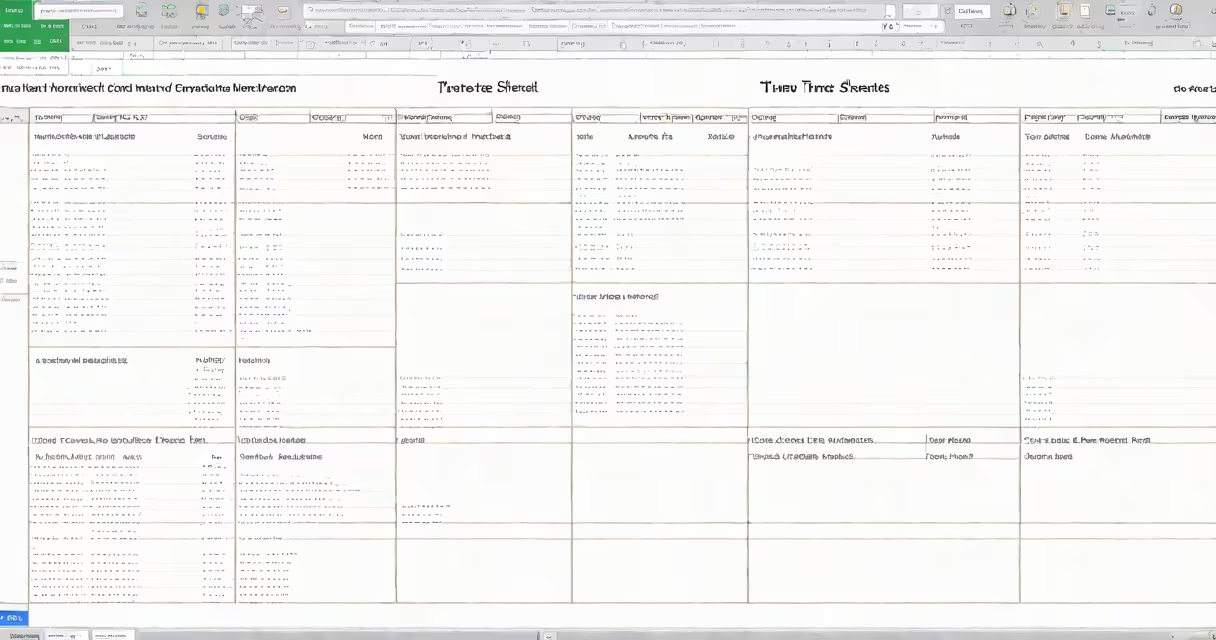
A time sheet template in Google Sheets is a customizable spreadsheet designed to record employee work hours, calculate totals, and support payroll processing. It enables teams to log daily or weekly hours, track overtime, and generate reports-all within a shared, cloud-based environment.
Google Sheets provides the foundation for building a time sheet that updates automatically based on inputs. Users enter start and end times, or hours worked per day, and formulas compute total hours, regular pay, and overtime. The template can include dropdown menus for project codes, task categories, or approval statuses, making it suitable for both hourly workers and salaried staff who need to report time spent on specific tasks.
For example, a marketing agency uses a time sheet template to track how many hours each designer spends on client projects. Each week, team leads fill in hours for their members, and the system calculates pay using a rate of $25/hour. When the payroll manager runs the report, the total hours and earnings appear instantly, reducing manual entry errors.
The core function of a time sheet template in Google Sheets relies on formulas and structured columns. A typical setup includes columns for date, employee name, start time, end time, break duration, and total hours. Formulas then subtract end time from start time, subtract break time, and sum totals across rows.
For instance, if an employee starts at 9:00 AM, ends at 5:30 PM, and takes a 30-minute lunch break, the formula =TEXT(EndTime-StartTime-BreakDuration,"h:mm") returns 8:00, representing eight hours worked. This value is then multiplied by the hourly rate in another column to produce gross pay.
Advanced templates use QUERY() or PIVOTTABLE() functions data by week, department, or project. These features allow managers to view team productivity trends or identify overworked individuals without exporting data.
Time sheet templates vary by purpose and complexity. Basic versions track hours per day and total weekly hours. Advanced ones integrate with payroll systems, send reminders, or include approval workflows.
| Type | Use Case | Features |
|---|---|---|
| Basic Daily Tracker | Small teams logging daily hours | Start/end times, break deduction, total hours |
| Project-Based Time Sheet | Freelancers or consultants billing by project | Project ID, task description, billable status |
| Automated Payroll Integration | Companies syncing with payroll software | Auto-calculate overtime, export to CSV, role-based access |
One non-obvious feature is the ability to lock cells after submission. Once a team member submits their weekly hours, the manager can freeze the row to prevent changes. This ensures audit integrity and reduces disputes during payroll review.
Many users assume that a time sheet template in Google Sheets requires complex coding. In reality, most templates use standard functions like SUM(), IF(), and DATEDIF(). You don't need to write scripts unless automating notifications or syncing with external tools.
Another misconception is that Google Sheets cannot handle large datasets. With 100+ employees, performance remains stable as long as formulas are optimized. Avoid using volatile functions like INDIRECT() in large ranges. Instead, use QUERY() or FILTER() for changing filtering.
I once built a time sheet for a remote team of 42 people across five time zones. Using ARRAYFORMULA() and IFERROR(), we reduced calculation lag and ensured all entries were validated before submission. The template auto-flagged entries exceeding 10 hours in a single day, prompting a review.
Set up your time sheet template with clear instructions. Include a "Notes" column for exceptions like sick leave or vacation. Use data validation to restrict entries to valid time formats (e.g., 9:00 AM, not 9:00).
Share the template via a link with view/edit permissions assigned by role. For example, employees can edit their own rows, while supervisors have access to approve and export data. This prevents accidental edits and maintains accountability.
Time sheet templates in Google Sheets are not just spreadsheets-they're operational tools that reduce administrative overhead and improve accuracy. They scale from solo freelancers to global teams, offering real-time collaboration and automated reporting.