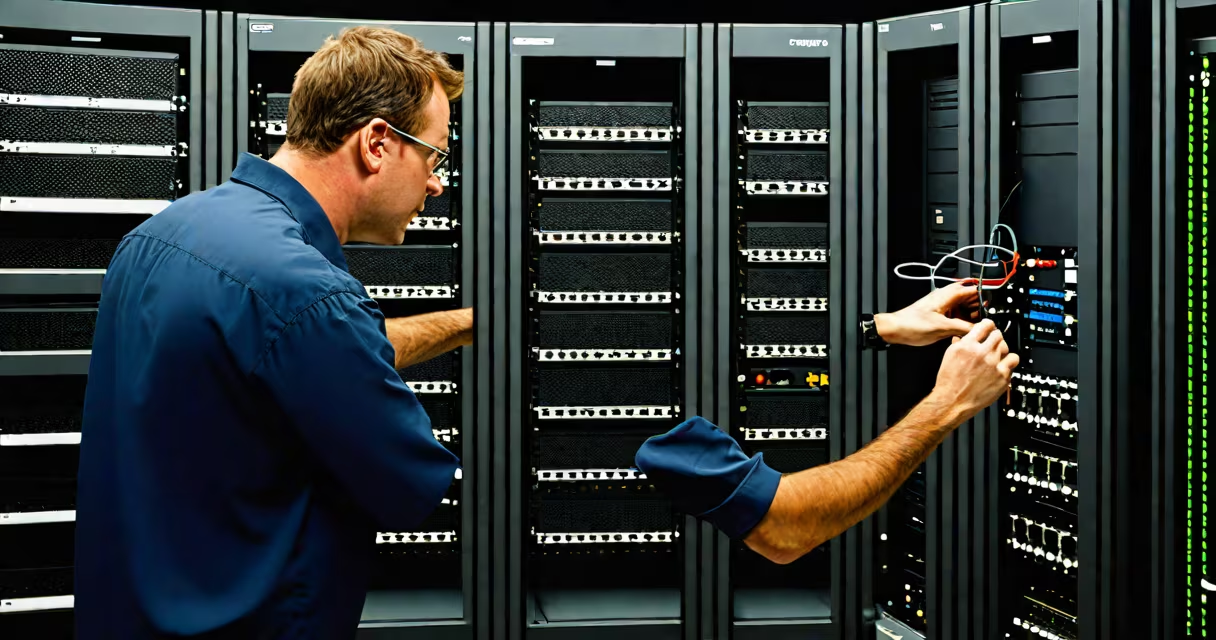
System administration and networking is the practice of managing, securing, and maintaining computer systems and network infrastructures to ensure reliable operation of services and data access across organizations. It combines server setup, user account control, network routing, firewall policies, and continuous monitoring to support business-critical applications.
This discipline integrates both hardware and software layers. System administrators handle operating system updates, storage allocation, backup schedules, and service availability. Network engineers focus on IP addressing, VLAN segmentation, bandwidth optimization, and secure communication between devices. Together, they form the core of IT operations in schools, hospitals, corporations, and cloud providers.
For example, when a company's email server fails during peak hours, a system administrator checks logs, restarts services, verifies disk space, and confirms DNS resolution. Simultaneously, a network engineer traces packet loss across switches and firewalls to rule out routing issues. Both roles collaborate using shared dashboards and incident tickets to restore service within SLA timeframes.
System administration and networking operates through a mix of automation, manual intervention, and proactive monitoring. Administrators use scripts and configuration management tools like Ansible, Puppet, or SaltStack to deploy consistent settings across hundreds of servers. These tools reduce human error and speed up recovery from failures.
Network tasks include setting up static or changing IP addresses via DHCP, defining subnets using CIDR notation, and assigning VLAN IDs to isolate traffic. For instance, a university may assign VLAN 10 for faculty, VLAN 20 for students, and VLAN 30 for guest Wi-Fi-all managed through a central switch with port-based access control.
Security is embedded into daily routines. Administrators apply patches monthly, enforce password complexity rules, and audit login attempts. A failed SSH login attempt from an unknown IP triggers alerts in SIEM tools like Splunk or ELK Stack. If multiple attempts occur within five minutes, the system automatically blocks the IP using iptables or firewall rules.
The foundation of system administration and networking lies in protocols, tools, and layered architecture. Critical protocols include TCP/IP for transport, DNS for domain resolution, and HTTP/HTTPS for web access. Without these, users cannot reach websites, send emails, or authenticate to systems.
Common tools include:
ssh - Remote login to servers without physical access.ping and traceroute - Diagnose connectivity and latency between hosts.netstat or ss - Show active connections and listening ports.ip command - Manage IP addresses, routes, and interfaces on Linux systems.Modern environments rely heavily on virtualization and containerization. VMware ESXi, Proxmox, and KVM allow multiple virtual machines to run on a single physical host. Docker and Kubernetes manage application deployment across clusters, enabling rapid scaling and failover.
| Type | Function | Example Use Case |
|---|---|---|
| Firewall | Filters incoming/outgoing traffic based on rules | Blocking port 22 access from external IPs except known admin ranges |
| Load Balancer | Distributes traffic across multiple servers | Routing web requests evenly among three backend app servers |
| Proxy Server | Acts as intermediary for client requests | Filtering web content for employees or caching frequently accessed files |
A non-obvious distinction: not all network problems stem from misconfiguration. On one occasion, a hospital's internal network slowed drastically after a firmware update on a core switch. The issue wasn't in the configuration file-it was a bug in the vendor's release that caused excessive CPU usage during ARP table updates. This required rolling back the firmware, which only became apparent after analyzing packet captures with tcpdump.
Every organization with digital assets depends on system administration and networking. Small businesses use it to maintain local file servers and printers. Large enterprises rely on it for global data centers, multi-region cloud deployments, and compliance with regulations like HIPAA or GDPR.
In education, system administrators set up learning management systems (LMS), student portals, and lab computers. They configure group policies to restrict software installation and enforce usage limits. During finals week, they monitor bandwidth to prevent video streaming from overwhelming the network.
Cloud providers such as AWS, Azure, and Google Cloud offer managed services, but customers still need someone to define IAM roles, set up VPCs, and troubleshoot connectivity. Even with automation, human oversight prevents accidental exposure of sensitive data. For example, a misconfigured S3 bucket with public read access led to the leak of 10 million customer records at a major retailer in 2021, according to a report by the Ponemon Institute.
People often mistake system administration and networking for basic tech support. While both involve fixing computers, support resolves immediate user issues-like forgotten passwords or printer jams. System administration involves long-term planning, risk mitigation, and infrastructure design.
Another misconception is that automation eliminates the need for skilled staff. Automation scales consistency but requires careful scripting and testing. A poorly written Ansible playbook that deletes production databases due to a typo has caused outages at companies like Netflix and GitHub. According to a 2022 survey by Red Hat, 68% of IT teams reported at least one automation-related outage in the past year.
Some assume networking is purely about cables and routers. But modern networking includes wireless security (WPA3), Zero Trust models, and SD-WAN solutions that dynamically route traffic based on performance metrics. A misconfigured SSID broadcast can expose a corporate Wi-Fi network to unauthorized access-even if encryption is enabled.
Consider a retail chain deploying a new point-of-sale (POS) system across 120 stores. Each store has a router, a firewall, a switch, and 10 POS terminals connected via Ethernet.
Step 1: The system administrator creates a standardized image with the OS, payment processing software, and security patches. This image is deployed via PXE boot or USB drive.
Step 2: The network team configures VLANs: VLAN 100 for POS devices, VLAN 200 for management access, and VLAN 300 for guest Wi-Fi. They enable port security to limit MAC address associations per port.
Step 3: DHCP scopes are set to assign IPs in the range 192.168.100.100-192.168.100.200 for POS devices. Static IPs are reserved for the central server and backup device.
Step 4: Firewalls block all outbound traffic except HTTPS (port 443) to the payment gateway. Logging is enabled to detect anomalies.
Step 5: After rollout, monitoring tools track packet loss, latency, and transaction success rates. Any failure triggers an alert to the on-call administrator.
This workflow ensures reliability, security, and scalability. Without proper system administration and networking, the entire payment system could fail during peak sales periods.
system administration and networking is not a single task-it's a continuous cycle of setup, monitoring, maintenance, and adaptation. It enables everything from remote work to real-time analytics, underpinning modern digital life.