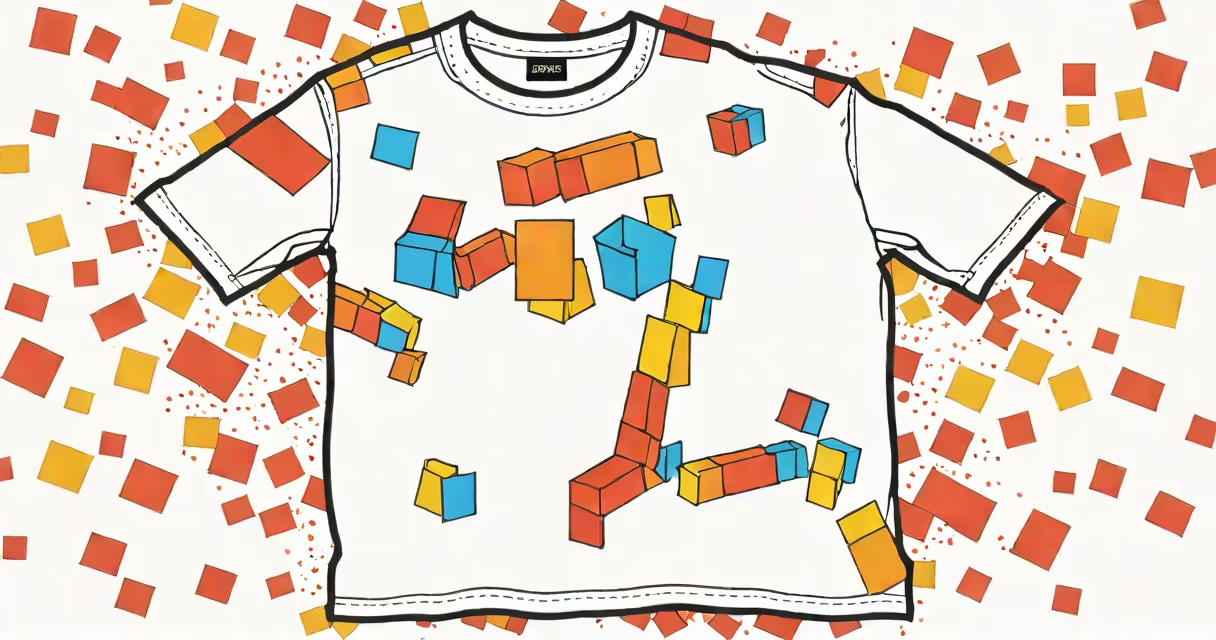
A roblox shirt template transparent png is a digital image file with a transparent background designed to fit Roblox's clothing system. It measures 256x256 pixels and uses alpha transparency to define visible areas. This format allows creators to apply textures to shirts without obscuring the player's body beneath.
Roblox uses a fixed coordinate system for clothing. Each shirt template must align with the game's internal mesh model. The 256x256 pixel size ensures compatibility with Roblox's rendering engine. Transparent PNG files allow parts of the shirt to appear invisible, enabling realistic layering with other clothing items.
When designing a shirt, the visible area must fall within the bounds of the torso and arms. The Roblox Studio documentation specifies that the shirt's UV map must match the model's vertex positions. Using a transparent PNG helps only the intended regions display color, while the rest remains see-through.
Roblox renders clothing using a system called "mesh-based clothing." Each shirt is mapped to a 3D model via UV coordinates. The transparent PNG serves as a texture map, defining which pixels show color and which remain invisible. The alpha channel controls transparency, allowing the player's skin or other clothing layers to show through.
For example, a designer creates a shirt with a red logo centered on the chest. The logo is drawn in solid red on the PNG. The surrounding area is set to full transparency. When applied in Roblox, only the red logo appears, while the rest of the shirt is invisible, revealing the player's body underneath.
Roblox requires all clothing textures to be saved as PNG files with 8-bit color depth and alpha channels. Files must not exceed 256x256 pixels. Larger images are automatically scaled down, potentially distorting the design. Using a correctly sized transparent PNG avoids rendering issues during gameplay.
Each roblox shirt template transparent png must follow strict guidelines:
Designers often use tools like Photoshop, GIMP, or Aseprite to create these templates. A common mistake is placing elements outside the usable area. For example, drawing a pattern that extends beyond the chest region results in clipping or distortion when worn.
The usable area for shirts is roughly the central 160x160 pixel zone. Areas near the edges may not render properly due to Roblox's mesh limitations. Designers should test their templates in Roblox Studio to verify visibility and alignment.
One frequent error is using JPEG instead of PNG. JPEG lacks an alpha channel, so transparency cannot be preserved. A shirt created with a JPEG will appear opaque or have artifacts. Always export as PNG with transparency enabled.
Another issue is incorrect scaling. Some designers resize the PNG to 512x512 or larger, assuming higher resolution improves quality. But Roblox only accepts 256x256 textures. Larger files are rejected during upload, causing errors in the creation process.
Using a transparent PNG with a black or white background instead of full transparency leads to visual glitches. The background color becomes part of the texture, making the shirt appear solid in places where it should be see-through.
Consider a creator designing a shirt with a flame pattern. They open GIMP, create a new 256x256 pixel canvas, and set the background to transparent. They draw flames in orange and yellow, ensuring the edges fade into transparency. The final file is saved as "flame_shirt.png" with alpha channel enabled.
When imported into Roblox Studio, the shirt appears correctly on the avatar. The flames cover the chest and upper arms, while the rest remains invisible. The player's skin shows through the transparent areas. This design works because it follows all required specifications.
A roblox shirt template transparent png is not a video file, SVG, or animated texture. It cannot be used directly in games without being converted to a Roblox-compatible format. It also differs from a "shirt asset" - the template is a design tool, not a playable item.
Some users confuse it with a "shirt model" or "mesh file." These are 3D models with geometry, not 2D textures. A transparent PNG does not define shape - it defines surface appearance. The actual form is determined by Roblox's default avatar mesh.
It is also not a downloadable item from the Roblox catalog. While the platform hosts thousands of shirts, those are pre-made assets. A transparent PNG template is a raw design file used to make custom versions.
I once spent two hours troubleshooting a shirt that appeared distorted. The issue was a 256x256 PNG with a white background instead of transparency. After switching to a truly transparent canvas, the shirt rendered perfectly. The lesson: always verify alpha channel settings before exporting.
These templates are used in Roblox Studio to create custom clothing. They're essential for developers building branded apparel, event wear, or themed outfits. Schools and clubs use them to design team uniforms or promotional gear.
Designers often share templates online. Sites like DeviantArt or Reddit's r/RobloxStudios host free resources. However, always confirm the file meets Roblox's standards before use. Some public templates include embedded watermarks or incorrect sizing.
For advanced users, multiple templates can be combined into a single texture sheet. This technique reduces memory usage in games with many custom items. It's common in large-scale experiences with hundreds of unique shirts.
| Feature | Correct Template | Incorrect Template |
|---|---|---|
| Size | 256x256 pixels | 512x512 or 128x128 |
| Format | PNG with alpha channel | JPEG or BMP |
| Background | Transparent (alpha = 0) | White, black, or colored |
| Content | Confined to torso/arm zones | Extends beyond usable area |
| Export Settings | RGBA, 8-bit, no compression loss | Indexed color, dithering, or lossy compression |
Always validate your file using a PNG checker tool. Tools like ImageMagick's "identify" command can verify dimensions and alpha status. Run identify -format "%w %h %A" filename.png to confirm the output matches 256 256 True.
For more on creating and distributing custom clothing, see this guide on safe creation methods.
Understanding the structure and purpose of a roblox shirt template transparent png ensures accurate, functional designs. It's not just a file - it's the foundation of personalized avatars in Roblox's creative system.