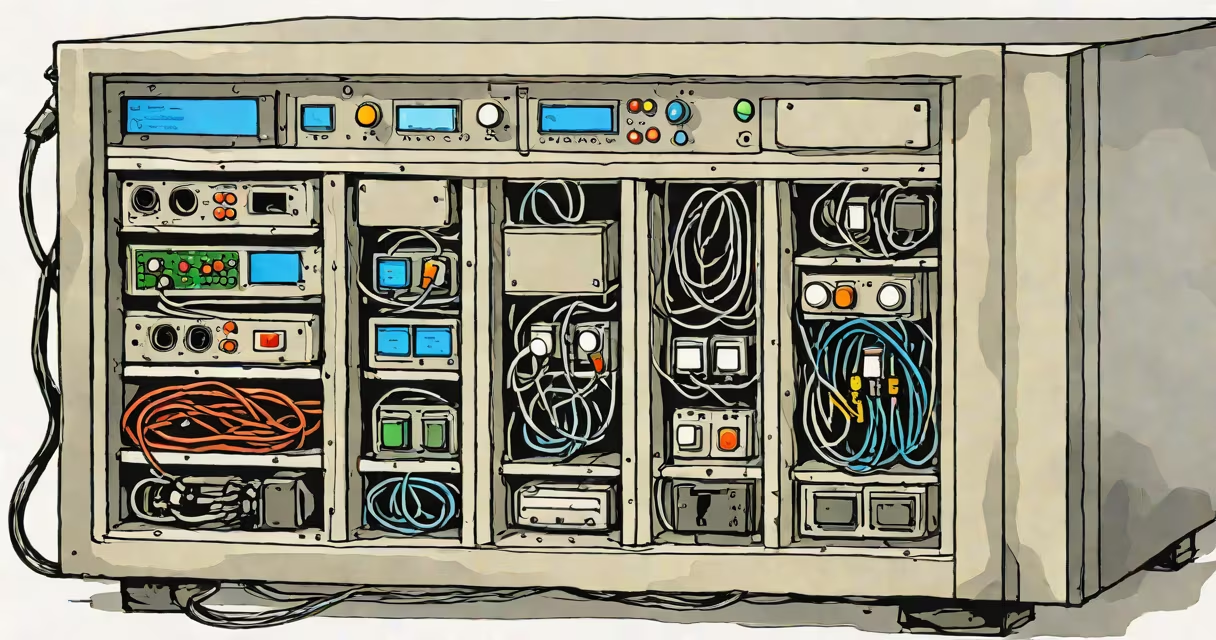
A NAS as cloud storage is a dedicated file server connected to a local network that provides centralized data storage and remote access, functioning as a private, on-premise alternative to public cloud platforms like Google Drive or Dropbox.
NAS devices run specialized operating systems such as Synology DSM, QNAP QTS, or TrueNAS Core. These systems manage file sharing, backups, user permissions, and remote access through secure protocols like HTTPS, SFTP, and WebDAV. Unlike public cloud services, data remains under your physical control, stored on drives inside the NAS unit.
When configured correctly, a NAS can replicate data across multiple drives using RAID arrays and send encrypted backups to offsite locations via cloud sync tools. This setup offers the reliability of cloud services with the privacy and customization of self-hosted infrastructure.
A NAS as cloud storage operates by connecting one or more hard drives to a small, low-power computer designed for continuous operation. The device runs a lightweight OS optimized for file management and network services. Once powered on and connected to your router via Ethernet, it appears on your local network as a shared drive.
Users access files through standard network protocols. For example, Windows users map a network drive using "\\NAS-NAME" in File Explorer. macOS users connect via SMB or AFP. Mobile apps from manufacturers like Synology allow iOS and Android devices to browse, upload, and download files securely.
Remote access requires port forwarding or changing DNS if using a home internet connection. More secure setups use a reverse proxy with TLS encryption via a domain name and Let's Encrypt certificates. Some NAS models support ZeroTier or Tailscale for virtual private networks, eliminating the need to expose ports to the internet.
Three primary configurations define how a NAS functions as cloud storage:
| Type | Use Case | Cost Range | Best For |
|---|---|---|---|
| Single-Bay NAS | Personal backup, media streaming | $100-$200 | Home users with limited data needs |
| Quad-Bay NAS | Small business file sharing, video editing | $400-$800 | Teams needing performance and redundancy |
| High-Density Rackmount | Enterprise-grade data retention, compliance | $1,500+ | Organizations requiring 24/7 uptime and audit trails |
RAID levels determine fault tolerance. RAID 1 mirrors two drives-ideal for critical documents. RAID 5 uses three or more drives and tolerates one drive failure. RAID 6 supports dual-drive failure but requires at least four drives.
For cloud-like functionality, install apps like Synology's Cloud Station or QNAP's Qsync. These tools sync changes across devices in real time and track version history. You can restore previous versions of files manually or set automatic snapshots every hour.
Public cloud providers charge based on usage. A 1TB plan on Dropbox costs $10/month. Over five years, that totals $600. A single 4-bay NAS with four 4TB drives costs around $1,200 upfront but lasts 5-7 years with minimal ongoing cost.
Data sovereignty matters. In 2023, the European Court of Justice ruled that EU citizens' data stored on U.S.-based cloud platforms may be subject to U.S. surveillance laws under the CLOUD Act. A NAS keeps data within your country's jurisdiction, reducing legal exposure.
Performance differs too. Local network speeds between devices can exceed 1 Gbps. Public cloud access depends on your internet speed. Uploading a 50GB video to Amazon S3 over a 100 Mbps connection takes ~14 hours. On a NAS, transferring the same file locally takes under 10 minutes.
NAS as cloud storage is not a direct replacement for enterprise cloud platforms like AWS S3 or Azure Blob Storage. It lacks auto-scaling, global edge caching, and multi-region failover. It's not designed for web applications or microservices.
Many assume NAS devices are inherently secure. They're not. Default passwords, unpatched firmware, and exposed admin interfaces lead to breaches. In 2022, researchers identified 1.2 million vulnerable NAS devices online due to outdated software. Always change default credentials and enable automatic updates.
Another myth: NAS eliminates the need for cloud backups. It doesn't. A fire, flood, or theft can destroy both your NAS and its local environment. Offsite replication-either to a second NAS at a different location or to a cloud storage provider-is essential for disaster recovery.
I built a 4-bay Synology DS923+ with four 6TB WD Red drives in RAID 5. Total capacity: ~18TB usable. I installed Plex for media streaming and PhotoStation for photo organization. All family photos and videos were migrated from smartphones and external drives.
Each week, I run a snapshot backup to a second NAS located at my sister's house using Synology's Hyper Backup. That system sends encrypted deltas over her internet connection. If my home network fails, I can restore the entire library within 4 hours.
Remote access works via a custom domain (homefiles.example.com) and a Let's Encrypt certificate. I use the Synology mobile app to view vacation videos while traveling. No monthly fees. No data caps. Full control.
Cloud storage architecture relies on distributed systems. A NAS as cloud storage uses a centralized model. Data resides in one place. This simplifies management but creates a single point of failure unless backed up.
For better scalability, combine NAS with cloud storage database solutions. Tools like Nextcloud can store metadata and file indexes in a PostgreSQL database hosted on a cloud VM. The actual files stay on the NAS. This hybrid model gives you search speed, mobile sync, and collaboration features without moving large files to the cloud.
Accessing cloud storage from a NAS often involves mounting remote buckets as network drives. For example, you can mount an AWS S3 bucket using rclone with a configuration file. This lets you treat S3 like a local folder. But performance drops when accessing files over the internet.
For secure, high-speed access to cloud storage, use a dedicated server in a cloud provider's region. Run rclone or a similar tool to cache frequently accessed files locally. This mimics a hybrid cloud setup but requires more technical skill.
NAS as cloud storage delivers ownership, performance, and long-term cost savings. It's ideal for individuals and small teams who value data privacy and want predictable expenses. It's not a substitute for public cloud infrastructure in large-scale deployments.