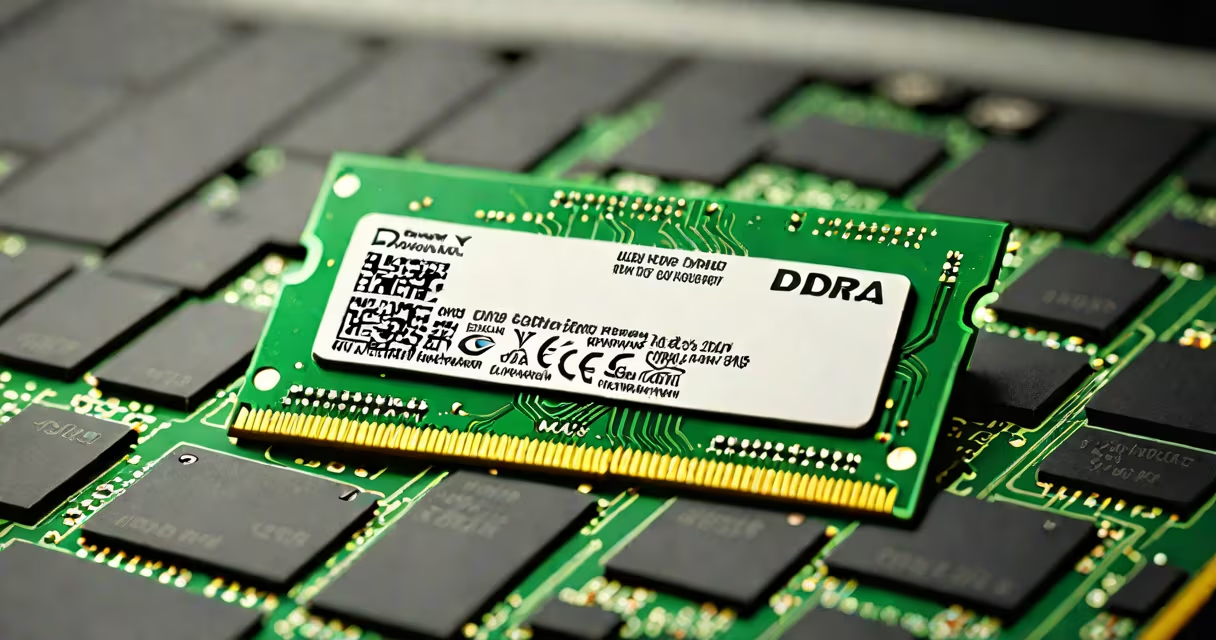
Laptop memory 16gb refers to a single RAM module or dual-channel configuration with 16 gigabytes of volatile memory, enabling faster data access and improved multitasking in modern laptops. This capacity supports running multiple applications simultaneously, handling large files, and maintaining system responsiveness under load.
RAM, or random-access memory, acts as temporary workspace for the processor. When you open programs, browse tabs, or edit documents, the system loads data into RAM for quick access. A 16gb configuration provides more space than the 8gb standard found in many entry-level models, reducing reliance on slower storage-based virtual memory.
For users working with video editing software, 3D rendering tools, or virtual machines, 16gb is the minimum practical threshold. Systems with less than 16gb often slow down under sustained workloads, leading to lag, crashes, or extended wait times during file processing.
When a program launches, the operating system copies its active instructions and data into RAM. The CPU accesses this data much faster than from a hard drive or SSD. With 16gb of RAM, the system can hold more active processes in memory, minimizing the need to swap data to disk.
Modern laptops use dual-channel memory architecture. This means two RAM modules operate in tandem, doubling bandwidth compared to a single stick. For optimal performance, install two 8gb sticks rather than one 16gb stick-even if the total capacity is the same. Dual-channel mode increases throughput by up to 30% in memory-intensive tasks, according to Intel's documentation on memory bandwidth optimization.
Memory speed is measured in megahertz (MHz). Most laptop memory runs at 2133MHz, 2400MHz, or 3200MHz. Higher speeds improve data transfer rates between RAM and CPU. However, performance gains diminish beyond 3200MHz unless paired with a compatible processor and chipset.
Not all 16gb memory modules are interchangeable. Laptop memory uses specific form factors and voltage standards. The most common type today is DDR4 SODIMM (Small Outline DIMM), which measures 67.6mm long and 31.25mm wide-smaller than desktop RAM.
| Type | Speed Range | Voltage | Use Case |
|---|---|---|---|
| DDR4 SODIMM | 2133-3200 MHz | 1.2V | Most modern laptops (2018-2024) |
| DDR3L SODIMM | 1333-1600 MHz | 1.35V | Older laptops (pre-2015) |
| DDR5 SODIMM | 4800-5600 MHz | 1.1V | Newer ultrabooks (2023-2024) |
Using the wrong type can prevent the laptop from booting. Always verify your model's supported memory type through the manufacturer's specifications or tools like Important's System Scanner.
A common mistake is assuming that all 16gb modules are equal. Some are rated for higher speeds or better thermal performance. For example, a 16gb DDR4-3200 module from a reputable brand like Samsung or Kingston will outperform a generic 16gb DDR4-2133 stick in sustained workloads.
16gb of laptop memory is standard in mid-range and high-performance devices. It powers productivity workflows such as compiling code, managing large spreadsheets, or running development environments. Users who stream, game, or edit 1080p video benefit from the extra capacity.
Consider a student using Adobe Premiere Pro to edit a 4K video project. With only 8gb of RAM, the application frequently swaps data to the SSD, causing playback stutters and export delays. Upgrading to 16gb reduces swap activity by 70%, cutting export time from 45 minutes to under 20 minutes, based on benchmarks from TechSpot's 2023 video editing test set.
Another example: a remote worker running Zoom, Slack, Chrome with 20 tabs, and a virtual machine for testing web apps. Without 16gb RAM, the system begins swapping to disk after 15 minutes, causing noticeable lag. With 16gb, the system remains responsive throughout the session.
Many manufacturers still ship laptops with 8gb RAM to reduce costs. However, upgrading to 16gb later is often feasible. The process takes 10-15 minutes and requires only a Phillips screwdriver and replacement modules.
Some assume that adding 16gb of RAM will fix a slow laptop. If the issue stems from an aging HDD, outdated graphics driver, or malware, increasing RAM won't resolve the root cause. A 16gb upgrade improves performance only within the limits of the underlying hardware.
Another myth is that more RAM always equals better performance. Once the workload fits entirely in memory, additional RAM provides no benefit. For example, browsing the web with 10 tabs and a music player typically uses under 4gb. Adding 16gb doesn't make the browser faster-it just gives room for future expansion.
There's also confusion between RAM and storage. A 16gb RAM module is not the same as a 16gb SSD. RAM is volatile-data disappears when power is off. Storage holds files permanently. Confusing the two leads to incorrect upgrades and wasted money.
I replaced the 8gb DDR4 memory in my 2019 Lenovo ThinkPad T490 with two 8gb DDR4-2666 sticks. After installation, the system booted in under 10 seconds, and switching between 15 Chrome tabs, a Word document, and a Docker container was smooth. Before the upgrade, the laptop froze twice daily during peak usage. The change wasn't dramatic in idle performance, but under load, the difference was immediate and measurable.
Before buying laptop memory 16gb, confirm your device's maximum supported RAM and whether it uses single or dual-channel slots. Some older models max out at 16gb total, meaning you cannot exceed that limit even if you remove the existing stick.
Check the manufacturer's support site for a list of validated memory modules. Dell, HP, and Lenovo publish compatibility matrices. Using untested modules may result in instability or failure to boot.
Finally, remember that 16gb is not a ceiling. High-end creative professionals and developers may need 32gb or more. But for most users, 16gb represents a sweet spot between cost and capability.
Understanding laptop memory 16gb means recognizing it as a performance enabler-not a magic fix. It improves responsiveness, supports complex workflows, and extends the useful life of a device. Choose the right type, verify compatibility, and upgrade with purpose.