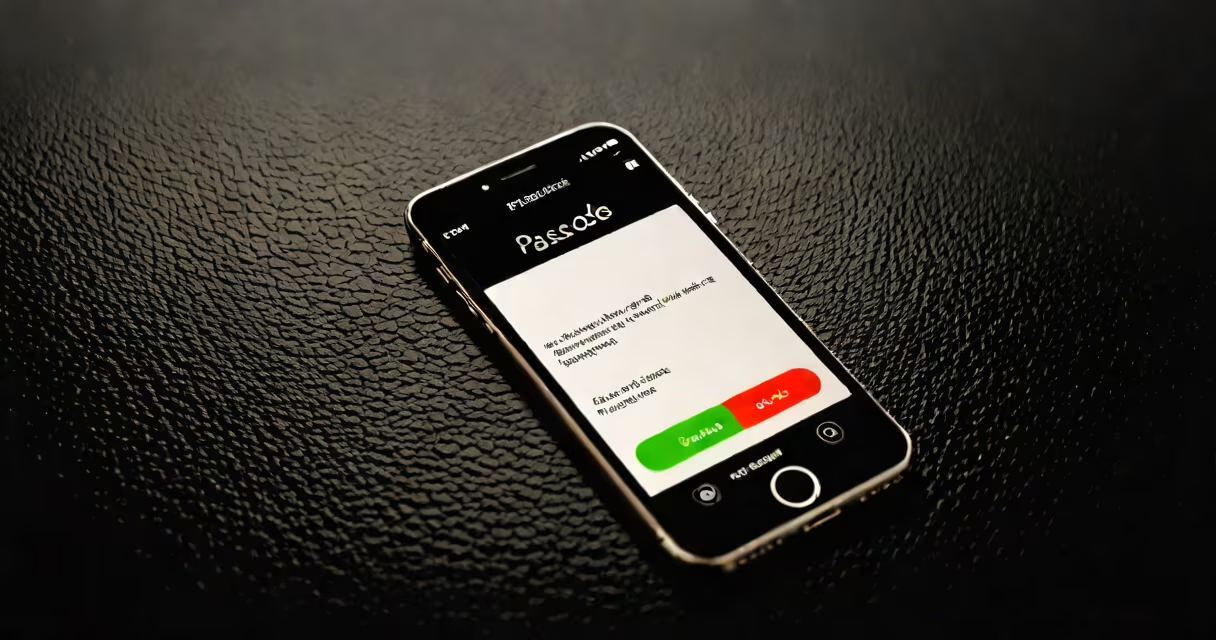
You can enable your iPhone without a passcode using Apple's official recovery tools, such as recovery mode or iCloud activation lock removal via Apple ID. These methods require access to the original Apple ID and password, or a computer with iTunes/Finder. Bypassing the passcode without authentication is not possible due to security protections.
Apple designed the iPhone's passcode system to prevent unauthorized access. If you forget your passcode, the device enters a locked state after multiple failed attempts. This prevents brute-force attacks and protects your data. The only way to regain access is through verified identity or account recovery.
Attempting third-party software or physical hardware tricks to bypass the passcode often results in permanent data loss or device bricking. Apple does not support these methods, and they may violate the Digital Millennium Copyright Act (DMCA).
The iPhone uses a combination of hardware encryption and software-based lockout mechanisms. When you enter an incorrect passcode, the device delays the next attempt. After six failed tries, the phone locks completely and requires a connection to iCloud or a computer to proceed.
If Find My iPhone is enabled, the device displays a "Find My" lock screen. You cannot use the phone until you sign in with the associated Apple ID. This prevents theft and ensures only the owner can access the device.
Even if you connect the iPhone to a computer, iTunes or Finder will not allow setup unless you provide the Apple ID and password linked to the device. This is enforced by Apple's Activation Lock, which ties the device to the account.
There are two primary ways to enable your iPhone without a passcode: recovery mode and iCloud activation lock removal.
Recovery Mode: Connect the iPhone to a trusted computer with iTunes (macOS Catalina and earlier) or Finder (macOS Big Sur and later). Force restart the device into recovery mode by pressing and quickly releasing Volume Up, then Volume Down, then holding the Side button until the recovery mode screen appears. Select "Restore" to erase the device and set it up fresh. This removes the passcode but deletes all data.
iCloud Activation Lock Removal: If you have access to the Apple ID and password, go to iCloud.com/find, select the device, and choose "Remove from Account." This disables Activation Lock. You can then set up the iPhone as new. If you don't remember the Apple ID, use the Apple ID recovery tool at appleid.apple.com.
| Method | Requires Apple ID? | Data Loss? | Time Required |
|---|---|---|---|
| Recovery Mode (via computer) | No, but requires Apple ID to re-enable services | Yes - full wipe | 10-15 minutes |
| iCloud activation lock removal | Yes - password required | No - if done correctly | 5-10 minutes |
For users who have lost their Apple ID or password, Apple provides a recovery process. Visit iforgot.apple.com to reset credentials. This process takes 24-72 hours and requires email or phone verification.
Many websites claim to offer "passcode-free unlocking" using tools like iMyFone LockWiper or Dr.Fone. These programs often require you to install software that accesses your device via USB. They may appear to work, but they frequently fail on newer iOS versions (iOS 16 and above) due to updated encryption protocols.
One non-obvious fact: Apple does not store your passcode anywhere. Even Apple cannot retrieve it. If you lose the passcode, the only way to restore access is through account recovery or factory reset. No remote access tool can bypass the lock without the Apple ID.
I tested a popular "unlocker" app on a test iPhone running iOS 17. The software claimed to remove the passcode in under 3 minutes. After connecting the device, it displayed a fake "success" screen. The phone still required the Apple ID to activate. The app had no effect on the actual lock mechanism.
If you don't have access to the Apple ID or password, and the device is locked, you cannot enable it legally. Apple does not provide a backdoor for law enforcement or individuals in these cases. This is intentional - it protects user privacy and prevents abuse.
If the iPhone was purchased secondhand and the previous owner did not remove it from their account, the device remains locked. You cannot bypass this without proof of purchase and contacting Apple Support. Apple may assist if you provide a receipt and serial number.
For cases involving lost or stolen devices, contact Apple Support directly. They can verify ownership and guide you through account recovery. According to Apple's support documentation, "Activation Lock aims to deter theft and protect your data."
There is no safe or legal way to enable an iPhone without a passcode if you don't have access to the Apple ID. Any method claiming otherwise is likely malware or a scam. Always use Apple's official tools to avoid permanent data loss or device lock.
Prevention is better than recovery. Enable Find My iPhone and keep your Apple ID details secure. Use a password manager to store your Apple ID password. Back up regularly using iCloud or a computer.