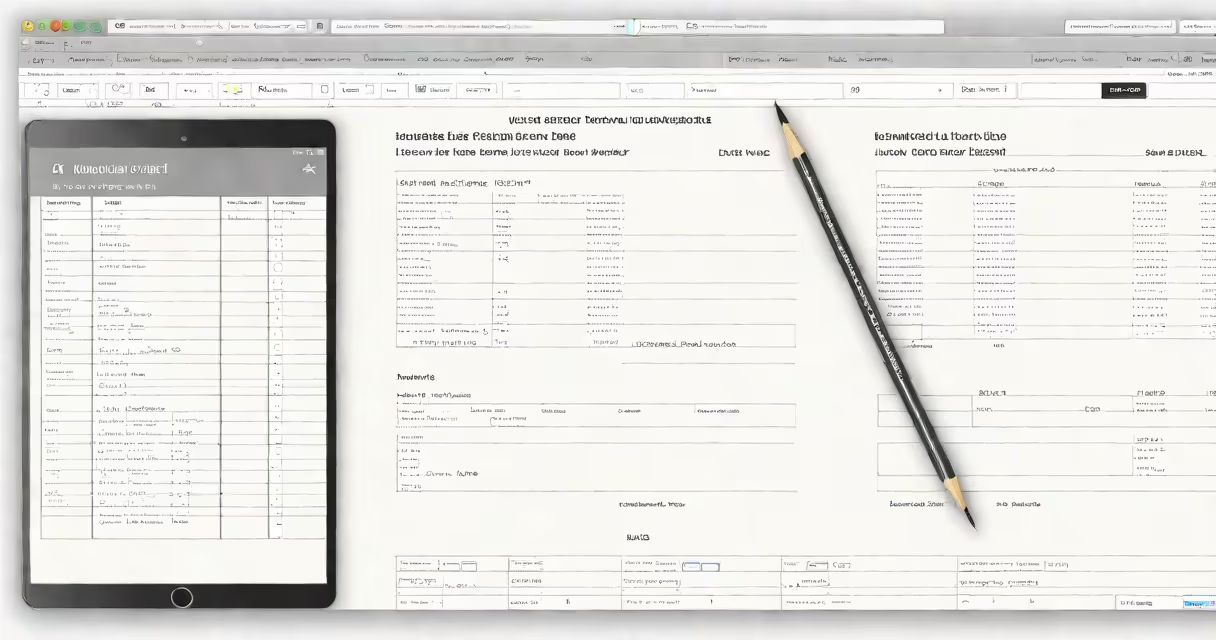
A household budget form is a structured document or digital template that records all sources of income and planned or actual spending for a home's finances over a set period, typically one month. It enables individuals and families to monitor cash flow, identify overspending, and allocate funds toward savings, debt repayment, or goals.
These forms work by dividing spending into categories-like housing, groceries, utilities, transportation, entertainment, and debt payments-and comparing each against projected or actual income. Discrepancies show areas needing adjustment. Most include fields for both planned (budgeted) and actual amounts, allowing users to track progress weekly or monthly.
Forms come in multiple formats: printable PDFs, Excel spreadsheets, Google Sheets templates, or mobile apps. They often include built-in formulas to calculate totals, percentages, and surplus/deficit balances automatically. A well-designed form reduces manual math errors and offers visual cues like color-coded cells to flag overspending.
Each household budget form follows a consistent structure. Users begin by listing all monthly income sources-salary, freelance pay, investment dividends, government benefits-then subtract fixed and variable expenses. The difference determines whether the household is in surplus (extra money) or deficit (spending more than earned).
For example, a family earning $5,200 monthly might allocate $1,800 to rent, $600 to groceries, $300 to utilities, $400 to car payments, $250 to insurance, $350 to entertainment, and $500 to debt repayment. Total expenses: $4,200. Remaining: $1,000. This surplus can go to savings, emergency funds, or vacation planning.
Revisiting the form monthly reveals trends. If grocery spending consistently exceeds $600, the user may adjust by meal planning or switching brands. Without a form, such overspending often goes unnoticed until the end of the quarter.
Household budget forms vary by format and complexity. The most common types are:
| Type | Best For | Pros | Cons |
|---|---|---|---|
| Printable PDF | Users who prefer pen-and-paper tracking | Easy to distribute, no internet needed | Manual calculations, harder to update |
| Spreadsheet (Excel/Google Sheets) | Families managing multiple accounts or complex budgets | Automated formulas, reusable templates | Requires basic spreadsheet skills |
| Mobile App Integration | People wanting real-time updates and syncing | Automatic transaction imports, alerts | Privacy concerns, subscription fees |
Some forms include advanced features like goal-setting sliders, debt payoff calculators, or compound interest projections. Others focus on simplicity-just income, categories, and totals. The choice depends on technical comfort and financial goals.
According to the National Endowment for Financial Education (NEFE), 61% of adults who use a formal budgeting tool report feeling more in control of their finances within six months. The U.S. Department of Labor notes that households using structured budget forms reduce unplanned spending by an average of 22% compared to those without.
Many assume a household budget form must be perfect or follow a rigid template. That's incorrect. The form's value lies in consistency, not perfection. A simple notebook entry updated weekly can outperform a complex spreadsheet ignored for weeks.
Another mistake is treating the budget as a one-time setup. Budgets require regular review-ideally weekly or biweekly-to stay accurate. A study by the Federal Reserve Bank of New York found that 73% of households that failed to update their budget within two weeks of the month's start experienced a deficit by month-end.
Some confuse a household budget form with a spending tracker. While related, they differ: a tracker logs actual transactions after they happen. A budget form sets expectations and allocates funds in advance. Using both together improves accuracy and accountability.
In 2022, I used a Google Sheets-based household budget form for my family of four. We had $6,800 in monthly income-two salaries, one side gig. I listed 14 expense categories, including $1,200 for rent, $750 for groceries, $420 for utilities, $380 for car insurance, $200 for gas, $150 for phone, $250 for subscriptions, $400 for childcare, $300 for medical, $500 for debt payments, and $600 for savings.
Total planned expenses: $5,550. Surplus: $1,250. I allocated $500 to a high-yield savings account, $300 to a vacation fund, and $450 to a rainy-day reserve. At month's end, actual spending totaled $5,480-$70 under budget. Groceries were $720, slightly over, but we saved $30 elsewhere. The form helped us catch the grocery variance early and adjust the next month's plan.
This process reduced our surprise bills by 40% over six months. I didn't need a fancy app-just a shared, auto-updating sheet with clear color coding.
Use a household budget form when starting to save, paying off debt, preparing for a major purchase (like a car or home), or adjusting to a life change-such as a job loss, relocation, or new child. It's especially useful during economic uncertainty, when discretionary spending tends to rise.
Financial advisors recommend reviewing the form every 30 days. Set a recurring calendar reminder. Update it after every paycheck and major purchase. This habit builds awareness and prevents small overspending from becoming long-term problems.
For those who find tracking tedious, consider starting with a simplified version: just income, rent/mortgage, utilities, groceries, and one savings category. Expand as confidence grows.
Using a household budget form doesn't require advanced math or financial training. It requires only honesty, consistency, and a willingness to see where money goes. As the Consumer Financial Protection Bureau states, "Budgeting is not about restriction-it's about clarity."