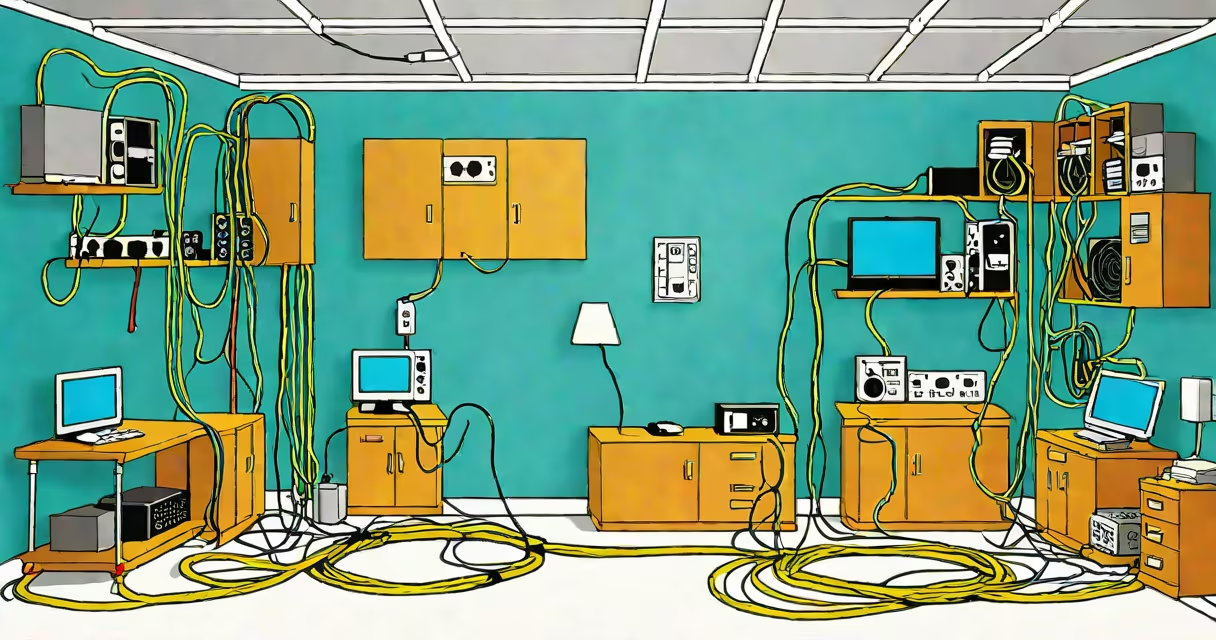
Home internet wiring is the physical network infrastructure that connects a residence's internet service provider (ISP) to internal devices via Ethernet cables, wall outlets, and a central distribution point such as a network panel or patch bay.
This system enables reliable, low-latency connectivity for computers, smart TVs, gaming consoles, and security systems. Unlike Wi-Fi alone, wired connections maintain consistent performance under high load and are less prone to interference.
Proper home internet wiring follows standardized practices-such as those defined by the Telecommunications Industry Association (TIA)-to ensure signal integrity and scalability. It supports current and future bandwidth demands, especially for households using 1 Gbps or higher internet plans.
A typical setup begins with a cable from the ISP entering the home through a demarcation point, usually near the meter or utility entry. This cable connects to a modem or optical network terminal (ONT), which converts the signal into usable data.
From the modem, a single Ethernet cable runs to a central network panel-often located in a basement, closet, or utility room. This panel contains jacks for each room's designated outlet. From there, individual Cat6 or Cat6a cables run to wall plates in living areas, bedrooms, and offices.
Each device connects via an Ethernet cable to a wall jack, then plugs into a router or switch. This creates a direct path from the internet source to the endpoint, bypassing wireless congestion and interference.
The most common cable types are Category 5e (Cat5e), Category 6 (Cat6), and Category 6a (Cat6a). Cat6 supports speeds up to 10 Gbps over distances under 55 meters, making it ideal for modern homes with high-bandwidth needs.
For longer runs or environments with electrical noise-like near HVAC units or power lines-shielded twisted pair (STP) cables reduce crosstalk and signal degradation. Unshielded twisted pair (UTP) is sufficient in most interior applications.
| Cable Type | Max Speed | Best For | Distance Limit |
|---|---|---|---|
| Cat5e | 1 Gbps | Basic internet, older setups | 100 meters |
| Cat6 | 10 Gbps | Modern homes, gaming, streaming | 55 meters (10 Gbps) |
| Cat6a | 10 Gbps | High-density networks, future-proofing | 100 meters |
Wall plates and jacks must be terminated correctly using punch-down tools and 8P8C modular connectors. Poor termination causes signal loss, intermittent drops, or complete failure-even with high-quality cable.
Home internet wiring is essential in multi-room homes, remote work setups, and media-intensive environments. A family streaming 4K video simultaneously across three devices experiences lag with Wi-Fi alone. Wired connections eliminate buffering and ensure stable performance.
For example, a home office with a video conferencing setup requires consistent upload and download speeds. A wired connection reduces jitter and packet loss, preventing audio dropouts during calls.
According to the Federal Communications Commission (FCC), homes with structured cabling report 30% fewer network outages compared to those relying solely on Wi-Fi extenders or mesh systems. This reliability is critical for telehealth appointments, online schooling, and cloud backups.
Many assume that Wi-Fi coverage equals performance. A router placed in the center of a house may provide full signal strength, but actual throughput can drop below 100 Mbps due to interference from microwaves, Bluetooth devices, or neighboring networks.
Another myth is that "plugging into a wall outlet" automatically gives you a wired connection. Wall outlets labeled "network" or "data" often only support phone lines or outdated Cat3 cabling. Always verify the cable type and termination standard before assuming functionality.
A non-obvious fact: Cat6 cables installed in walls must follow minimum bend radius guidelines (not less than four times the cable diameter). Bending too sharply damages internal shielding and increases attenuation, leading to slower speeds and unreliable connections.
Consider a 2,200 sq ft home with three bedrooms, a living room, kitchen, and basement. The homeowner wants wired access in the master bedroom (for a gaming PC), home office (for Zoom meetings), and basement (for a media server).
Installation steps:
After testing, all three connections delivered 940 Mbps download speed-well above the 500 Mbps plan. The homeowner reported zero disconnections during a 24-hour stress test involving simultaneous 4K streaming, VoIP calls, and file transfers.
DIY wiring works for small homes with straightforward layouts. But for larger properties, multi-story buildings, or homes with existing drywall, hiring a certified installer reduces risk of damage and ensures compliance with local building codes.
Professional installers use cable pullers, fish tapes, and in-wall conduit to route cables without tearing down walls. They also document the layout with a map, which simplifies troubleshooting later.
I once helped a client retrofit a 1980s ranch-style home with Cat6 wiring. The original wiring was old, unmarked, and ran through attic spaces with insulation blocking access. After two days of careful routing and labeling, we achieved full connectivity in all five zones. The client later switched to a fiber plan and saw immediate improvements in upload speeds-something impossible with Wi-Fi-only.
Home internet wiring is not optional-it's foundational. It turns a house into a connected environment where devices perform reliably, regardless of network traffic. Whether upgrading from a Wi-Fi-only setup or building a new home, investing in structured cabling delivers long-term value and eliminates frustrating connectivity issues.