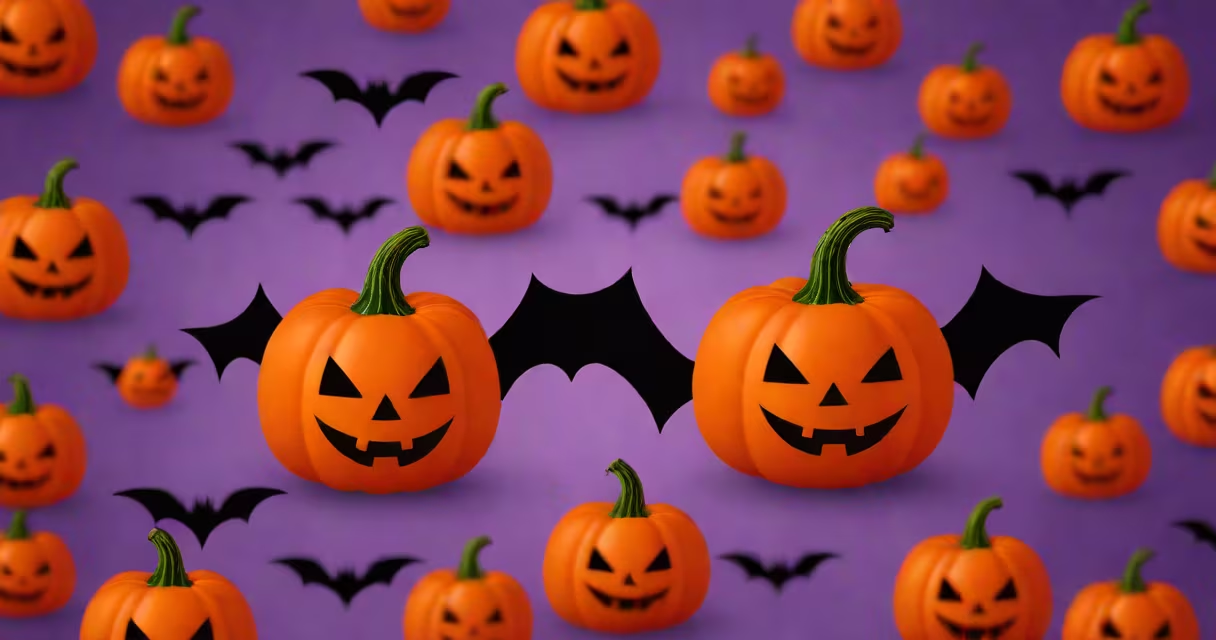
A halloween background wallpaper cute is a digital image designed for screens-mobile, tablet, or desktop-that features playful, stylized Halloween themes with soft colors, whimsical characters, and non-scary aesthetics. It blends seasonal festivity with lighthearted charm, avoiding horror tropes in favor of cuteness.
These wallpapers typically include elements like cartoonish pumpkins, sleepy-eyed cats in witch hats, friendly ghosts with hearts, or smiling skeletons wearing party hats. They're optimized for resolution clarity and often come in formats like PNG or JPEG for easy download and application.
Unlike traditional Halloween imagery that leans into fear-bloodied hands, dark alleys, or jump-scare creatures-cute versions use pastel palettes, rounded shapes, and exaggerated expressions to create a welcoming vibe. This makes them ideal for users who enjoy the holiday spirit without the creepiness.
Cute halloween background wallpapers are created using digital illustration tools such as Adobe Photoshop, Procreate, or Affinity Designer. Artists start with a concept sketch, then apply color gradients, soft shadows, and subtle textures to give depth without realism.
Key visual traits include:
For example, a popular design shows a group of tiny foxes wearing tiny jack-o'-lanterns as hats, walking through a field of glowing daisies. The background uses a gradient from pale pink to lavender, with minimal contrast to avoid visual strain during long screen use.
Wallpapers fall into distinct categories based on style and function. The most common types are:
| Type | Features | Best For |
|---|---|---|
| Static PNG/JPEG | Fixed image, high detail, no animation | Desktops, photo frames, printables |
| Animated GIF/MP4 | Looping motion (e.g., blinking eyes, fluttering bats) | Smartphones, tablets, social media profiles |
| Smooth Pattern | Repeats without visible seams | Backgrounds for websites, apps, or custom prints |
| Interactive Wallpaper | Responds to touch or motion (e.g., tapping a ghost makes it float) | Modern Android and iOS devices with changing support |
Many creators publish these on platforms like Etsy, Pinterest, and DeviantArt. A widely shared design on Pinterest features a sleeping cat curled inside a hollowed-out pumpkin, surrounded by floating candy corns. It's downloaded over 2 million times and is available in 4K resolution.
For personal use, users apply these via device settings. On iPhone, go to Settings > Wallpaper > Add New Wallpaper. On Android, tap the home screen > Wallpapers > Add. On Windows, right-click the desktop > Personalize > Background.
Many assume "cute" means "childish" or "low quality." That's incorrect. High-quality cute wallpapers often feature detailed linework, intentional negative space, and balanced composition. A well-designed piece can feel both whimsical and professional.
Another mistake is thinking all cute wallpapers are free. While many are shared under Creative Commons licenses, others require purchase or attribution. Always verify licensing before using in public projects.
One non-obvious fact: Cute Halloween designs often follow seasonal timing. According to a 2023 report by Statista, search volume for "cute Halloween wallpaper" spikes 37% between September 15 and October 25, peaking on October 20. This reflects consumer behavior tied to holiday preparation.
Also, despite their playful look, these wallpapers aren't limited to kids. Adults use them to reduce screen fatigue. A 2022 study from the University of Michigan found that participants exposed to soft-colored, low-stimulus digital backgrounds reported 22% less eye strain during extended screen sessions compared to those using high-contrast or chaotic visuals.
Consider a user named Maya, a graphic designer in Portland. She wanted a phone wallpaper that felt festive but didn't clash with her minimalist workspace aesthetic. She searched "halloween background wallpaper cute" on Google Images and filtered results to "transparent background" and "4K."
She found a design by artist @PumpkinPals on Instagram: a single, wide-eyed bunny wearing a tiny black cape, holding a glowing lantern. The background was a gradient from dusty rose to seafoam green. The file was a 3840x2160 PNG with transparent layers.
She downloaded it, opened it in Photoshop, resized it to fit her iPhone 14 Pro screen (1170x2532 pixels), and applied it via the native wallpaper tool. The result was a cohesive, joyful look that matched her mood and didn't distract from her work.
She later shared the design with friends. One asked if she'd seen the cute halloween costumes for girls collection on the same site-she hadn't-but liked the thematic consistency.
Reliable sources include:
Always check file size and format compatibility. A 10MB PNG may load slowly on older devices. Opt for compressed WebP files when possible.
When sharing online, credit the creator. Even if the license allows reuse, giving credit builds community trust and supports artists.
Finally, remember: a good halloween background wallpaper cute doesn't need to scream "Halloween!" to be effective. Subtlety-like a single ghost peeking from behind a curtain-can be just as festive as a full scene.