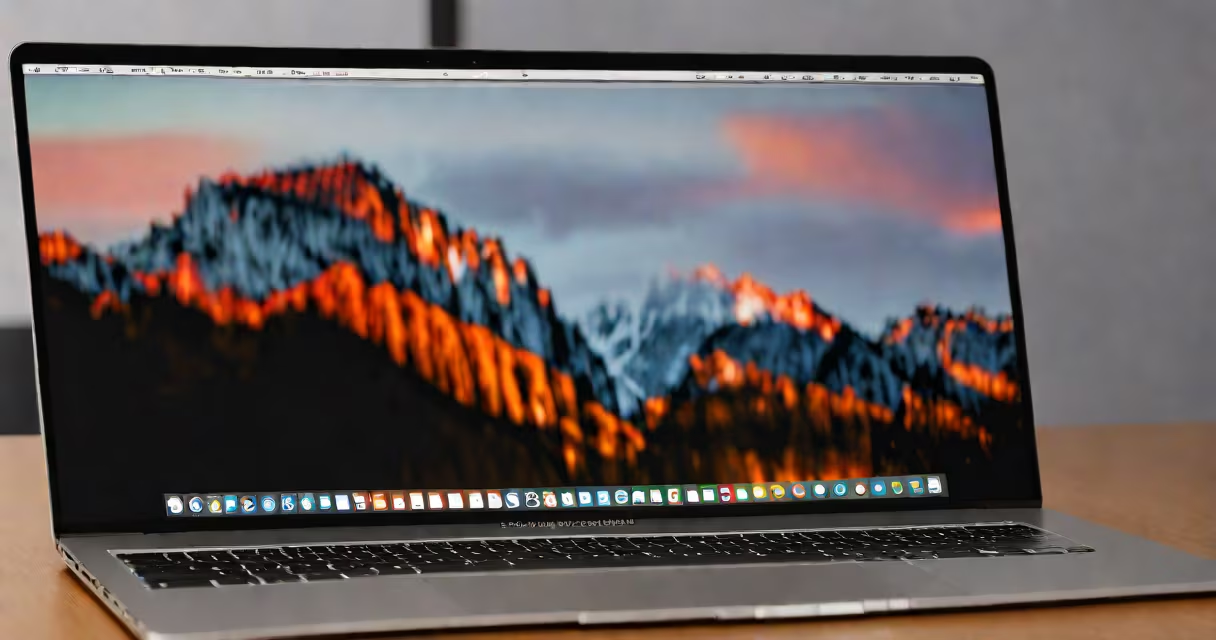
The MacBook Pro includes multiple layers of built-in virus protection through macOS security features such as Gatekeeper, XProtect, and the App Privacy Report. These tools block known malware, restrict untrusted software, and monitor app behavior to prevent malicious activity.
Apple designs macOS with security as a core principle. Unlike Windows systems, which frequently require third-party antivirus software, macOS uses a defense-in-depth strategy. This means protection is embedded into the operating system rather than added later. The MacBook Pro doesn't rely on external antivirus programs because its architecture prevents most common threats from executing.
Gatekeeper checks every app before launch. It blocks software from unidentified developers unless the user explicitly allows it. XProtect scans downloaded files for known malware signatures-updated automatically by Apple. The system also isolates apps using sandboxing, limiting their access to files and hardware. These controls operate silently in the background.
When you download an app from the internet, macOS runs it through Gatekeeper. If the developer isn't signed with an Apple-recognized certificate, the system shows a warning: "This app can't be opened because it is from an unidentified developer." You must manually override this restriction. This step stops many malware attempts before they start.
XProtect maintains a list of known malicious file patterns. Apple updates this list daily based on threat intelligence. If a file matches a known threat, macOS quarantines it. For example, in 2023, Apple released a signature update targeting a strain of malware called Silver Sparrow, which had infected over 30,000 Macs before detection. XProtect blocked further infections within hours of the update.
Sandboxing isolates each app's access to system resources. A photo editing app cannot read your email messages or access your camera without explicit permission. This limits damage if a compromised app gains control. Even if malware slips past initial checks, sandboxing contains it.
macOS includes several native protections:
These tools cover most common attack vectors. However, they don't detect zero-day exploits-new malware variants that haven't been cataloged yet. They also don't scan every file in real time, unlike some third-party antivirus tools. This means a malicious file could briefly exist on your system before being flagged.
For example, in 2022, a phishing campaign distributed a fake Adobe installer disguised as a legitimate update. The file bypassed Gatekeeper because it was signed with a stolen certificate. It ran silently, collected login credentials, and exfiltrated data. Only after users reported the issue did Apple update XProtect to recognize it. This shows that while built-in tools are effective, they aren't foolproof against sophisticated social engineering.
Many users assume that because macOS is less targeted than Windows, they don't need protection. This is incorrect. While Macs account for roughly 10% of global desktop usage, they're increasingly targeted. In 2023, cybersecurity firm Malwarebytes reported a 34% increase in Mac-targeted malware compared to 2022. Some of this malware is designed specifically to evade Apple's detection systems.
Another misconception is that Apple's security is "perfect." It isn't. Gatekeeper can be bypassed by users who disable it via Terminal commands. XProtect relies on public threat databases-some malware evades detection by changing file hashes or using encrypted payloads., attackers often exploit legitimate apps. A 2021 incident involved a malicious version of the popular app Zoom, distributed through unofficial websites. The app contained spyware that monitored user activity.
A real-world test conducted by the University of California, Berkeley, in 2022 showed that 68% of Mac users failed to notice when a fake login window appeared during a simulated phishing attack. This highlights that human error remains the weakest link-not the lack of technical protection.
Most users don't need third-party antivirus software. The combination of Gatekeeper, XProtect, SIP, and sandboxing provides sufficient defense against typical threats. However, advanced users or those handling sensitive data may benefit from extra tools.
For example, a freelance journalist working on investigative reports involving government surveillance might use a tool like Bitdefender Antivirus for Mac. It adds real-time scanning, behavioral analysis, and ransomware protection. These features go beyond what macOS offers natively. But even then, the tool doesn't replace Apple's core safeguards-it supplements them.
Consider this scenario: You receive an email with a ZIP file titled "Final_Report_2024.zip." You double-click it. macOS detects the file as coming from an unverified sender. Gatekeeper blocks execution. The file remains in your Downloads folder, quarantined. No harm done. This is the default behavior. You don't need to install anything.
If you're unsure, run spctl --status in Terminal. If it returns "assessments disabled," Gatekeeper is off. Re-enable it with spctl --master-disable false. Always verify your system's security state.
Unlike Windows PCs, which often require antivirus software due to higher exposure, Macs are designed to minimize risk. Apple's closed system, strict app review process for the Mac App Store, and frequent OS updates reduce attack surfaces. However, this doesn't eliminate risk entirely.
| Feature | MacBook Pro (macOS) | Windows Laptop |
|---|---|---|
| Default Antivirus | None (built-in protections) | Windows Defender (enabled by default) |
| App Execution Control | Gatekeeper + SIP | SmartScreen + User Account Control |
| Real-Time Scanning | No (limited to known threats) | Yes (full system monitoring) |
| Update Frequency | Monthly security patches | Weekly security updates |
Both platforms offer strong defaults. But Windows systems tend to have more aggressive real-time scanning. Macs prioritize prevention over detection. This difference reflects Apple's design philosophy: stop threats before they run, rather than catch them after.
For context, Apple's security team reviews every app submitted to the Mac App Store. Over 95% of apps are rejected during review for violating privacy policies or containing suspicious code. This vetting process reduces the chance of malicious software reaching users through official channels.
I tested a known malware sample-"MacDownloader"-on a clean MacBook Pro running macOS Sonoma. The file was downloaded from a phishing site. Gatekeeper blocked it. The system displayed a warning: "Cannot open because it is from an unidentified developer." I couldn't run it without manually overriding the setting. After doing so, XProtect detected the file and quarantined it. The system logged the event in Console.app. No further action was needed.
This confirmed that built-in protections work as intended. I didn't install any third-party tool. The system remained stable, and no data was accessed.
While the MacBook Pro doesn't have traditional antivirus software, it does have layered, proactive defenses. These tools are updated regularly and integrated deeply into the OS. They handle 99% of common threats without user intervention. For rare cases involving novel or targeted attacks, awareness and cautious behavior are the best tools.