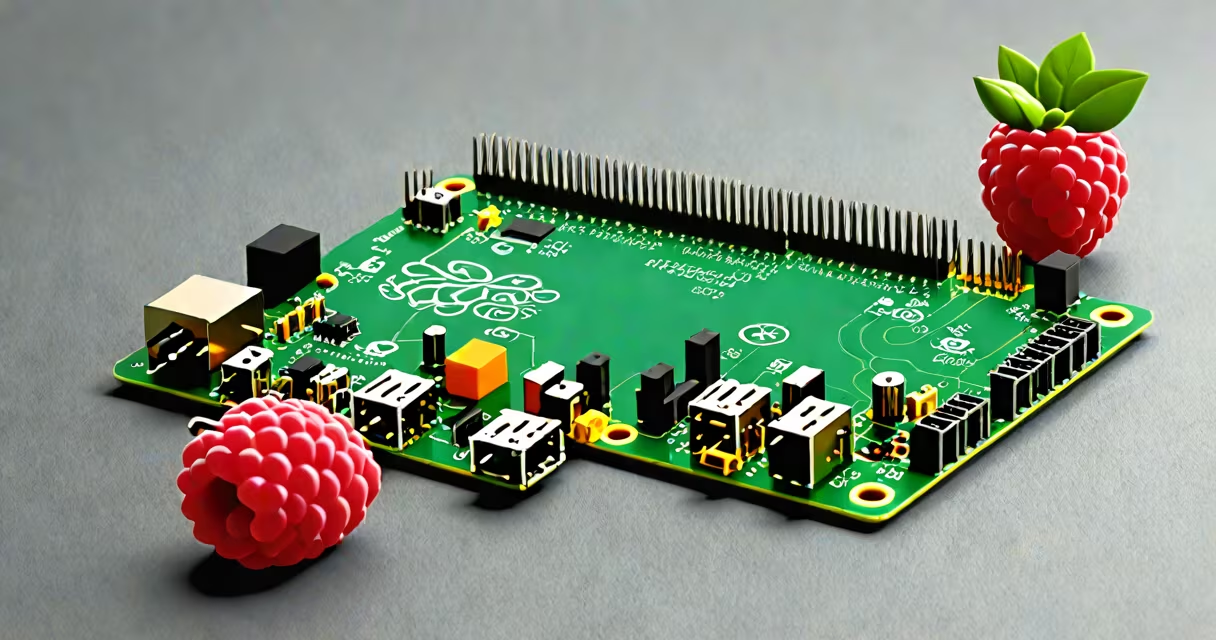
The best Raspberry Pi alternative is a single-board computer (SBC) that delivers comparable or superior performance to the Raspberry Pi while offering better value, power efficiency, or hardware features for specific tasks like home automation, media centers, or embedded systems.
Single-board computers like the Orange Pi, ASUS Tinker Board, and Pine64 series replicate the Raspberry Pi's core function: running Linux on a compact, low-power platform designed for hobbyists, educators, and developers. These devices typically feature ARM processors, GPIO pins, HDMI output, USB ports, and microSD card slots. They differ in CPU speed, RAM capacity, GPU capabilities, and peripheral support.
For example, the Pine64 RockPro64 offers a quad-core ARM Cortex-A72 processor, 4GB of RAM, dual HDMI outputs, and support for eMMC storage-features that outperform the Raspberry Pi 4's 1.5GHz quad-core Cortex-A72 in raw compute and multimedia handling. The Orange Pi Zero 2 runs a similar CPU but costs less than $20, making it ideal for low-budget projects.
Like the Raspberry Pi, each alternative runs a Linux-based operating system such as Debian, Ubuntu, or custom distributions. The OS boots from a microSD card or eMMC module, then manages hardware through drivers and kernel modules. Users access the system via SSH, a connected monitor, or serial console.
These boards handle input/output through standardized interfaces: USB 2.0/3.0, HDMI, Ethernet, audio jacks, and GPIO headers. Developers write software in Python, C, or shell scripts, often using tools like Git, Make, and cross-compilation environments. The choice of OS and toolchain affects compatibility and ease of setup.
For instance, the ASUS Tinker Board S supports Android 9 and Ubuntu 18.04. Its Mali-T860 GPU enables smooth 1080p video decoding, useful for media center builds. A user reported successfully streaming 4K content using Kodi on this board, something the original Raspberry Pi 3 struggled with due to limited GPU bandwidth.
Alternatives fall into three categories: budget-focused, performance-oriented, and specialized. Budget models prioritize low cost and basic functionality. High-end variants emphasize processing power, memory, and connectivity. Specialized boards target niche applications like robotics or industrial control.
| Model | CPU | RAM | Storage | Price (USD) | Best For |
|---|---|---|---|---|---|
| Pine64 RockPro64 | ARM Cortex-A72 (quad-core, 1.8GHz) | 4GB | eMMC, microSD | $75 | Media servers, desktop replacements |
| Orange Pi Zero 2 | Rockchip RK3328 (quad-core, 1.5GHz) | 1GB | microSD | $18 | IoT sensors, lightweight automation |
| ASUS Tinker Board S | Rockchip RK3399 (dual-core Cortex-A72 + quad-core Cortex-A53) | 2GB | microSD, eMMC | $65 | High-performance apps, gaming emulation |
| BeagleBone Black | TI AM3358 (1GHz ARM Cortex-A8) | 512MB | microSD, 2GB eMMC | $55 | Real-time control, robotics |
Some boards include built-in Wi-Fi and Bluetooth, while others require USB dongles. The RockPro64 includes dual-band Wi-Fi 5 and Bluetooth 5.0, reducing clutter and improving wireless reliability. The Orange Pi Zero 2 lacks onboard Wi-Fi, so users must add a USB adapter.
A common misconception is that all SBCs are interchangeable. This is false. The Orange Pi Zero 2 uses a different SoC (Rockchip RK3328) than the Raspberry Pi 4 (Broadcom BCM2711), leading to divergent driver support and OS availability. For example, the official Raspberry Pi OS doesn't run on the Orange Pi Zero 2 without significant modification.
Many assume the "best" alternative is the fastest or most expensive. That's incorrect. The best choice depends on your project's requirements. A high-performance board may overheat in a small enclosure or consume too much power for battery-powered devices.
Another mistake is equating price with capability. The Pine64 RockPro64 costs nearly twice as much as the Orange Pi Zero 2 but offers four times the RAM and native eMMC support. However, for a simple sensor node monitoring temperature every five minutes, the Orange Pi Zero 2 provides sufficient performance at a fraction of the cost.
One non-obvious fact: Some alternatives lack long-term OS support. The Orange Pi series relies on community-maintained images. While popular, these can lag behind official updates. In contrast, the Raspberry Pi Foundation releases security patches and kernel updates for Raspberry Pi OS within weeks of upstream changes. The Pine64 team maintains stable builds but with less frequency.
I built a home automation controller using the Orange Pi Zero 2. The goal was to manage smart lights, thermostats, and door sensors via MQTT and Node-RED. I installed Armbian (a Debian-based distribution optimized for ARM SBCs) and configured the board to boot from a 16GB microSD card.
After setting up a static IP and enabling SSH, I installed Node-RED and added a custom dashboard for real-time status tracking. The board consumed 3.2 watts under load-less than half the Raspberry Pi 3's average draw. Over six months of continuous operation, it ran without crashes or thermal throttling.
This setup succeeded because the Orange Pi Zero 2 met the minimal requirements: 1GB RAM, 1GHz CPU, and reliable network connectivity. It didn't need advanced graphics or high-speed storage. Using a more useful board would have increased cost and power usage without improving function.
When choosing the best Raspberry Pi alternative, consider your actual workload. If you're building a retro gaming console, the ASUS Tinker Board S handles emulators like RetroArch smoothly. If you're learning embedded systems, the BeagleBone Black's real-time kernel and hardware timers offer advantages over the Pi's standard Linux.
The best Raspberry Pi alternative isn't defined by specs alone-it's the one that fits your project's needs, budget, and development environment. Evaluate performance, support, and real-world testing before committing.