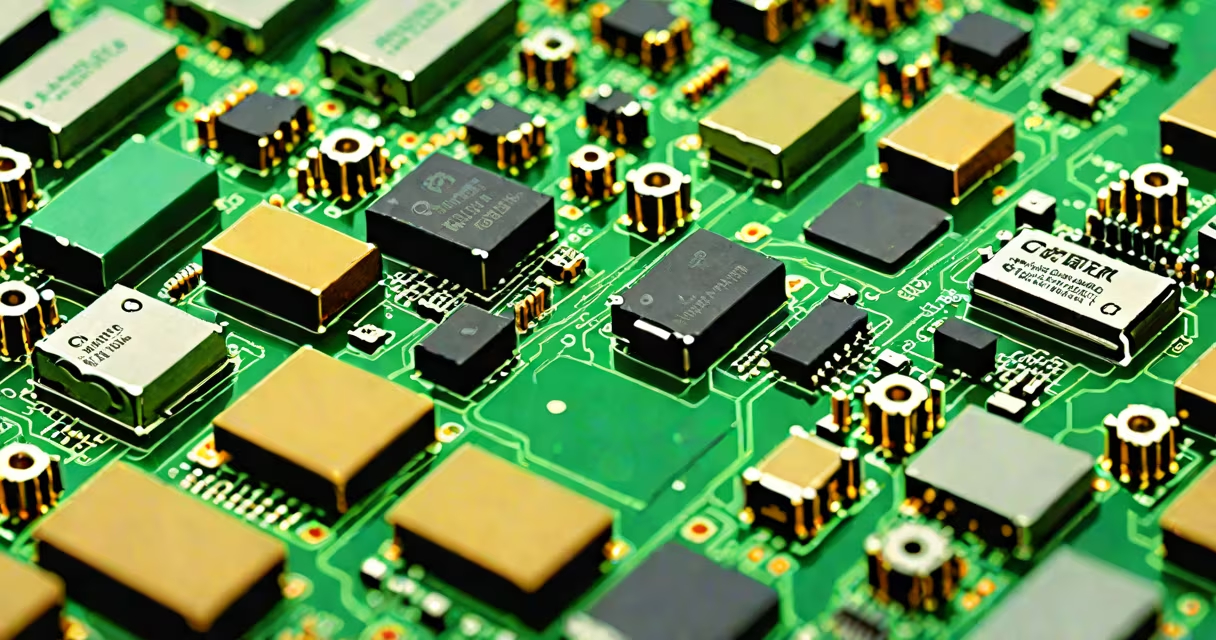
The battery in a computer motherboard, typically a CR2032 coin cell, maintains system clock time and BIOS settings when the computer is powered off. It ensures the system remembers date, time, and hardware configuration across reboots.
This small power source is essential for stable operation. Without it, the system loses stored settings each time it shuts down. The battery supports the CMOS chip, which stores low-level system data, including boot order, date, and time.
Most motherboards use a single 3-volt lithium coin cell. These batteries last 3 to 10 years under normal conditions. Failure leads to incorrect time, boot errors, or failure to recognize installed hardware.
The battery supplies constant low voltage to the CMOS memory, which holds BIOS settings. When the computer is off, the CMOS remains powered. This allows the system to retain critical data without needing external power.
When the system boots, the BIOS reads the stored settings. If the battery is dead, the BIOS resets to default values. This causes the system to prompt for date and time during startup and may trigger error messages like "CMOS checksum error" or "Hardware configuration mismatch."
A failed battery doesn't prevent the computer from turning on. But it disrupts consistent behavior. For example, a desktop that boots daily may start showing "No boot device found" due to corrupted boot priority settings.
The standard component is a CR2032 lithium coin cell. It measures 20 mm in diameter and 3.2 mm thick. Its 3-volt output matches the CMOS chip's requirements. These cells are widely available and cost less than $2.
Some older motherboards use different sizes, such as CR2025 or CR2016. Using the wrong size risks poor contact or physical damage. Always verify the model number printed near the battery socket.
| Battery Type | Diameter (mm) | Thickness (mm) | Voltage | Common Use |
|---|---|---|---|---|
| CR2032 | 20 | 3.2 | 3V | Most modern motherboards |
| CR2025 | 20 | 2.5 | 3V | Older or compact boards |
| CR2016 | 20 | 1.6 | 3V | Rare, low-profile designs |
Non-rechargeable lithium cells are standard. Rechargeable alternatives exist but are not compatible with motherboard circuits. Using a rechargeable battery may cause voltage fluctuations that corrupt CMOS data.
The battery is mounted directly on the motherboard, usually near the edge or close to the CPU socket. It connects via a spring-loaded clip or soldered contacts. Access requires removing the side panel and locating the small silver disc.
Its primary role is preserving BIOS configuration. Without it, users must reconfigure boot order, enable/disable integrated devices, and reset time/date every time the machine powers on. This becomes tedious in environments with multiple systems.
For example, a server in a small business uses a RAID range. If the CMOS battery dies, the system may fail to detect the range at boot. The server won't start until the RAID setting is manually restored. This causes downtime and delays service.
Many users confuse the CMOS battery with the main power supply. The motherboard battery is not involved in powering the system during operation. It only supports memory retention when the system is off.
Another mistake is assuming a dead battery causes complete system failure. A failing battery does not stop the computer from turning on. Symptoms include incorrect time, repeated BIOS setup prompts, or boot errors. These issues often lead users to suspect hardware or software problems instead of the battery.
One non-obvious fact: Some motherboards have dual batteries. This design appears in high-end workstations or servers where reliability is critical. If one battery fails, the second continues to maintain settings. Most consumer boards do not have this redundancy.
I replaced a CR2032 battery in a 2017 Dell OptiPlex desktop that repeatedly failed to boot. The system displayed "CMOS checksum error" and reset time to January 1, 2000. After replacing the battery, the system retained correct time and booted normally.
Before replacement, I confirmed the issue wasn't with the BIOS firmware or hardware. The motherboard had no visible corrosion or swelling. The battery was 7 years old-well past the typical lifespan.
Replacement took under five minutes. I opened the case, located the battery near the RAM slots, removed the old one using a plastic spudger, inserted the new CR2032, and closed the case. The system resumed normal function immediately.
Replace the battery when the system shows persistent time loss, boot errors, or frequent BIOS setup prompts. Most manufacturers recommend replacement every 5 years, even if no symptoms appear.
To replace it, power off the system, unplug the power cable, and ground yourself. Open the case, locate the battery, and gently lift it out using a non-metal tool. Insert the new battery with the positive side facing up. Close the case and restart.
If you're unsure about the correct size, check the motherboard manual or search the model number online. Many sites list the required battery type under "Specifications" or "Maintenance."
After replacement, enter the BIOS setup (usually by pressing F2 or Del during boot) and confirm the date and time are correct. Save and exit to apply changes.
Understanding the battery's role helps identify related parts. The CMOS chip is closely tied to the battery. If the CMOS fails, replacing the battery won't fix the issue. However, CMOS failure is rare compared to battery degradation.
Replacing the battery is a routine maintenance task. It prevents unexpected boot failures and ensures consistent system behavior. Do it proactively-before the system starts acting erratically.