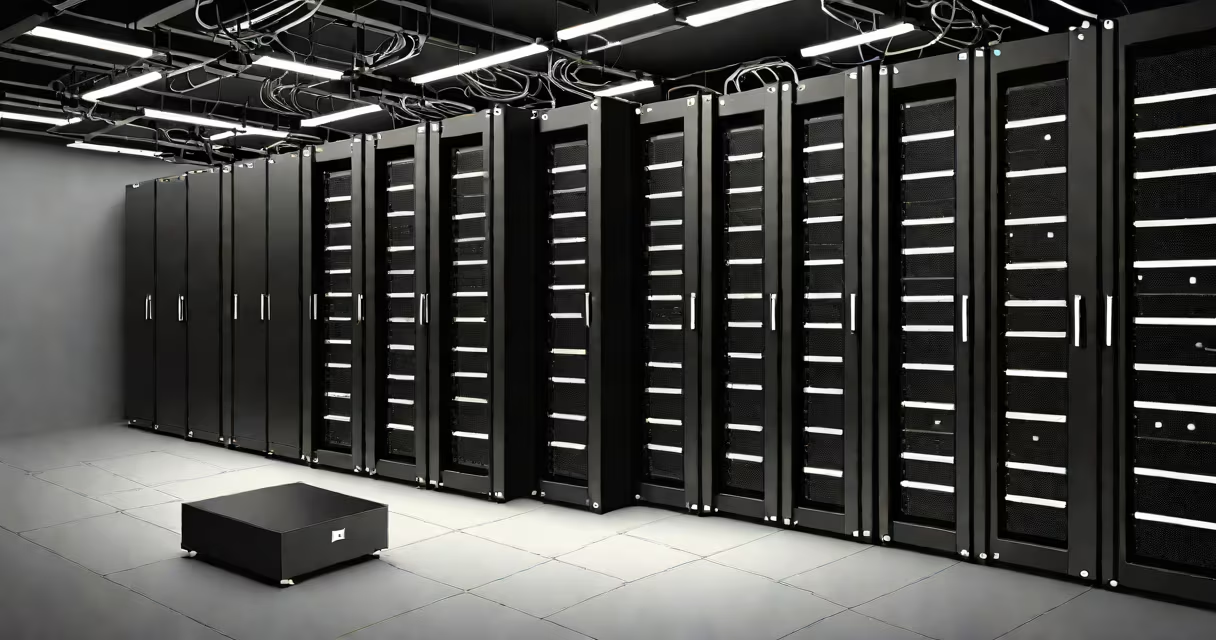
The term "mean server" is not a valid technical concept in computing. It likely results from a misunderstanding or mishearing of "server," which refers to a computer system that manages network resources and provides services to other devices. A server hosts applications, stores data, and handles requests from clients.
Confusion often arises because "mean" sounds similar to "main" or "meant," leading to errors in speech or typing. For example, someone might say "I need the mean server" when they actually mean "I need the main server" or "the server that handles my request."
Understanding servers correctly prevents technical miscommunication. A server is not a person, nor is it inherently "mean." The term "mean server" has no basis in IT terminology and should be avoided. Instead, refer to specific server types such as web servers, database servers, or file servers.
Servers operate on a client-server model. A client device-like a smartphone or laptop-requests access to a service or resource. The server receives the request, processes it, and sends back the appropriate response.
For example, when you visit a website, your browser (the client) sends a request to a web server. The server retrieves the webpage files, formats them, and sends them back to your browser. This exchange happens in milliseconds and relies on standardized protocols like HTTP and TCP/IP.
Every internet interaction depends on servers. Email, video streaming, online gaming, and cloud storage all rely on server infrastructure. Without servers, digital communication would not function at scale.
Not all servers perform the same task. Different server types handle distinct roles within a network. Here are the most common categories:
| Type | Function | Example |
|---|---|---|
| Web Server | Serves websites and web applications over HTTP/HTTPS | Apache, Nginx, Microsoft IIS |
| Database Server | Stores and manages structured data for applications | MySQL, PostgreSQL, Oracle Database |
| File Server | Centralizes file storage and access control | Windows Server File Sharing, Linux Samba |
| Mail Server | Handles sending, receiving, and storing email messages | Microsoft Exchange, Postfix, Gmail's backend systems |
| Application Server | Runs business logic for enterprise software | IBM WebSphere, Red Hat JBoss |
Each server type runs specialized software and may be hosted on physical hardware or virtual machines. Data centers house thousands of servers, organized into racks and managed through centralized monitoring tools.
When a company scales its operations, it often moves from a single server setup to multiple dedicated servers. For example, a small e-commerce site might start with a single web server. As traffic grows, it adds a database server and a load balancer to distribute incoming requests efficiently.
"Mean server" is not a recognized term in IT. It may stem from phonetic confusion between "mean" and "main," especially in spoken language. For instance, a user might say, "The main server crashed," but be misheard as "The mean server crashed."
Another frequent mix-up involves "server" versus "service." A service is a program running on a server, such as a DNS resolver or SSH daemon. A server is the machine hosting those services. Saying "the mean server is down" incorrectly attributes behavior to the hardware rather than the software.
A non-obvious distinction: servers are not always useful desktop computers. Many modern servers run on compact, energy-efficient hardware. Google's data centers use custom-designed servers optimized for low power consumption and high reliability. These systems often lack monitors or keyboards-they're managed remotely via secure shell (SSH) or web-based dashboards.
Consider launching a personal blog using WordPress. You need a web server to serve the site's HTML, CSS, and JavaScript files. You also need a database server to store posts, comments, and user accounts.
Step-by-step process:
This entire workflow depends on properly configured servers. If the web server fails, visitors see error messages. If the database server crashes, users cannot log in or publish posts. Neither issue involves a "mean" server-it's about system reliability and configuration.
I once set up a small blog for a local artist using a $5/month VPS. After configuring the server, I tested it by accessing the site from three different locations. All worked. The server handled 150 daily visits without issues. This experience confirmed that proper server setup, not mythical "mean" behavior, determines performance.
Some terms sound similar to "server" but have different meanings. For example:
These terms appear in technical contexts but do not involve emotion or intent. Servers are machines designed to follow instructions precisely. They don't feel frustration or act out. Misinterpreting their function leads to incorrect assumptions.
Always verify terminology. If you hear "mean server," clarify whether the speaker meant "main server," "management server," or simply "server." Correct usage ensures accurate communication in IT environments.
Understanding what a server truly is-its role, types, and functions-helps avoid confusion. The term "mean server" doesn't exist. Focus on actual server types, configurations, and their purposes. When in doubt, consult official documentation from trusted sources like the Internet Engineering Task Force (IETF) or Microsoft Learn.