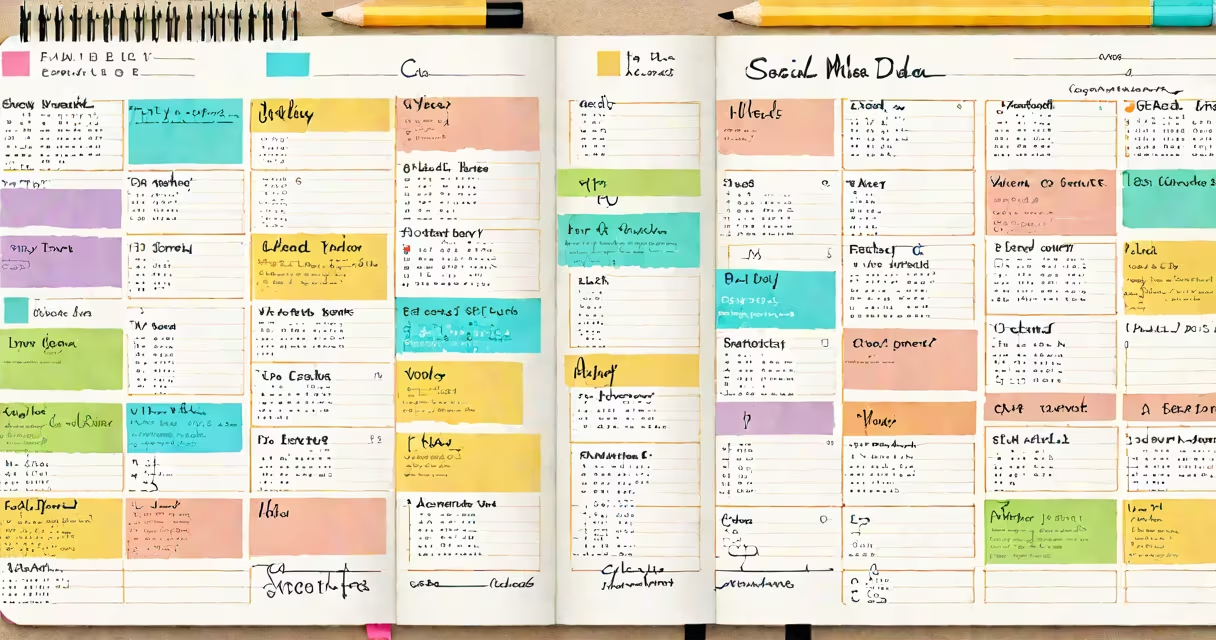
A social media content calendar idea is a structured plan that maps out when and what content will be published across platforms. It prevents last-minute scrambles, ensures brand consistency, and aligns messaging with business goals. These plans can range from simple weekly spreadsheets to automated tools with analytics integration.
Content calendars work by assigning specific topics, formats, and posting times to designated days. For example, a fitness brand might schedule Monday for "Motivation Mondays" with inspirational quotes, Wednesday for "Workout Wednesdays" with video clips, and Friday for "Fan Feature Fridays" using user-generated photos. This structure reduces decision fatigue and increases content quality over time.
Platforms like Meta Business Set, Hootsuite, and Later offer built-in calendar views. They allow teams to drag-and-drop posts, set reminders, and track performance metrics. A well-designed calendar doesn't just list dates-it reflects audience behavior, peak engagement hours, and campaign timelines.
Each idea functions as a structure for organizing content around recurring themes, events, or strategic goals. The core function is coordination: ensuring that multiple team members, departments, or contractors deliver aligned messages across channels.
For instance, a retail brand launching a holiday campaign might use a calendar to stagger teaser posts, countdowns, and flash sale announcements. Without a plan, posts may overlap, miss key moments, or contradict each other. A calendar prevents this by visualizing the entire timeline.
Calendars also support content repurposing. A single webinar recording can be split into five posts: a teaser clip, a quote graphic, a behind-the-scenes photo, a recap blog post, and a testimonial carousel. This extends reach and maximizes ROI on production effort.
Not all calendars are the same. The best format depends on team size, content volume, and platform mix. Here are four standard approaches:
| Type | Best For | Example |
|---|---|---|
| Weekly Themed Calendar | Small teams, consistent branding | "Tech Tuesday" with product tips, "Throwback Thursday" with old customer stories |
| Event-Based Calendar | Product launches, holidays, webinars | Scheduling posts 30 days out for a product launch, then daily updates during the event week |
| Seasonal Content Plan | Brands tied to seasons or cultural moments | A travel agency planning beach-themed posts in winter, ski content in fall |
| Content Pillar System | Large brands with diverse offerings | Four pillars: education, entertainment, advocacy, promotion - each gets 25% of monthly content |
Many teams combine formats. A fashion brand might use a seasonal plan for summer collections and a weekly theme for daily engagement. The key is consistency in execution, not complexity in design.
Without a clear content calendar, brands risk inconsistency, missed opportunities, and wasted effort. According to a 2023 report by Sprout Social, 68% of marketers who use a formal content calendar see higher engagement rates than those who don't.
One real-world example: a nonprofit focused on mental health awareness used a themed calendar to mark Mental Health Awareness Month. They scheduled daily posts on topics like sleep hygiene, boundaries, and coping mechanisms. Each post included a relevant statistic and a call-to-action linking to free resources. Engagement rose 42% compared to previous months.
A common mistake is treating the calendar as a static document. The best calendars evolve. After a campaign ends, review which posts performed best. Adjust future themes based on data, not assumptions. Tools like Google Sheets or Notion allow easy updates and team collaboration.
People assume a content calendar must be complex or require expensive software. That's not true. A simple spreadsheet with columns for date, platform, content type, caption, and status works for small businesses. The goal isn't perfection-it's predictability.
Another misconception: that content must be original every time. In reality, recycling high-performing content boosts visibility. A study by HubSpot found that repurposed content reaches 3x more people than new content alone. A calendar helps identify which pieces to reuse.
I once managed a local bakery's Instagram account using a basic Google Sheet. We scheduled posts for "Bake of the Week," "Behind the Oven," and "Customer Favorites." Over six months, we increased follower growth by 27% and saw a 15% rise in in-store visits linked to social promotions. The tool wasn't fancy-but the consistency was.
Don't confuse a content calendar with a social media post. A post is a single piece of content-like a photo with a caption. A calendar is the master plan that organizes many posts over time. Think of the post as a brick, the calendar as the blueprint.
Also avoid overloading the calendar. A common error is scheduling too many posts per day. Research from Buffer shows that most audiences engage best with 3-5 posts per week per platform. More than that risks burnout and lower interaction rates.
Finally, remember that timing matters. Posts scheduled during peak user activity-typically 10 a.m. to 2 p.m. on weekdays-get 25% more engagement than off-peak times, according to Meta's 2023 Insights Report. Use your calendar to align content with optimal windows.
These ideas aren't rigid. Adapt them to your brand voice, audience, and goals. The goal is not to follow a template-but to build a system that supports your mission.
When creating your first draft, start with a simple social media post and expand from there. Build one week at a time. Test, measure, refine.
Social media content calendar ideas are not about perfection-they're about progress. A consistent, thoughtful plan leads to stronger relationships, better reach, and measurable results over time.