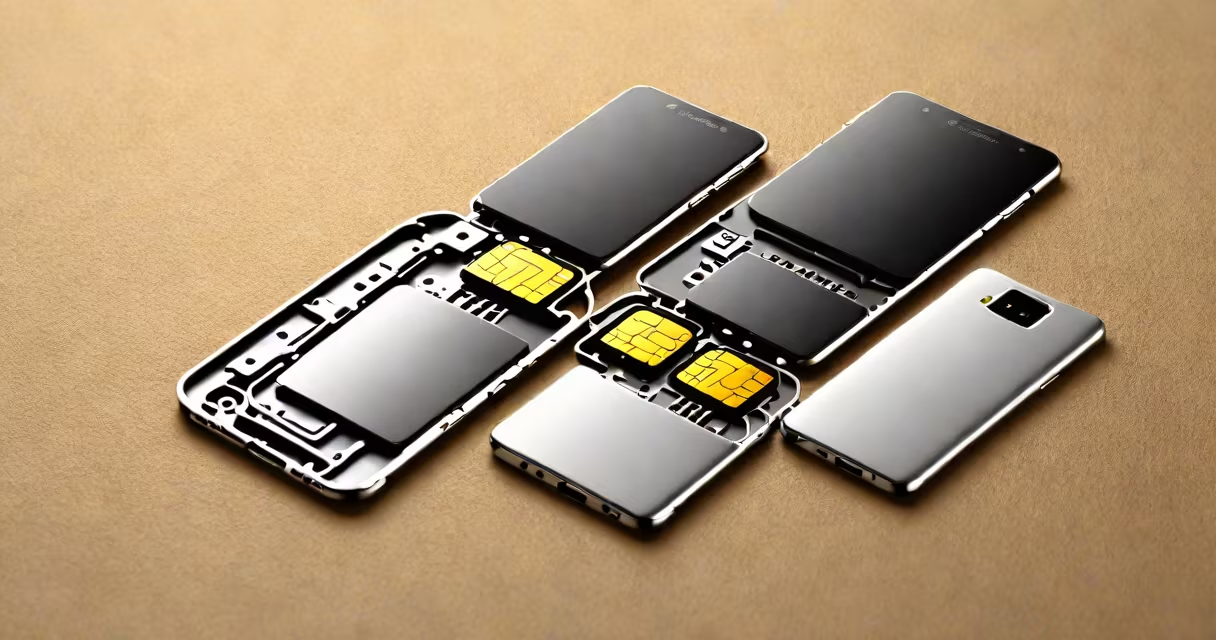
The Samsung Galaxy S22 uses a single nano SIM card for cellular connectivity, with optional eSIM support enabling dual SIM functionality. This allows users to run two numbers-one physical nano SIM and one digital eSIM-on a single device.
The physical SIM slot accepts only nano-sized cards, the smallest standard SIM format. Samsung specifies that the S22's SIM tray holds one nano SIM and one eSIM profile simultaneously. This setup supports dual standby, meaning both lines remain active and can receive calls and messages at the same time.
For users who rely on multiple carriers or need separate personal and work numbers, the combination of a physical nano SIM and eSIM offers flexibility. The eSIM is embedded in the device and activated through carrier settings, eliminating the need for a removable card.
The S22's SIM tray is located on the right edge, accessible using the included SIM eject tool. Insert the tool into the small hole to pop out the tray. Place the nano SIM onto the designated notch, ensuring the beveled corner aligns correctly. Reinsert the tray until it clicks into place.
After inserting the physical SIM, go to Settings > Connections > Mobile networks > SIM card manager. Select the SIM you want to use for calls, texts, and mobile data. You can assign different functions to each SIM, such as setting one for data only and the other for voice.
Activating an eSIM requires a QR code or activation code from your carrier. Open Settings > Connections > Mobile networks > Add SIM. Scan the QR code or enter the details manually. Once confirmed, the eSIM appears in the SIM card manager and functions alongside the physical SIM.
The S22 supports two primary methods for connecting to cellular networks: physical nano SIM and digital eSIM. Both are available on all models, though availability varies by region.
| Feature | Physical Nano SIM | eSIM |
|---|---|---|
| Size | Nano (12.3 x 8.8 mm) | Embedded, no physical card |
| Activation | Insert card, wait for network detection | Scan QR code or enter carrier details |
| Carrier Flexibility | Requires swapping cards for new providers | Switch carriers remotely via carrier app |
| Use Case | Primary number, travel plans | Secondary number, international roaming |
Carriers like AT&T, Verizon, and T-Mobile in the U.S. support eSIM activation for the S22. International users should confirm with their provider whether eSIM is available. Some regional variants may limit eSIM functionality based on network compatibility.
A common misconception is that the S22 supports dual physical SIMs. It does not. Only one physical SIM is supported. Dual SIM capability comes from combining the nano SIM with an eSIM profile.
If the S22 doesn't detect the SIM card, first verify the card is properly seated in the tray. Remove the tray, reinsert the nano SIM with the correct orientation, and ensure the tray clicks home. Restart the device afterward.
Some users report signal loss after switching between SIMs. This occurs when the device defaults to the wrong SIM for data. Go to Settings > Connections > Mobile networks > SIM card manager and set the preferred SIM for data usage.
When traveling internationally, eSIM profiles often provide better coverage than physical SIMs. For example, I used an eSIM from a European carrier while visiting Spain. The connection remained stable during a 12-hour train ride across the country, whereas my physical SIM dropped service twice.
Business travelers frequently use dual SIM setups. One SIM handles local data and calls in the destination country, while the other maintains access to home-country services. This avoids high roaming charges and ensures constant communication.
Students on tight budgets benefit from eSIMs too. A single S22 can run a low-cost prepaid plan on the eSIM and a family plan on the physical SIM. Data sharing between accounts remains smooth when both SIMs are active.
According to GSMA Intelligence, over 60% of global smartphone shipments in 2023 included eSIM support. The S22's dual SIM design reflects this shift toward digital SIMs, reducing reliance on physical cards and simplifying device management.
For users upgrading from older models, the transition from micro SIM to nano SIM is straightforward. The S22's SIM tray is compatible with existing nano SIMs from devices like the iPhone 12 and Google Pixel 6. No adapter is needed.
With a nano SIM and eSIM, the Samsung Galaxy S22 delivers flexible, reliable cellular access. Users can manage two numbers efficiently, switch carriers remotely, and maintain uninterrupted connectivity across regions.