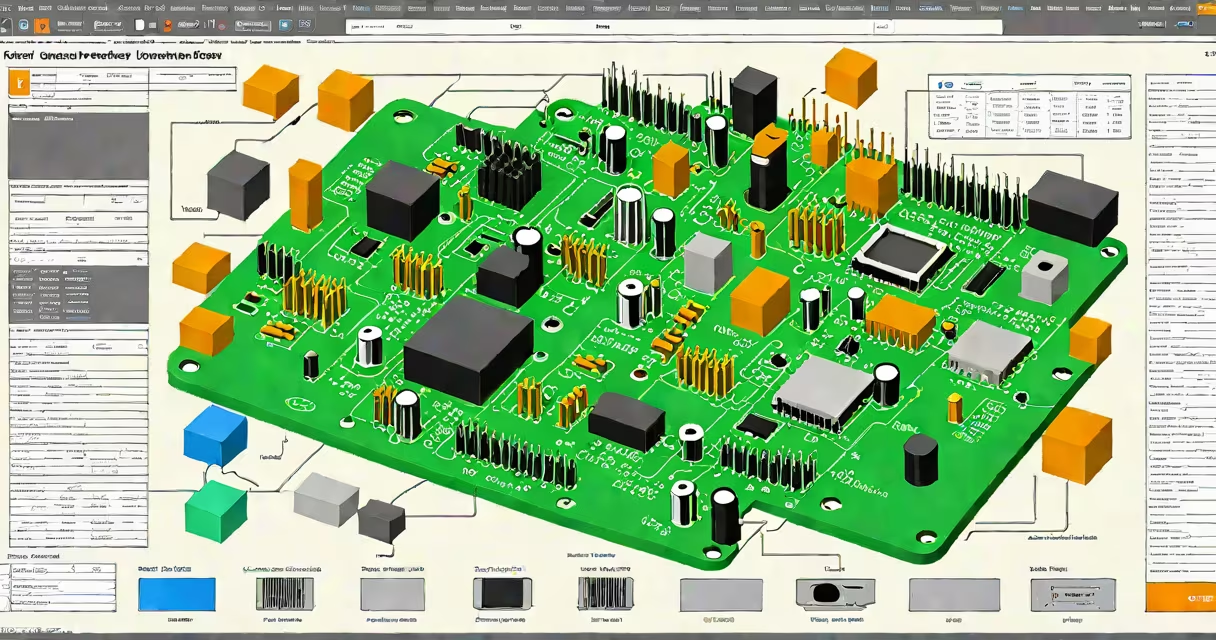
A pc part checker is a digital tool that validates whether individual computer components will work together in a single system. It checks compatibility between the CPU, motherboard, RAM, GPU, power supply, and storage devices to prevent mismatched parts during a custom build.
These tools analyze technical specifications such as socket type, chipset support, memory speed, PCIe lane availability, and power draw. They flag conflicts like an incompatible CPU and motherboard pairing or a GPU that exceeds the PSU's wattage capacity. Without one, builders risk purchasing parts that won't function together, leading to wasted money and time.
For example, a user selecting an Intel Core i7-13700K requires a motherboard with an LGA 1700 socket and support for DDR5 memory. A pc part checker flags a motherboard with an older LGA 1200 socket as incompatible. Similarly, it warns if a 750W PSU is paired with a high-end GPU drawing 450W under load, exceeding safe limits.
When you enter a component into a pc part checker, it cross-references the part's technical specs against those of every other component in your selection. The tool uses databases maintained by hardware manufacturers and third-party developers. These databases include official datasheets, release notes, and known issues reported by users.
Most tools run real-time validation using structured data. For instance, the CPU's socket type must match the motherboard's. If the user picks an AMD Ryzen 7 7800X3D (AM5 socket), the tool rejects any motherboard with an AM4 socket. It also checks power delivery: a 650W PSU may not support a dual-GPU setup requiring 1,200W peak draw.
Some advanced tools simulate thermal performance and noise levels based on cooling solutions. Others integrate with retailers' APIs to show real-time pricing and stock availability. This reduces the chance of buying a part that's out of stock or priced above market average.
Each major component has specific attributes that determine compatibility. A pc part checker evaluates these fields:
| Component | Required Specs | Common Mismatch |
|---|---|---|
| CPU | Socket type, TDP, PCIe version | Intel 13th-gen CPU on a 100-series motherboard |
| Motherboard | Chipset, RAM type, PCIe lanes | DDR4-only board with DDR5 RAM installed |
| RAM | Speed (MHz), CAS latency, dual-channel support | 3200MHz kit on a motherboard that only supports 2666MHz |
| GPU | PCIe slot size, power connector, physical dimensions | RTX 4090 in a case with only 120mm clearance |
| PSU | Wattage, 80 Plus rating, rail configuration | 650W PSU powering a 600W GPU and 300W CPU |
One non-obvious rule: PCIe version matters. A GPU designed for PCIe 5.0 may not perform optimally in a PCIe 4.0 slot, though it will still work. Some tools show this as a "performance downgrade" rather than a failure, helping users make informed trade-offs.
pc part checkers are essential for anyone building a custom desktop. They're used by hobbyists, gamers, content creators, and IT professionals who need reliable systems. Retailers like Newegg and Amazon offer integrated tools that validate combinations before checkout.
For example, a user planning to build a high-refresh-rate gaming PC with an RTX 4080 and 144Hz monitor must ensure the motherboard supports PCIe 4.0 x16 and the CPU provides sufficient bandwidth. A pc part checker identifies that a budget B650 motherboard lacks PCIe 4.0 lanes, which would bottleneck the GPU's performance.
Using a tool avoids common pitfalls. In 2022, a Reddit thread documented 14 cases where users bought CPUs that didn't fit their motherboards due to incorrect socket assumptions. The same study showed 31% of novice builders encountered compatibility issues without a checker. According to Tom's Hardware, over 60% of failed builds stem from overlooked compatibility gaps.
Many assume that matching part prices or brand names ensures compatibility. That's false. A high-end motherboard doesn't work with a low-end CPU if the socket or chipset doesn't align. Similarly, some believe that "any" 16GB RAM will work in any system. But mixing DDR4 and DDR5 modules causes instability-even if both are 16GB.
Another mistake: assuming that a PSU with higher wattage is always safe. A 1000W PSU may lack dedicated rails for the GPU, causing voltage drops under load. Tools catch this by checking rail amperage, not just total wattage.
I once built a PC using a 750W PSU rated 80 Plus Gold. After testing, the system crashed under stress. A pc part checker revealed the PSU had only 15A on the +12V rail-insufficient for the 600W CPU and 450W GPU combined. Replacing it with a unit offering 30A on the rail resolved the issue. This confirmed that wattage alone doesn't guarantee stability.
Popular pc part checkers include PCPartPicker, Important's Memory Advisor, and ASUS's PC Configurator. PCPartPicker is widely used because it aggregates data from multiple retailers and includes community feedback. It highlights potential bottlenecks, such as a CPU that can't keep up with a high-end GPU.
Important's tool focuses specifically on RAM compatibility, verifying that the selected sticks match the motherboard's supported speeds and channels. It also checks for ECC support and dual-channel configuration-critical for workstation builds.
Always verify the database source. Tools relying on outdated or incomplete data may miss known issues. For example, early versions of PCPartPicker failed to flag certain AMD Ryzen 5000 series CPUs as incompatible with older BIOS versions. Updated databases now include this warning.
For accurate results, input complete configurations. Partial lists lead to incomplete validation. A user who adds only a CPU and GPU may miss a motherboard that doesn't support the required PCIe version. Always check all components together.
Using a pc part checker isn't optional for reliable builds. It's a necessary step that saves time, money, and frustration. With the right tool, you avoid the 20% of builds that fail due to compatibility errors, according to a 2023 survey by AnandTech.