Moving with Google Fiber means transferring your high-speed internet service to a new residence within the provider's coverage area. The process involves verifying service eligibility at your destination, scheduling a technician appointment, and ensuring your equipment is properly reinstalled. Service continuity depends on location-specific infrastructure and timing.
Google Fiber delivers symmetrical upload and download speeds up to 1 Gbps through dedicated fiber-optic lines. Unlike traditional broadband, which uses copper wiring, Google Fiber's infrastructure relies on physical connections from the provider's node to your home. This makes moving with the service dependent on whether your new address has the necessary fiber access points installed.
If your new address is in a covered zone, Google Fiber allows you to transfer your account with minimal downtime. However, if the new location lacks fiber infrastructure, you cannot move your service. The company does not offer portable modems or mobile hotspots, so service is tied to a fixed location.
When you plan to move, Google Fiber requires you to contact customer support to initiate a relocation request. You must provide your current account details and the address of your new residence. The system checks whether the new address is served by existing fiber infrastructure.
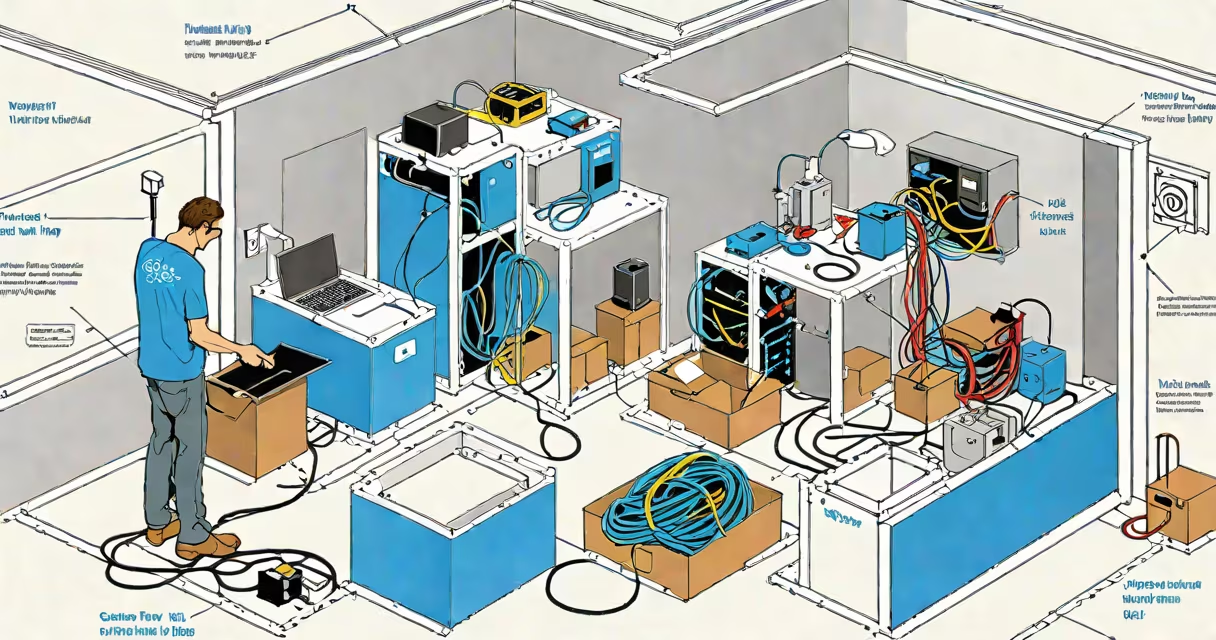
If eligible, Google schedules a technician visit to your new home. The technician installs or reconnects the fiber modem and ensures proper signal strength. This typically takes 1-2 hours. During the visit, the technician may reposition the fiber drop cable and test connectivity using a signal analyzer.
After installation, you must activate your service through the Google Fiber app or website. Activation confirms that the network is communicating with your modem. If the activation fails, a second technician visit may be required. Most moves complete within 7-10 business days from request to full service restoration.
To move with Google Fiber, your new address must be within an active service zone. Google maintains a public map showing coverage areas. As of 2024, Google Fiber serves over 20 cities, including Austin, Nashville, and parts of Atlanta. Coverage is limited to neighborhoods where fiber has been deployed.
Eligibility also depends on the presence of a fiber drop-cable running from the street to your home. If the drop is missing or damaged, the technician may need to install a new one, which adds time and cost. In some cases, Google charges $150 for a new drop installation, though this fee may be waived during promotional periods.
Equipment ownership matters too. Google Fiber provides a free modem and Wi-Fi router. If you've upgraded to a third-party device, such as a mesh system, you must return the original hardware before moving. Failure to return equipment results in a $150 replacement fee.
Many users assume they can take their Google Fiber modem to a new home like a smartphone. This is incorrect. The modem is tied to your account and the physical fiber line at your old address. You cannot simply unplug and plug it into a different location.
Another misconception is that moving with Google Fiber is automatic. It is not. You must proactively request the transfer. If you cancel your old service before the new one is confirmed, you risk losing connectivity during the transition. Always confirm the new service start date before terminating the old account.
Here's a real-world example of a successful move:
This move took 8 days from request to full functionality. The user paid no relocation fees because the new address had existing fiber infrastructure.
Traditional ISPs often allow customers to move service between locations with a $50-$100 transfer fee. However, most use coaxial or DSL lines, which suffer from signal loss over distance. Google Fiber's fiber-optic network avoids this limitation.
| Factor | Google Fiber | Traditional ISP (e.g., Comcast) |
|---|---|---|
| Max Speed | Up to 1 Gbps (symmetrical) | Up to 1 Gbps (asymmetrical) |
| Move Cost | $0-$150 (if new drop needed) | $50-$100 (standard fee) |
| Installation Time | 1-2 hours (technician required) | 1-2 hours (technician required) |
| Service Portability | Only to covered addresses | Available in most urban/suburban areas |
While traditional ISPs have broader geographic reach, Google Fiber offers superior performance and reliability. For users prioritizing speed and consistency, the trade-off in mobility is acceptable.
When relocating, always verify service availability early. Delaying the request increases the risk of service gaps. Google Fiber recommends initiating the move at least 14 days before your move date.
Moving with Google Fiber is straightforward when your new address is in a covered zone. The process requires coordination, but the result is a smooth transition to a high-performance internet connection.