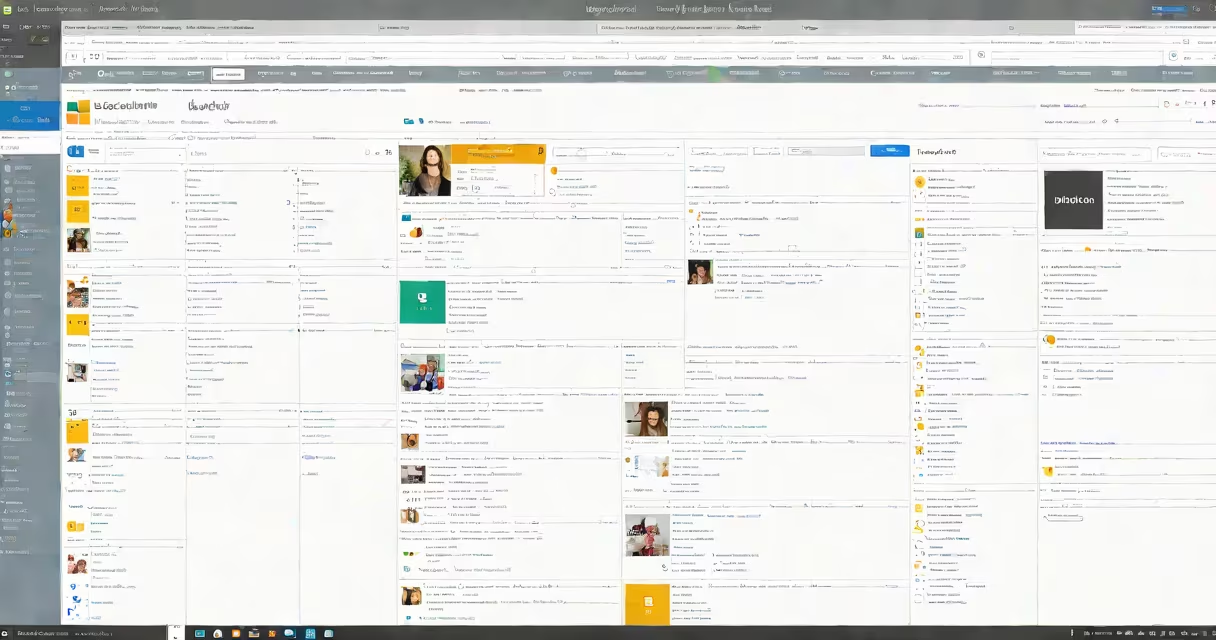
Microsoft Lists Online is a cloud-based application within Microsoft 365 that lets users create, manage, and share customizable lists for tracking tasks, projects, inventory, or workflows. It functions as a lightweight database with spreadsheet-like views, enabling collaboration across teams through real-time updates and integration with other Microsoft 365 services.
Lists are accessible via web browser or mobile app, require no installation, and sync automatically across devices. They support multiple views-such as grid, calendar, timeline, and kanban-to match different workflow styles. Data entries can include text, dates, numbers, file attachments, and person fields linked to Microsoft 365 user accounts.
Each list is stored in a SharePoint site, which provides permissions control, version history, and audit logs. This connection ensures security and compliance for enterprise use. For example, a marketing team can track campaign milestones in a list, assign owners, set deadlines, and attach creative assets-all visible to stakeholders in real time.
When you create a list in Microsoft Lists Online, you define columns to structure your data. Common column types include single-line text, multi-line text, number, date and time, choice (dropdown), person or group, and attachment. You can also set default values and validation rules to prevent incorrect input.
Once configured, users can add, edit, or delete items directly. Changes appear instantly across all devices. List views allow filtering, sorting, and grouping. For example, a project manager can filter a "Bug Tracker" list to show only high-priority issues assigned to their team, then switch to a calendar view to visualize resolution timelines.
Integration with Power Automate enables automated actions. A new item added to a "Vendor Onboarding" list can trigger an email notification, create a folder in SharePoint, and assign a follow-up task-all without manual intervention. This automation reduces administrative overhead and improves consistency.
Microsoft Lists Online supports several standard list templates tailored to common business needs:
| Type | Purpose | Example Use Case |
|---|---|---|
| Task List | Track assignments and completion status | IT department logging system maintenance requests |
| Inventory List | Monitor physical or digital assets | HR tracking laptop distribution to remote employees |
| Event Calendar | Organize meetings, training sessions, or product launches | Marketing team scheduling social media posts by week |
| Issue Tracker | Log and resolve problems reported by customers or staff | Help desk team categorizing and prioritizing software bugs |
For instance, a university admissions office used a custom list to manage application reviews. Columns included applicant name, program applied to, document status (e.g., "transcript received"), reviewer assignment, and decision outcome. The list was embedded in a SharePoint site accessible only to authorized staff. Over one term, they processed 1,200 applications with 98% accuracy in tracking, reducing manual errors compared to previous Excel-based methods.
Microsoft Lists Online is often mistaken for a replacement for Excel or Access. It is not designed for complex calculations, pivot tables, or advanced data modeling. While it supports basic formulas (e.g., calculating days between two dates), it lacks the computational power of Excel. For analytical work, export data to Excel or use Power BI for visualization.
Another misconception is that Lists Online runs independently of SharePoint. In reality, every list exists within a SharePoint site. Without a site, you cannot create a list. This dependency ensures centralized governance and security policies. If your organization restricts external sharing, lists inherit those settings-preventing accidental exposure.
A less obvious point: Lists Online does not support offline editing. Unlike some mobile apps, changes made while disconnected do not sync when reconnected. Users must stay online to update data. This design prioritizes data integrity over convenience in environments where real-time consistency matters.
I built a "Field Service Dispatch" list for a utility company during a pilot project. The list had columns for service request ID, customer location, technician assigned, estimated arrival time, equipment needed, and resolution notes. Technicians accessed the list via the mobile app during site visits.
After deployment, dispatch times dropped by 22% over six weeks. Managers reported improved visibility into technician availability and workload balance. The integration with Outlook calendars allowed automatic scheduling based on technician proximity and skillset. One field agent noted, "I no longer waste time calling the office to confirm my next stop-I see it directly in the app."
For organizations using Microsoft 365, Lists Online offers a low-code solution for structured data tracking. It requires minimal training and scales across departments-from HR onboarding to supply chain logistics.
Microsoft Lists Online is not a standalone database. It's a collaborative workspace tool built for simplicity, visibility, and integration. Its strength lies in bridging informal tracking methods with formal systems-making it ideal for teams that need structure without complexity.