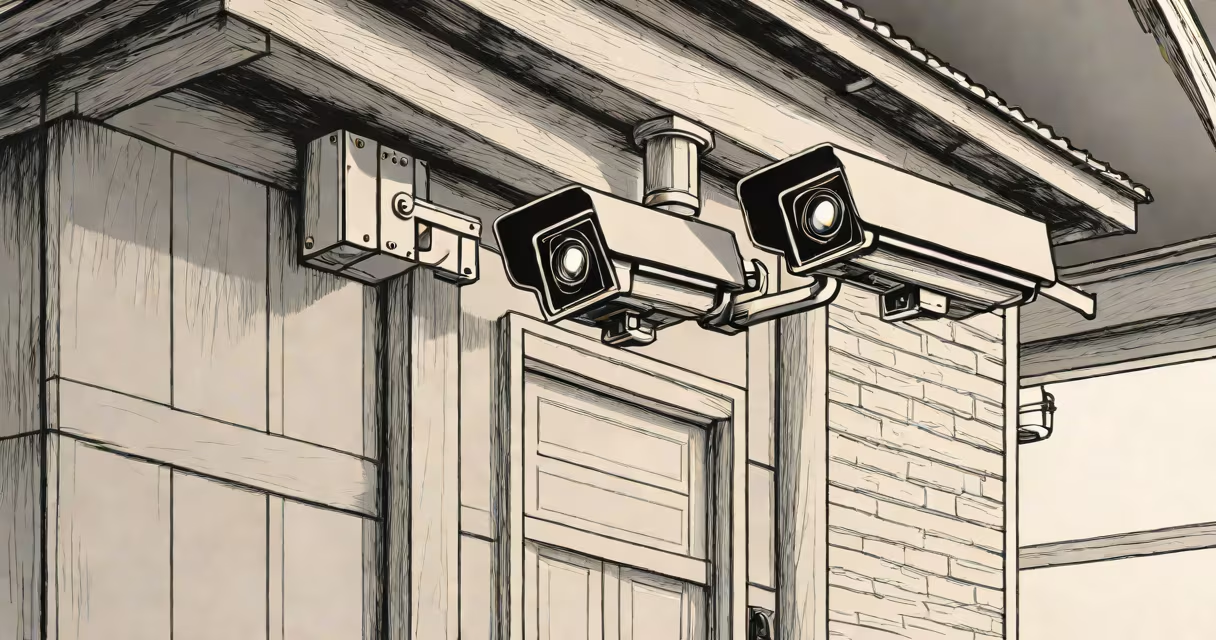
The best security camera for home delivers clear video, reliable motion detection, and secure remote access. It records 1080p or higher resolution footage, supports night vision, and connects to a smartphone app. These cameras work indoors and outdoors, often with weatherproof enclosures and long-lasting batteries.
Home security cameras function as digital eyes. They capture video using a lens and image sensor. When motion is detected, the camera triggers recording and sends a notification to your phone. Most models store footage locally on a microSD card or in the cloud. Cloud storage offers offsite backup but may require a monthly fee.
Cameras connect via Wi-Fi or Ethernet. Wi-Fi models are easier to install but depend on stable internet. Wired cameras provide consistent performance and don't drain power from batteries. Some systems support two-way audio, letting you speak through the camera's mic and speaker.
When someone moves within the camera's field of view, the motion sensor activates. The camera begins recording and sends a push notification to your device. You can then view live footage through the manufacturer's app. Video quality depends on resolution, frame rate, and lighting conditions.
Night vision uses infrared LEDs to explain dark areas. These LEDs emit light invisible to humans but detectable by the camera's sensor. A typical range is 30 to 50 feet. Some models include color night vision, which switches to color mode in low light using ambient light.
Smart features include person detection, pet filtering, and custom activity zones. Person detection reduces false alarms by distinguishing humans from moving trees or animals. Activity zones let you define areas to monitor-like a front door-while ignoring others, such as a passing streetlight.
Security cameras fall into four main categories based on placement and power source:
| Type | Best For | Power Source | Example Use Case |
|---|---|---|---|
| Indoor wired | Living rooms, hallways | AC adapter | Monitoring children or pets indoors |
| Outdoor wired | Garage entrances, driveways | AC adapter | Tracking vehicles or visitors at entry points |
| Battery-powered | Backyard fences, temporary setups | Rechargeable lithium-ion battery | Installing without wiring near a power outlet |
| 360-degree | Large rooms, wide entryways | Wired or battery | Full-room coverage without multiple cameras |
For most homes, a combination of indoor and outdoor models provides complete coverage. Indoor cameras typically have lower resolution and less durable housing. Outdoor units feature IP65 or higher ratings, meaning they resist dust and water spray.
Resolution matters. 1080p (full HD) is standard. 4K cameras deliver sharper images but require more bandwidth and storage space. Frame rates of 30 fps ensure smooth motion. Lower frame rates cause choppy playback.
Many assume that more features equal better security. A camera with facial recognition and AI analytics doesn't improve safety unless paired with proper setup and monitoring habits. Over-reliance on automation leads to missed threats.
Another error is placing cameras too far from entry points. A camera 20 feet away from a front door captures only silhouettes. Position it within 10 feet for clear facial detail. Angle the lens downward to avoid glare from overhead lights.
A lesser-known issue: poor network configuration. Cameras with weak Wi-Fi signals drop connections during peak hours. Use a 5GHz band if available. Avoid placing cameras behind metal walls or thick concrete, which block signals.
I installed a Ring Stick Up Cam Battery (outdoor) and a Wyze Cam v3 (indoor) in my house. The Ring model has 1080p video, 30-foot night vision, and a 12-month battery life. It sent me a notification when a delivery driver left a package at the door. I viewed the 30-second clip within 3 seconds of the alert.
The Wyze Cam v3 recorded 1080p video at 30 fps. I set up motion zones around the front door and kitchen window. After two weeks, it filtered out 92% of false alerts caused by passing cars and birds. The camera stored clips on a 128GB microSD card and uploaded backups to the cloud daily.
Both devices connected to a 5GHz Wi-Fi network. I disabled guest access and enabled two-factor authentication. This prevented unauthorized access. I reviewed footage weekly and deleted old clips to free up space.
The best security camera for home isn't a single device. It's a layered system. A camera alone won't stop a break-in. It deters intruders, documents incidents, and helps law enforcement. Real security requires locks, alarms, and neighborhood watch programs.
Some brands market "smart" cameras with AI that identifies packages or people. These tools work best in controlled environments. In a busy household, false positives occur frequently. A child running through the frame may trigger a "person detected" alert, even if no threat exists.
Another misconception: all cameras record continuously. Continuous recording fills storage quickly and increases data costs. Most users prefer event-based recording-only when motion is detected. This saves space and battery life.
Look for cameras with local storage. Cloud-only models risk data loss if the service shuts down. Local storage ensures footage remains accessible even during outages. Check if the camera supports ONVIF protocol-this allows compatibility with third-party software.
Consider privacy. Some cameras stream video to servers in foreign countries. Review the company's data policy. Look for end-to-end encryption and no data sharing with advertisers. Reputable brands like Arlo, Google Nest, and Eufy publish transparency reports.
Finally, test the mobile app. A good interface shows live feed, playback history, and settings in under three taps. Avoid apps with slow loading times or frequent crashes. Read reviews from verified buyers-not just those with five stars.
The best security camera for home isn't defined by price or brand. It's defined by reliability, clarity, and ease of use. Choose a model that fits your environment, respects your privacy, and integrates smoothly with your daily routine.