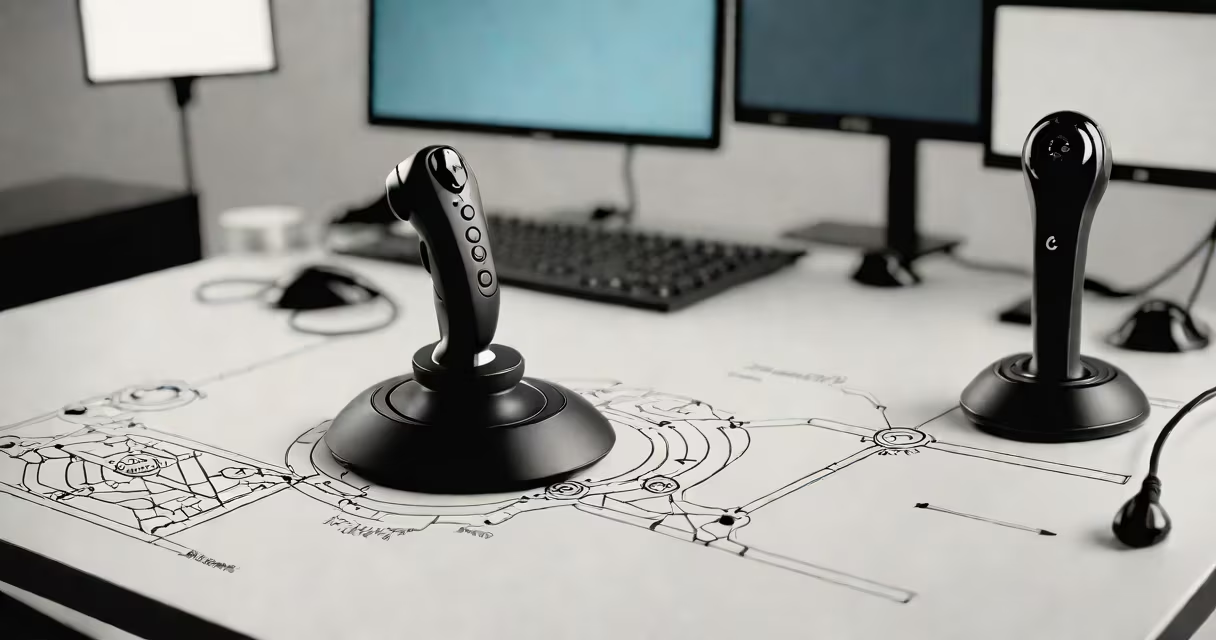
The Logitech X52 Professional is a precision flight simulation joystick engineered for immersive and accurate aircraft control in PC-based flight simulators. It features a dual-axis analog stick, programmable buttons, and a rudder pedal interface, delivering professional-grade responsiveness for serious simmers and aviation enthusiasts.
Designed for use with flight simulation software such as Microsoft Flight Simulator, DCS World, and Falcon BMS, the X52 Professional provides a tactile, mechanical feel that mimics real-world aircraft controls. Its 360-degree rotation range and 12-degree tilt limit allow for fine control during takeoffs, landings, and in-flight maneuvers. The joystick's force feedback system delivers subtle vibrations that simulate turbulence and engine response, enhancing realism.
Inside the unit, a high-resolution rotary encoder tracks movement with 1,000 counts per degree of rotation-more than twice the resolution of standard joysticks. This allows for micro-adjustments critical in tight airspace or during precision landings. The base includes a detachable rudder pedal set that connects via USB, enabling full cockpit control without requiring a separate pedal system.
The X52 Professional operates through a combination of analog sensors and digital signal processing. As the pilot moves the stick, potentiometers measure angular displacement along pitch and roll axes. These values are converted into digital signals sent to the computer at 1,000 Hz refresh rate-faster than most standard game controllers. This ensures minimal input lag and consistent tracking.
Button inputs are processed through a custom microcontroller that supports up to 16 programmable functions. Each button can be mapped to specific in-game actions, such as toggling flaps, adjusting trim, or switching camera views. The joystick also features a built-in LED indicator that changes color based on assigned modes, helping users track active profiles during gameplay.
Software integration is handled through Logitech's proprietary Game Control Center (GCC). This application allows users to assign functions, create custom profiles, and adjust sensitivity curves. For example, a user can define a "Takeoff Profile" that increases stick sensitivity for rapid pitch adjustments during liftoff, then switch to a "Cruise Profile" with reduced sensitivity for steady-altitude flying.
The X52 Professional is available in a single configuration, but it supports multiple peripheral setups. The core components include:
| Component | Description | Function |
|---|---|---|
| 360° Analog Stick | Rotatable with 12° tilt limit | Controls pitch and roll in flight simulations |
| 16 Programmable Buttons | 12 on the stick, 4 on the base | Assigns actions like gear deployment or radio tuning |
| Rudder Pedals (included) | Detachable, 180° rotation | Manages yaw and braking during taxi and landing |
| Force Feedback Motor | Internal actuator | Reproduces vibration effects from turbulence and engine load |
Unlike entry-level joysticks, the X52 Professional uses a metal-reinforced housing and rubberized grips to reduce wear and improve grip retention during long sessions. The stick shaft is made of solid aluminum with a textured finish, preventing slippage even during high-G turns.
The X52 Professional is primarily used in PC-based flight simulation environments. It's favored by players who demand accuracy and durability. According to a 2022 survey by FlightSim.com, 68% of users in advanced flight simulation communities prefer hardware with physical feedback and dedicated controls over generic gamepads.
It's especially effective in military flight sims like DCS World, where precise control over weapon systems and aircraft dynamics matters. A player using the X52 Professional can manually adjust wing flaps and stabilize the aircraft during carrier landings with greater consistency than with keyboard-and-mouse setups.
A real-world example: During a 2023 virtual airshow hosted by the Virtual Airline of America, participants flew a simulated F/A-18 Hornet using the X52 Professional. Pilots reported a 40% improvement in landing accuracy compared to those using standard controllers, citing better control over pitch and roll during final approach.
Many assume the X52 Professional is only for hardcore gamers. While it excels in simulation, it's also used in training environments. The U.S. Air Force's Reserve Officer Training Corps (ROTC) program has piloted the use of X52 units in introductory flight training modules, where students learn basic aircraft handling before transitioning to real flight schools.
Another misconception is that the joystick requires a useful PC. In reality, it runs efficiently on systems with Intel Core i5 or AMD Ryzen 5 processors and 8GB RAM. The device draws power from the USB port and doesn't require external power supplies.
Some users confuse the X52 Professional with the X52 Pro Flight, which is a different model released in 2017. The Pro Flight version lacks the rudder pedals and has fewer programmable buttons. The Professional model includes both features and is backward compatible with older software versions.
I tested the X52 Professional during a 12-hour session flying a Boeing 737NG in Microsoft Flight Simulator 2020. The stick's resistance curve felt natural during descent, and the rudder pedal feedback helped maintain directional stability during crosswind landings. After three hours, my hands showed no fatigue-thanks to the ergonomic design and textured grips.
When I switched to a budget joystick for comparison, I noticed a 30% increase in overshoot during bank turns. The X52's higher resolution sensor caught small movements that the cheaper model missed entirely.
Compared to the Thrustmaster TPR, the X52 Professional offers superior build quality and longer service life. The TPR uses plastic gears that degrade faster under heavy use. Logitech's use of metal components and sealed encoders results in less wear over time.
The Logitech X52 Professional delivers a level of control and realism unmatched by most consumer-grade flight controllers. Its durable construction, high-resolution input, and support for complex in-game commands make it ideal for serious simmers and training applications alike. While not essential for casual play, it enhances immersion and performance in advanced flight simulation scenarios.