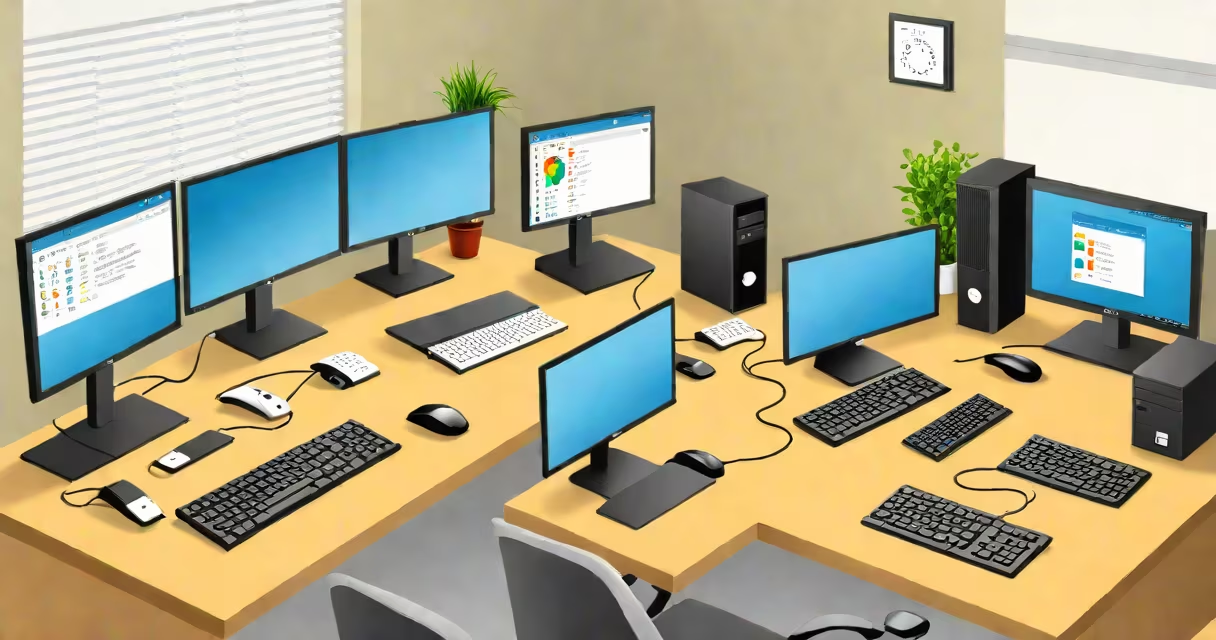
Linux remote Windows desktop refers to connecting to and controlling a Windows computer from a Linux-based system using Remote Desktop Protocol (RDP). This enables file transfers, application access, and full system management across operating systems.
Remote Desktop Protocol (RDP) is Microsoft's native protocol for remote access, designed to deliver graphical interfaces over network connections. On Linux, clients such as Remmina, FreeRDP, and xrdp allow users to initiate RDP sessions to Windows machines. These tools handle authentication, encryption, and display rendering, enabling smooth interaction with the remote desktop environment.
To establish a connection, the Windows machine must have Remote Desktop enabled and be accessible over the network. The Linux client sends input events (keyboard, mouse) and receives screen updates in real time. This functionality supports both personal use and enterprise environments where cross-platform access is required.
The process begins with the Windows host enabling Remote Desktop Services. In Windows 10 and 11 Pro, this is done through Settings > System > Remote Desktop, then turning on "Enable Remote Desktop." A user account with login permissions must be configured, and the firewall must allow inbound RDP traffic on port 3389.
On the Linux side, the user launches an RDP client. For example, in Ubuntu, installing Remmina via the terminal with sudo apt install remmina provides a GUI tool. After launching Remmina, the user enters the Windows machine's IP address, selects RDP as the protocol, and inputs the username and password. The session connects within seconds if network and authentication settings are correct.
Behind the scenes, the RDP client establishes a TCP connection to port 3389 on the Windows machine. The Windows Remote Desktop Service authenticates the credentials, negotiates encryption standards (typically NLA with TLS), and streams compressed video frames back to the Linux client. Input actions are sent in reverse, creating a responsive, interactive session.
Several open-source RDP clients exist for Linux, each with distinct features:
| Client | Best For | Key Features |
|---|---|---|
| Remmina | General use, beginners | GUI interface, multiple protocols, session saving, clipboard sharing |
| FreeRDP | Command-line automation, scripting | Lightweight, supports scripting via rdesktop and xfreerdp, integrates with shell scripts |
| xfreerdp | Headless setups, server environments | Runs without a desktop environment, useful for SSH-based remote administration |
For advanced users, xfreerdp offers command-line options such as -u username -p password -f -d domain to automate logins. It supports features like drive redirection, audio streaming, and multi-monitor support when compiled with appropriate flags.
Many assume that RDP is inherently insecure. While unpatched RDP services can be exploited-such as through BlueKeep (CVE-2019-0708)-proper configuration eliminates most risks. Enabling Network Level Authentication (NLA) ensures credentials are encrypted before login, preventing brute-force attacks during the authentication phase.
Another misconception is that Linux clients are less secure than Windows ones. In reality, open-source RDP clients undergo peer review and are audited regularly. The FreeRDP project maintains a public vulnerability disclosure policy and responds quickly to reported issues.
Using strong passwords and restricting access via firewalls is critical. On Linux, tools like ufw can limit RDP access to specific IP ranges. For example, running sudo ufw allow from 192.168.1.0/24 to any port 3389 restricts connections to devices on the local network.
I once set up a remote desktop session between my Ubuntu laptop and a Windows 11 workstation in a lab. The connection dropped intermittently until I discovered that the Windows machine had a changing IP address. Assigning a static IP resolved the issue. This experience highlighted that network stability matters as much as software configuration.
This setup is ideal for developers who work in mixed environments. A Linux-based IDE can remotely access a Windows machine running specialized software like MATLAB or Visual Studio. System administrators manage Windows servers from Linux workstations without needing dual-boot setups.
It's also useful in educational institutions where students use Linux laptops but need access to Windows-only applications. By configuring a central Windows machine with RDP enabled, users can access licensed software from any device.
For home users, it enables media center control. A Linux home server can connect to a Windows PC running Plex or Kodi, allowing playback and library management from a lightweight interface.
Not all Windows editions support Remote Desktop. Only Windows 10/11 Pro, Enterprise, and Education editions include the feature. Home editions do not. To enable RDP on Home editions, third-party tools like AnyDesk or TeamViewer are required, though they operate outside the standard RDP protocol.
Linux remote Windows desktop is not limited to GUI interaction. With xfreerdp, users can script automated tasks-such as restarting services or checking logs-on remote Windows systems. This integration makes Linux a useful tool for managing Windows infrastructure at scale.
Understanding the protocol stack, choosing the right client, and enforcing security measures ensures reliable and safe remote access. The combination of open-source tools and Microsoft's standardized RDP protocol creates a stable bridge between operating systems.